
Mini whiteboards · Times tables · Typing · Practice at home
Students answer on their own devices
Mini whiteboards, times-table tests and practice at home live on the same board as the rest of the lesson. No extra tool, no separate login and no student accounts. With Focus mode you see at once if someone leaves the page.
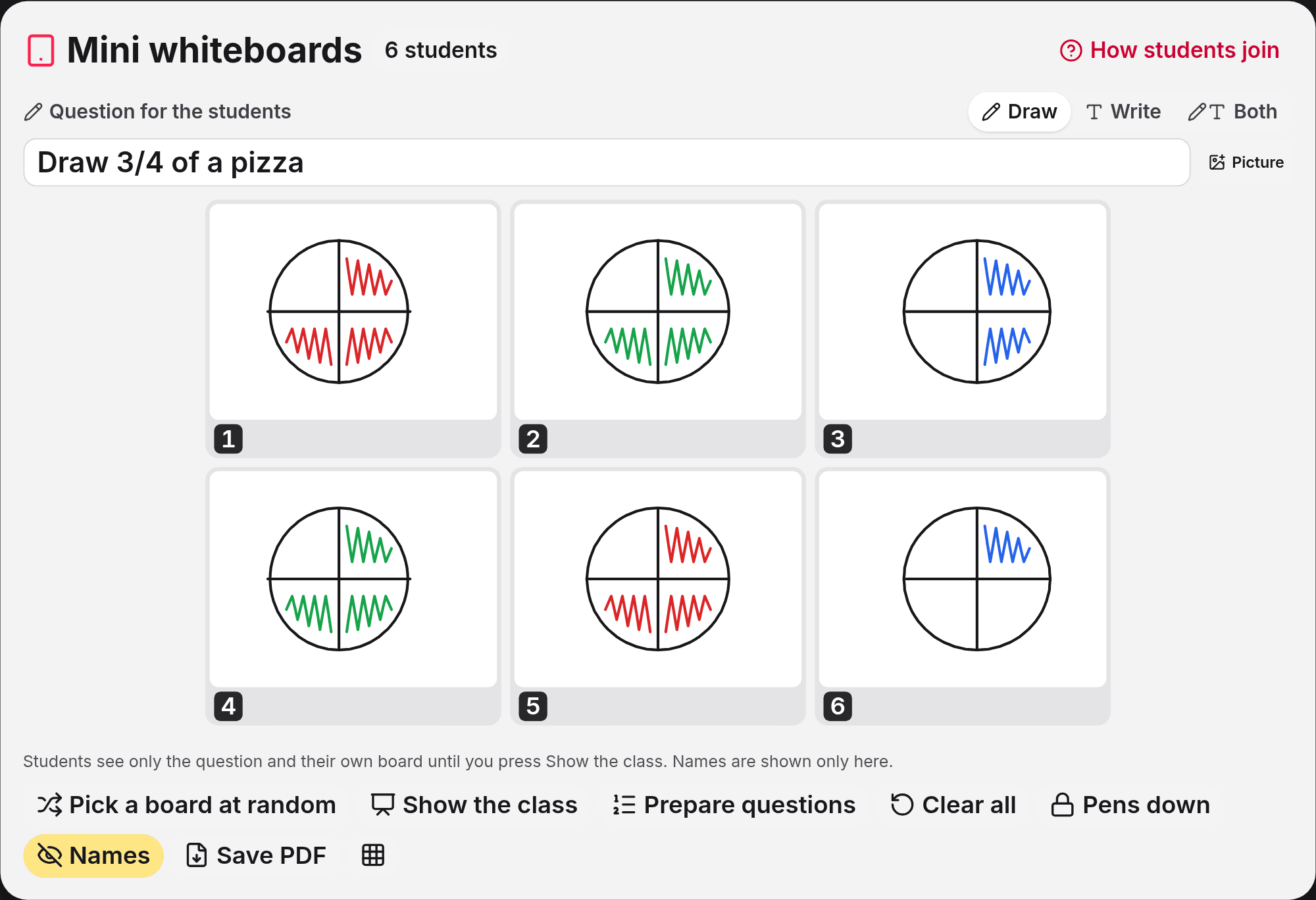
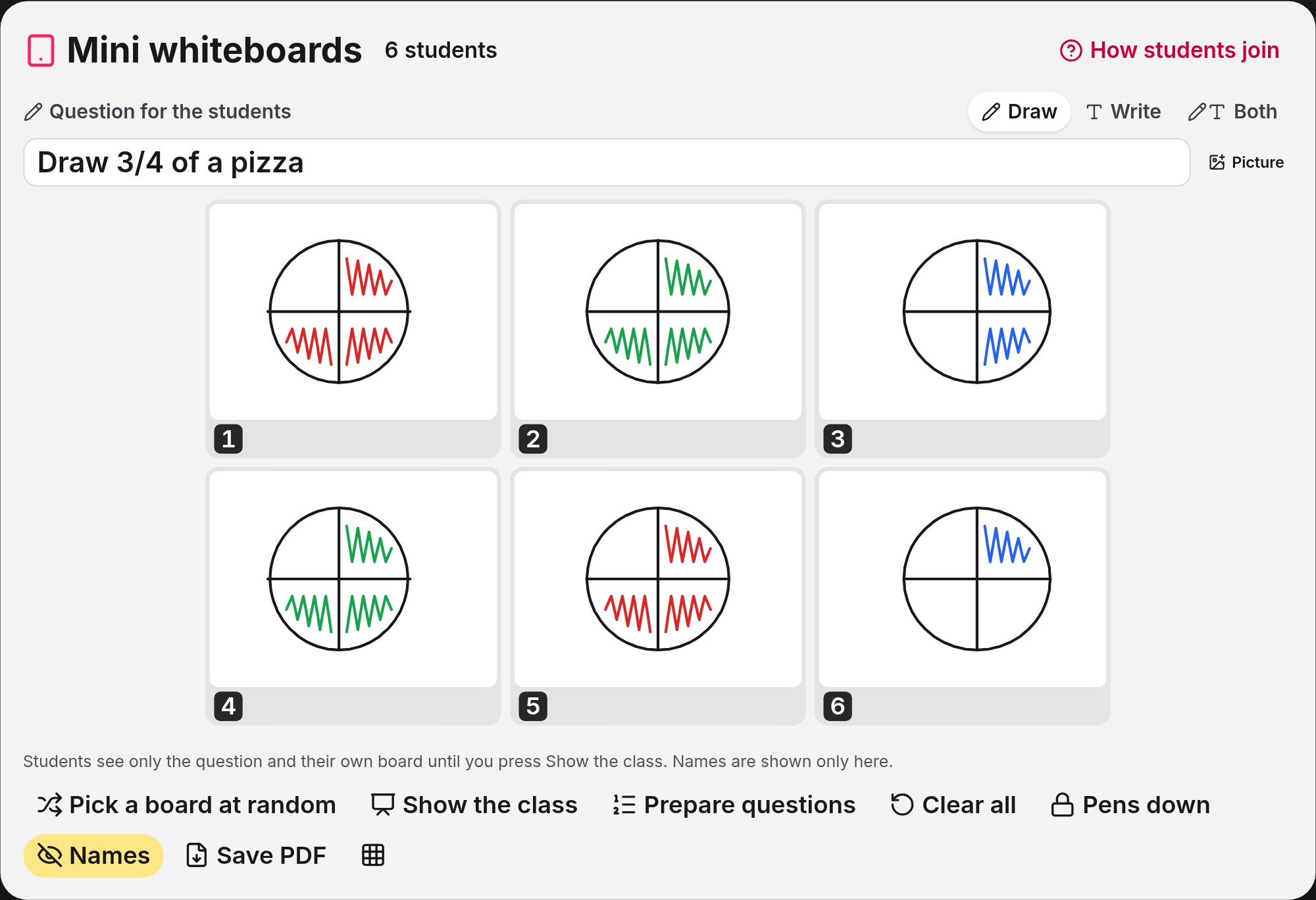
Mini whiteboards: everyone draws, you see it all
Every student draws on their own board on a tablet or computer. You see every answer live, show one large on the projector (without a name if you like) and pick one at random.
- Pens down and a new question in one click
- A task on blank, grid or lined paper
- Drawings are deleted after the lesson
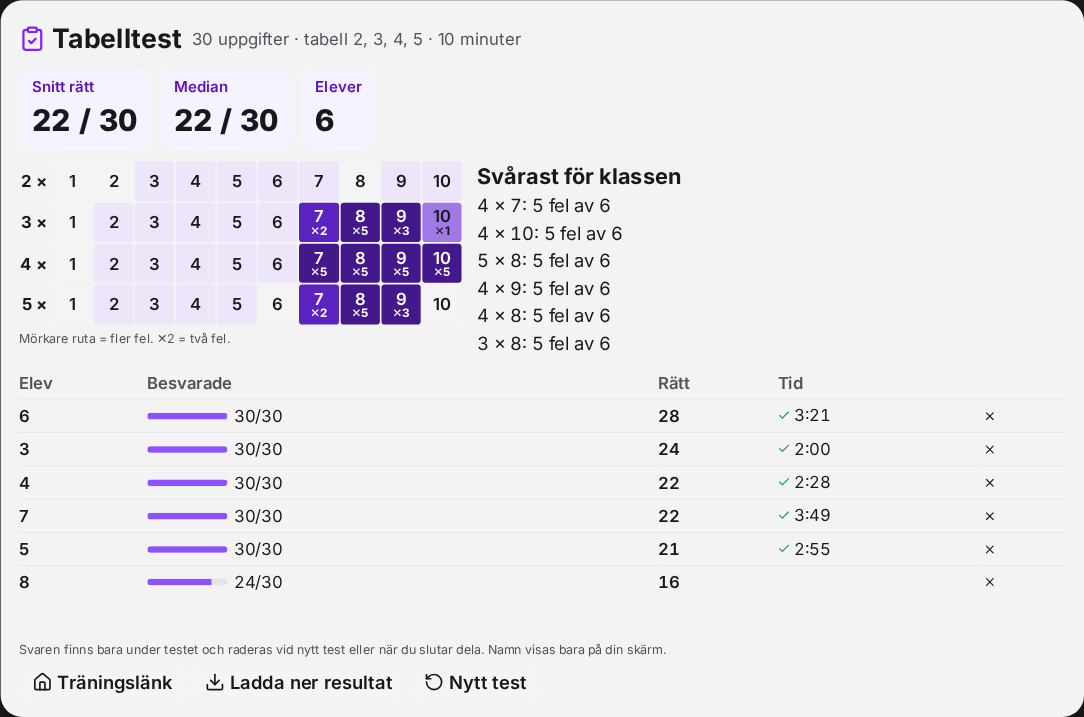
Times-table test: no pen and paper
A hundred questions against the clock, as on paper. Scored straight away, with the class average, the hardest facts and results to open in Excel.
- Students only type their number
- Names show only on your computer
- Tablet, computer or Chromebook
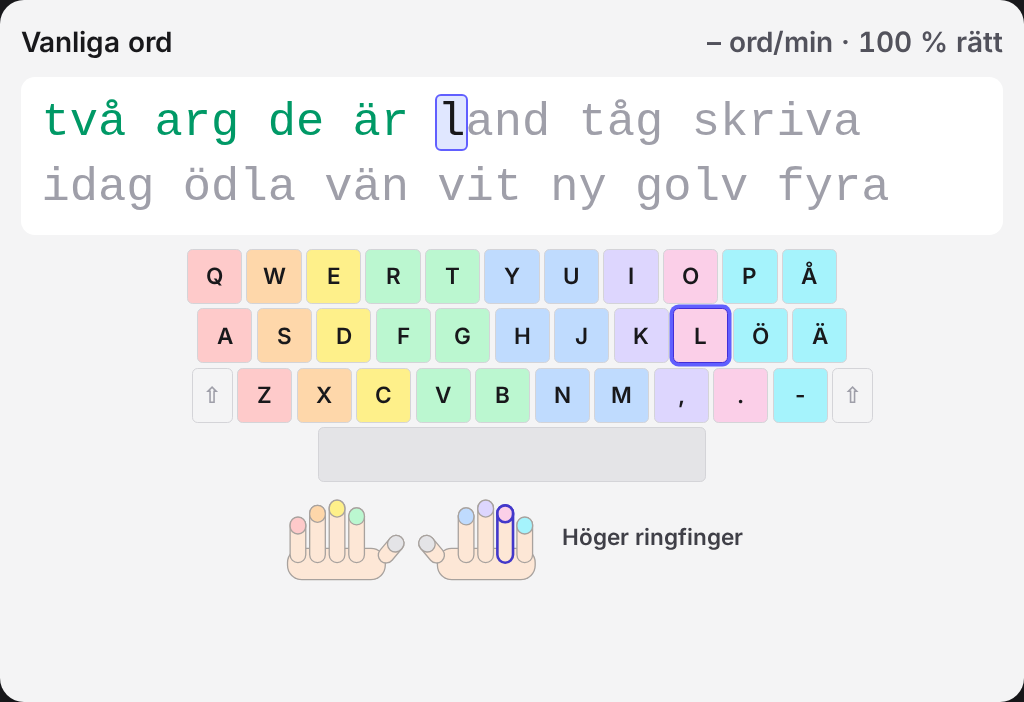
Typing practice: type with ten fingers
From the home row to whole sentences, level by level. The next key lights up in the colour of the finger that presses it, and after each round the student sees words per minute and accuracy.
- Real Swedish words using only the letters learned so far
- A practice code for home, no sign-in
- Computer, Chromebook or tablet with a keyboard
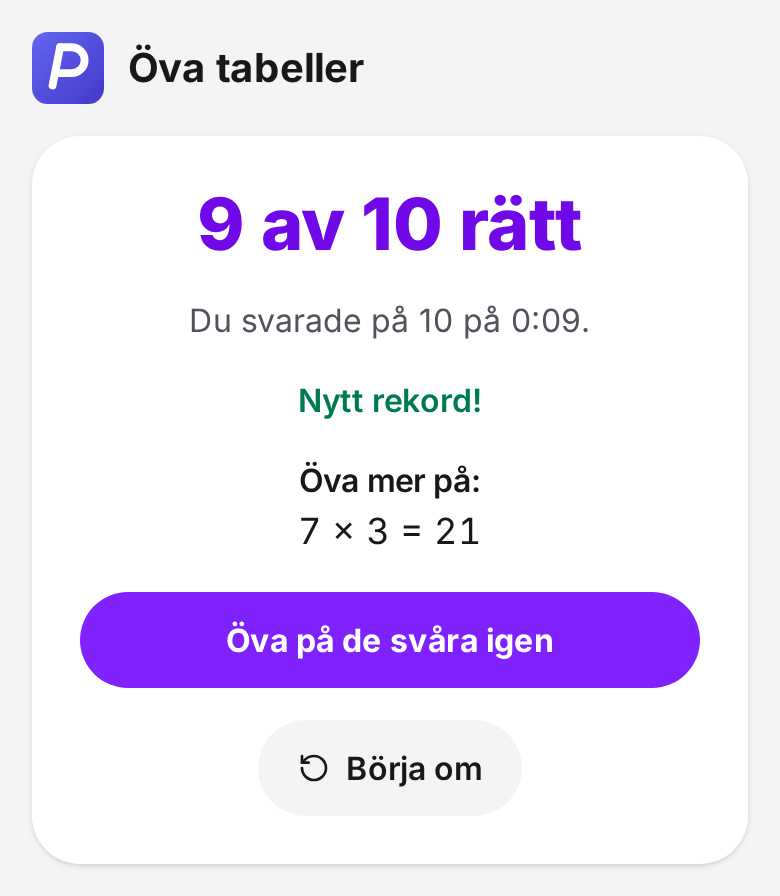
Practise at home with a code
Send parents a code or QR code with the same tables as the test. Students see straight away if they are right and practise more of what was hard.
- You don’t need to sign in
- No name, nothing is saved by us
- Phone, tablet or computer
You don’t need to sign in, and nothing is saved. The result stays in your browser.
All practice for home →It is all in Pekpinne. You need no separate tool for mini whiteboards, times-table tests or typing practice.
Try Pekpinne for real
The demo opens right in your browser. No account needed.