
Tools for the classroom
Everything is on the same board in Pekpinne. Add what you need to the lesson, and it shows on the projector or the interactive display.
97 tools
No tool fits. Try another word or show them all.
Most popular
What teachers put on the board in almost every lesson.
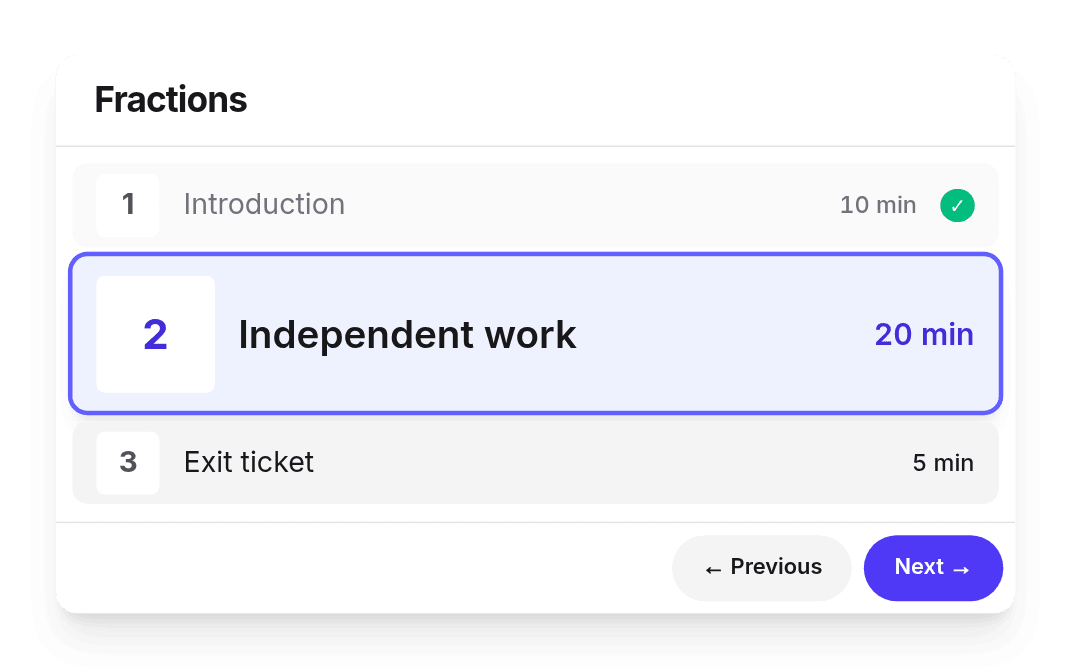
Lesson schedule
Show the steps of the lesson on the board.
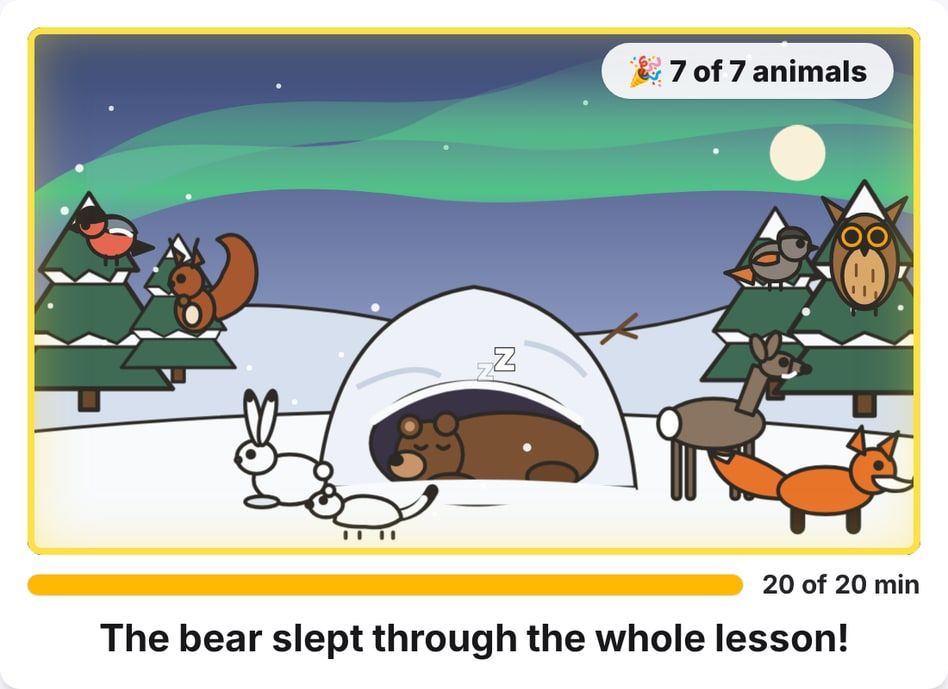
Visual timer
A large visual timer seen from the back of the classroom.
Mini whiteboards
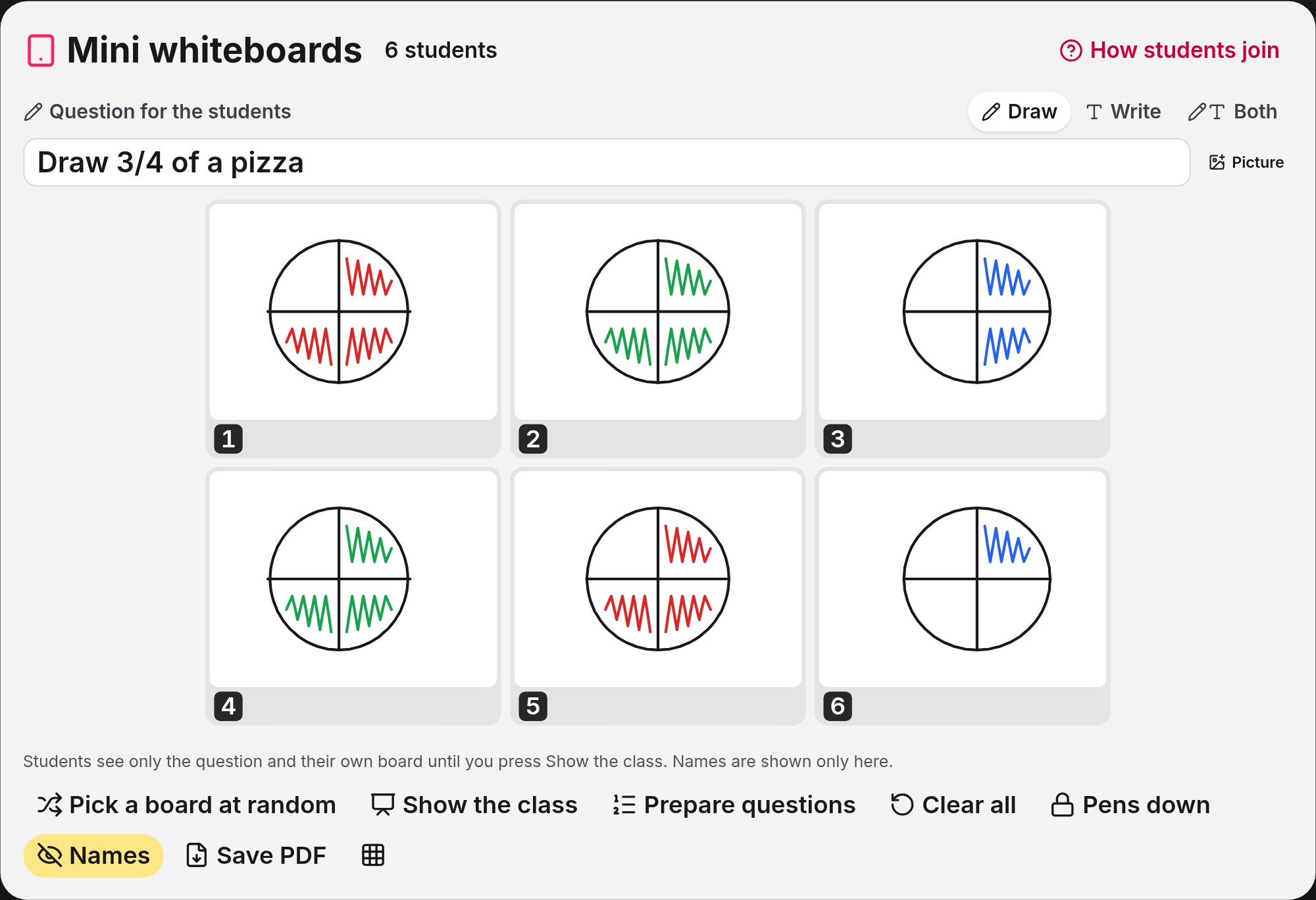
Digital mini whiteboards: every student draws an answer on a tablet or computer and you see all answers live.
Name picker and groups
Pick who answers and split the class into groups in one click.
Sound level
The noise meter shows the sound level on the board.
Work mode
Show how the class is working right now: alone, in pairs, in groups, whisper, silent work or hands up.
New in Pekpinne
What teachers asked for, now in Pekpinne.
Plan with your timetable
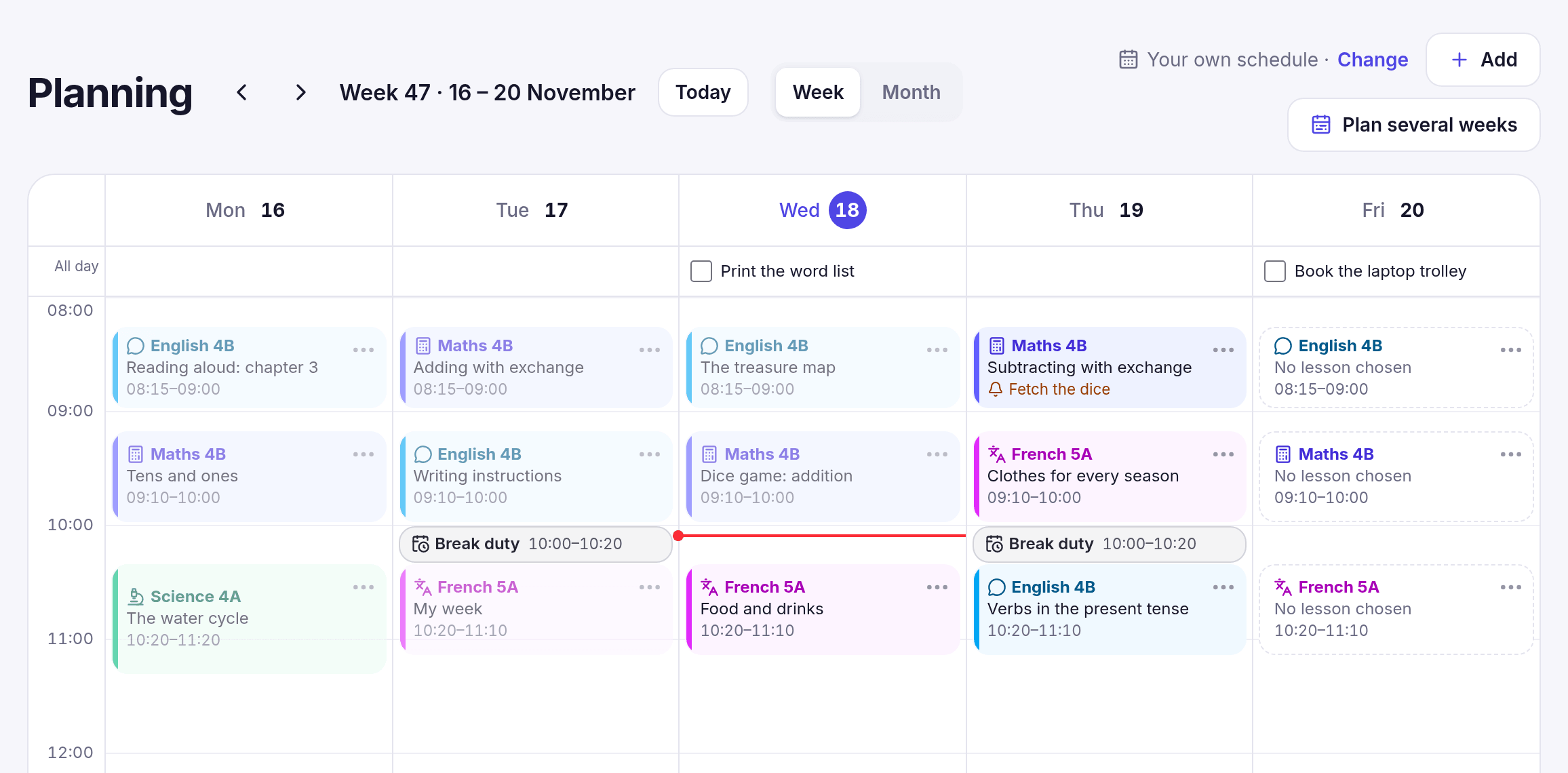
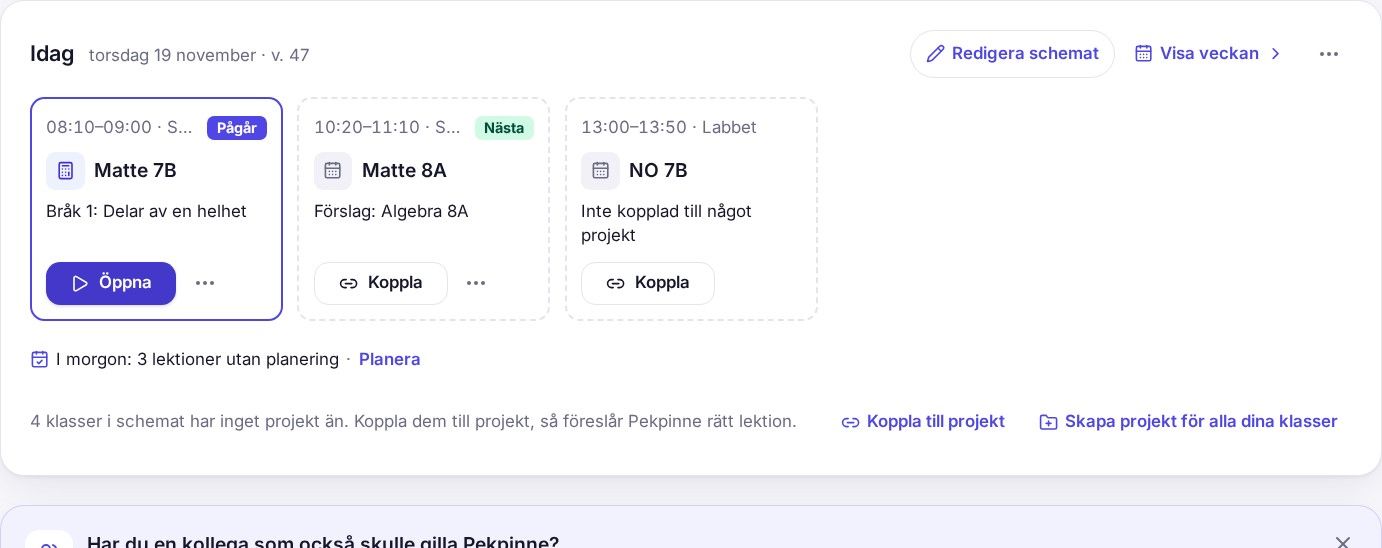
Connect the school timetable, see today’s lessons on the start page and lay out several weeks of lessons at once.
Advent calendar
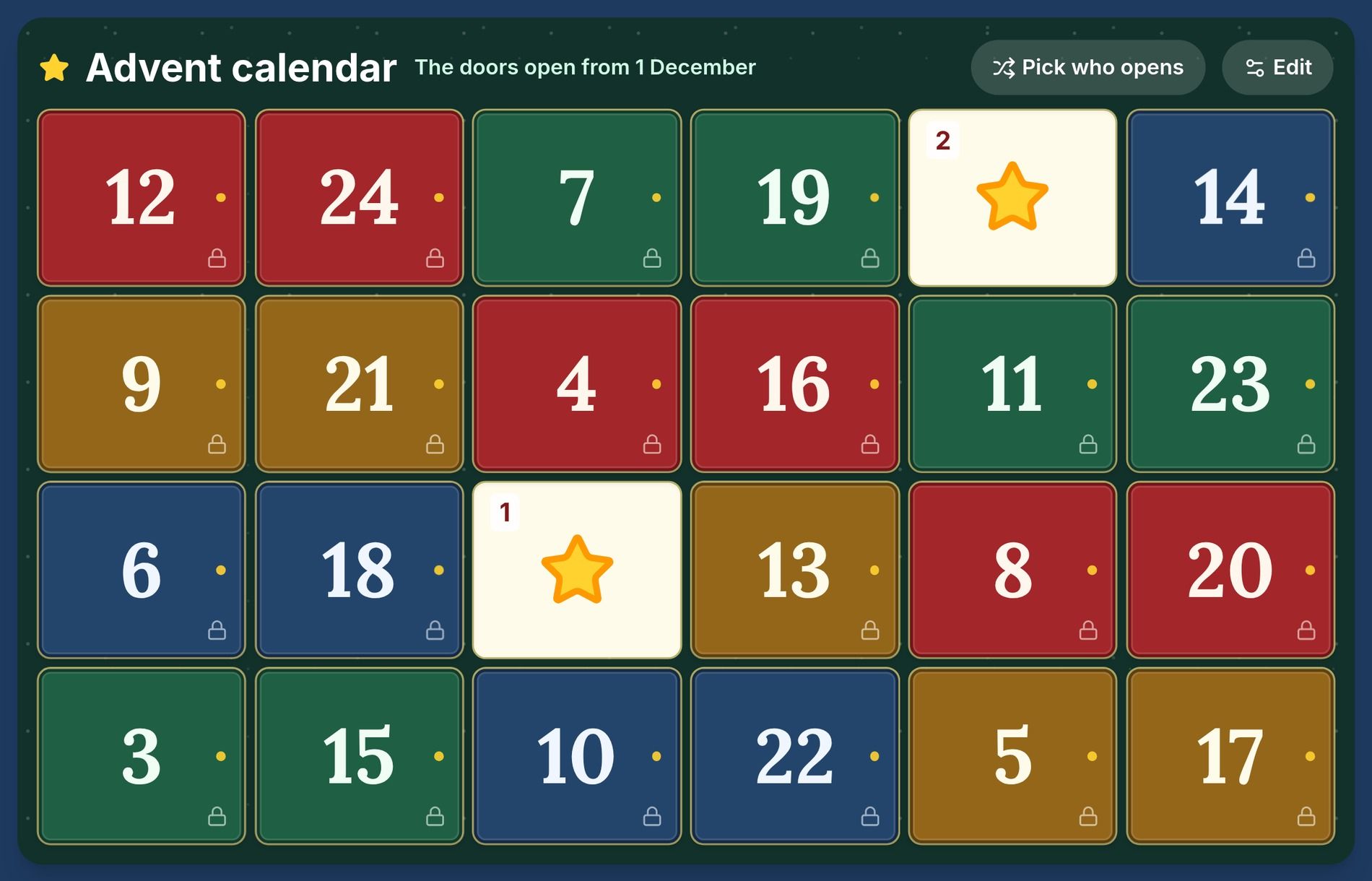
One door a day in December, with your own text or a ready movement break or riddle.
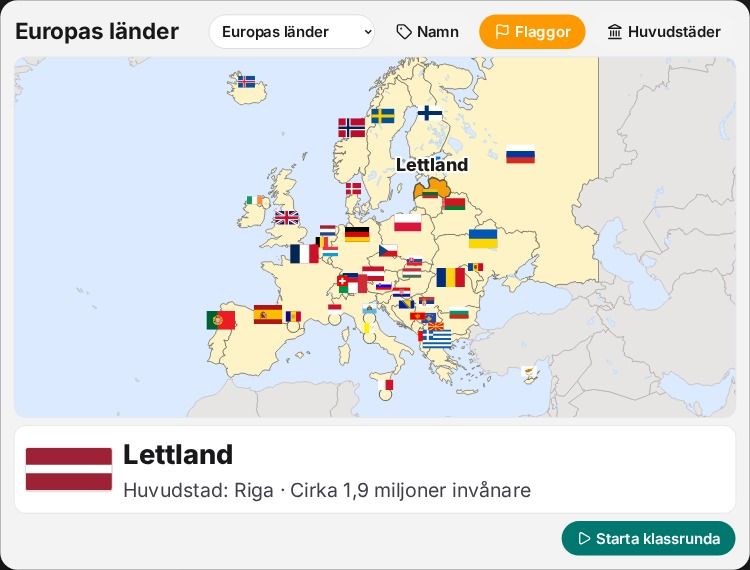
Map practice
Countries, capitals and flags. Students practise at their own pace and what they know only ever counts up.
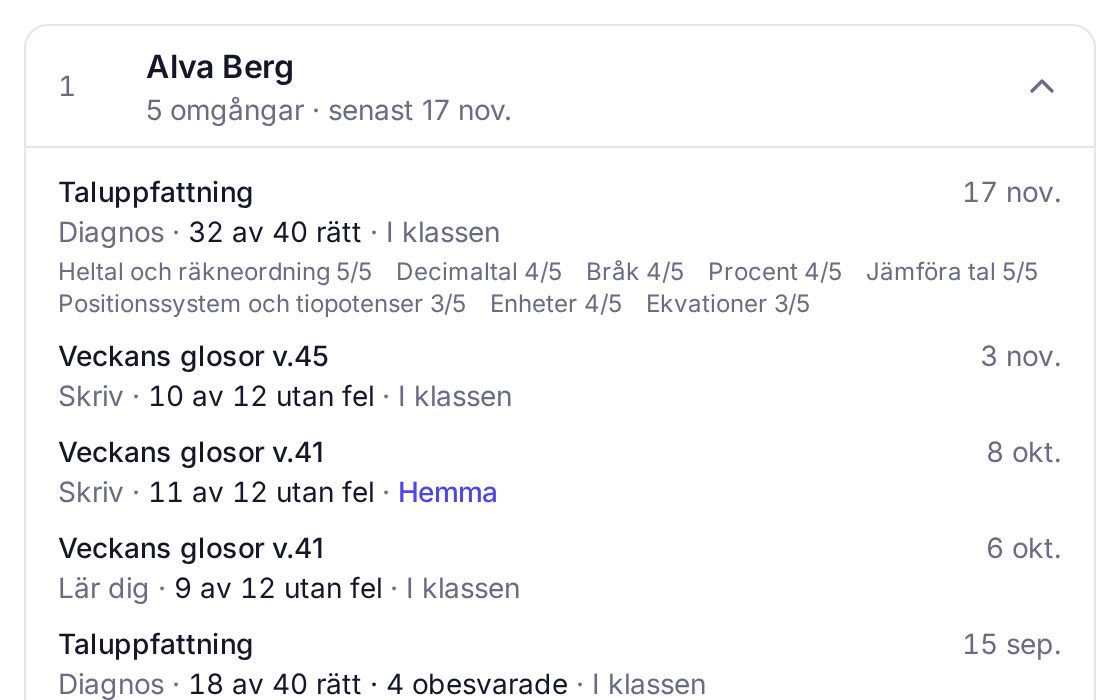
Follow each student
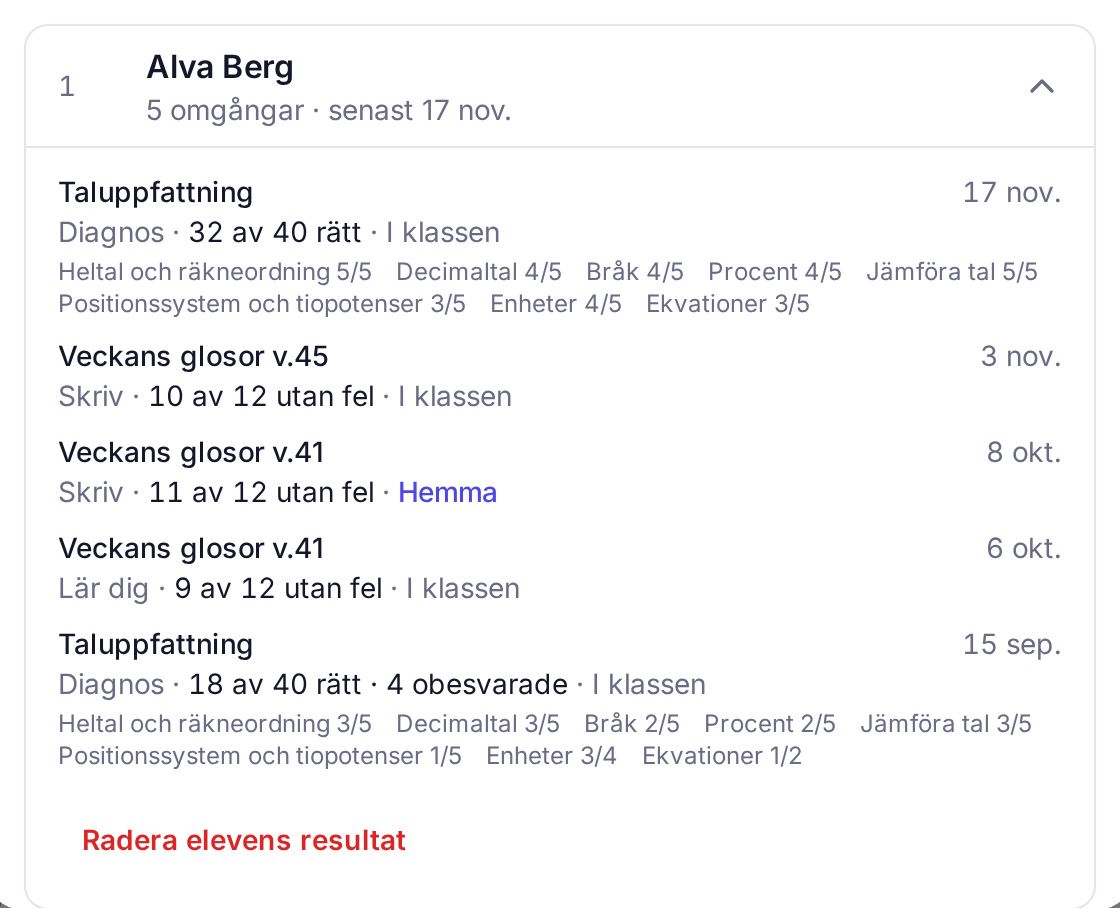
Each student's practice over time, without student accounts. Students see their own results on My page.
Time and structure
So students know what is happening now, for how long, and what comes next.
Lesson schedule
Show the steps of the lesson on the board.
Visual timer
A large visual timer seen from the back of the classroom.
Sound level
The noise meter shows the sound level on the board.
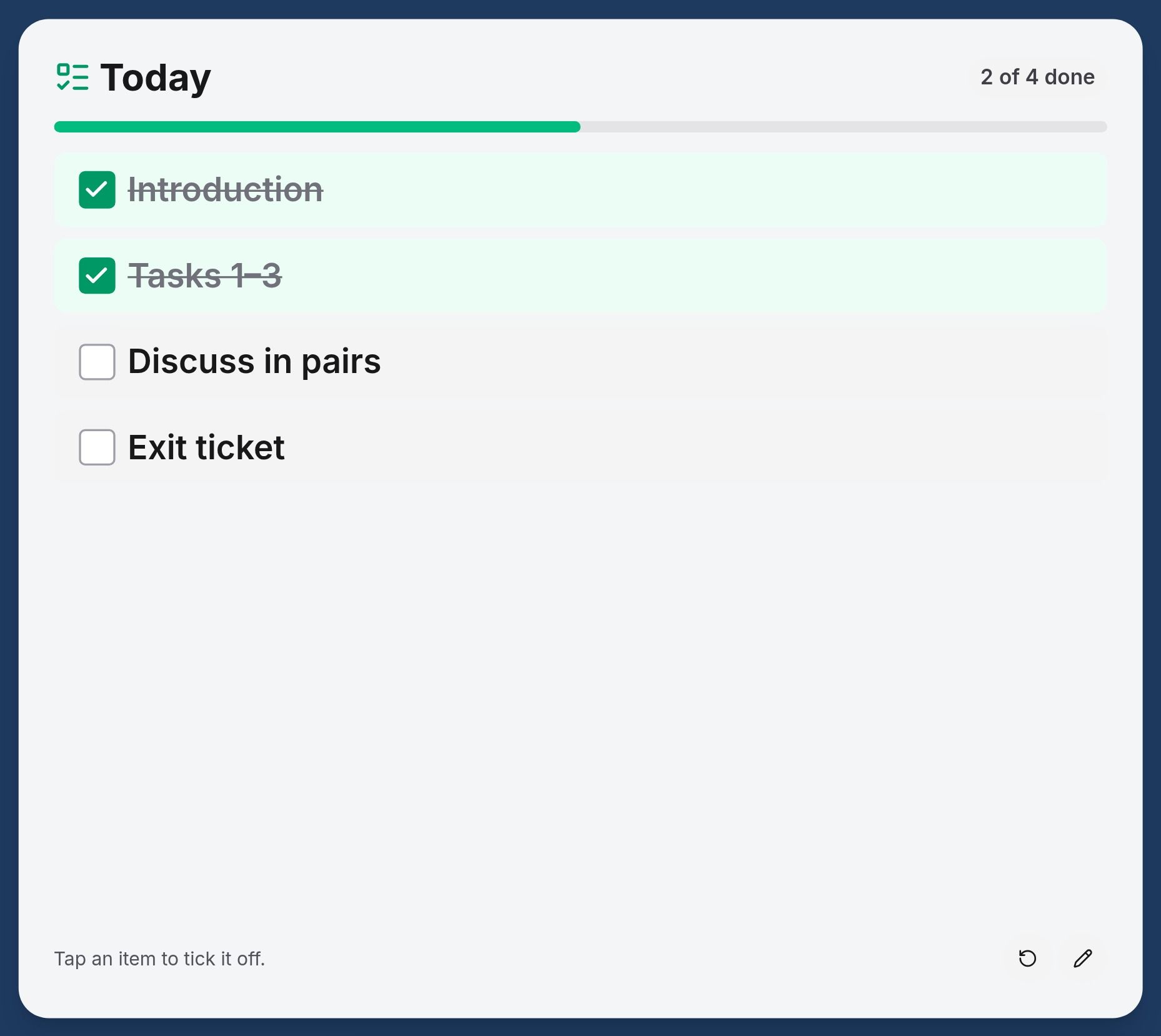
Checklist
The lesson’s points, goals or packing list, big on the board.
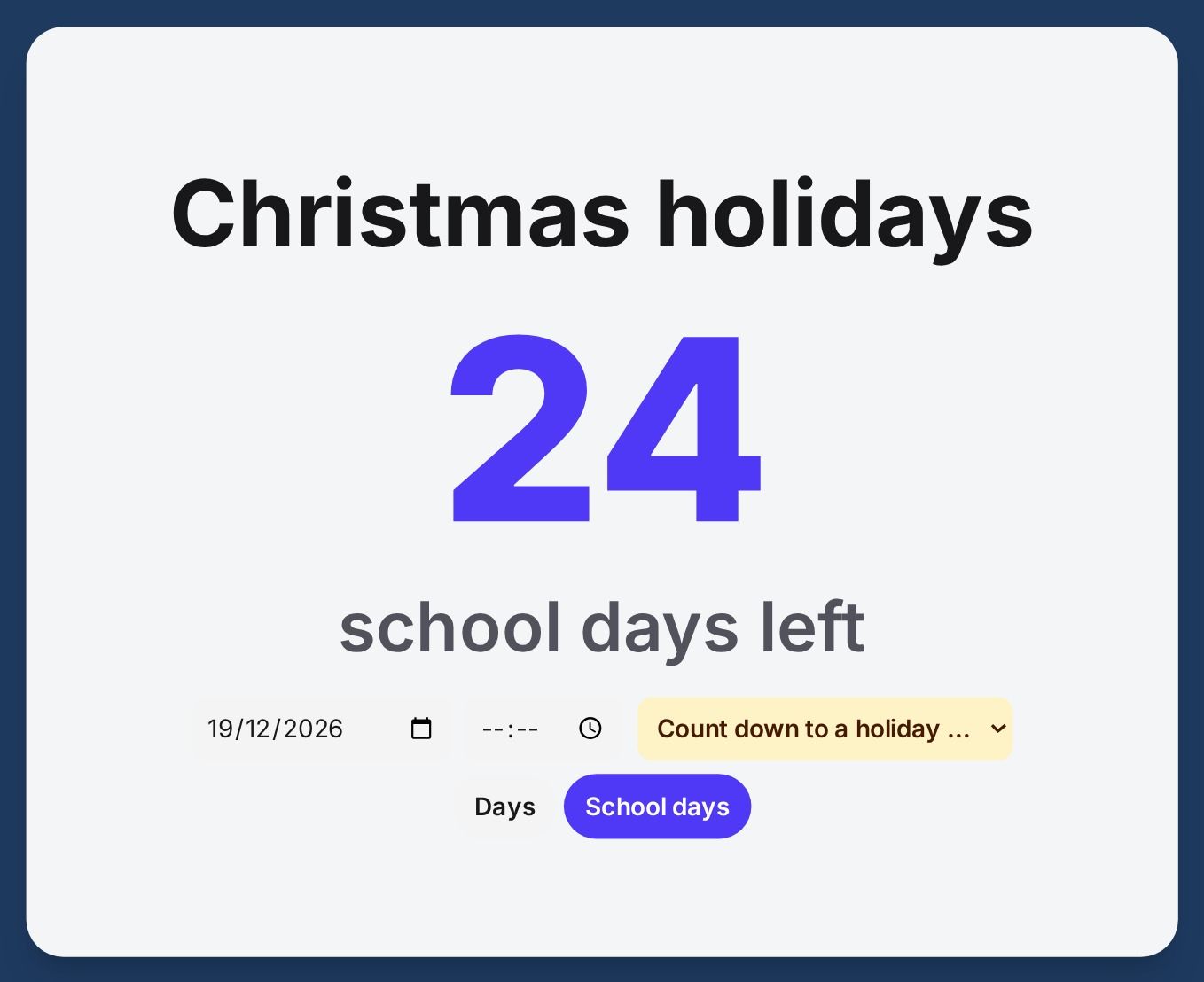
Countdown
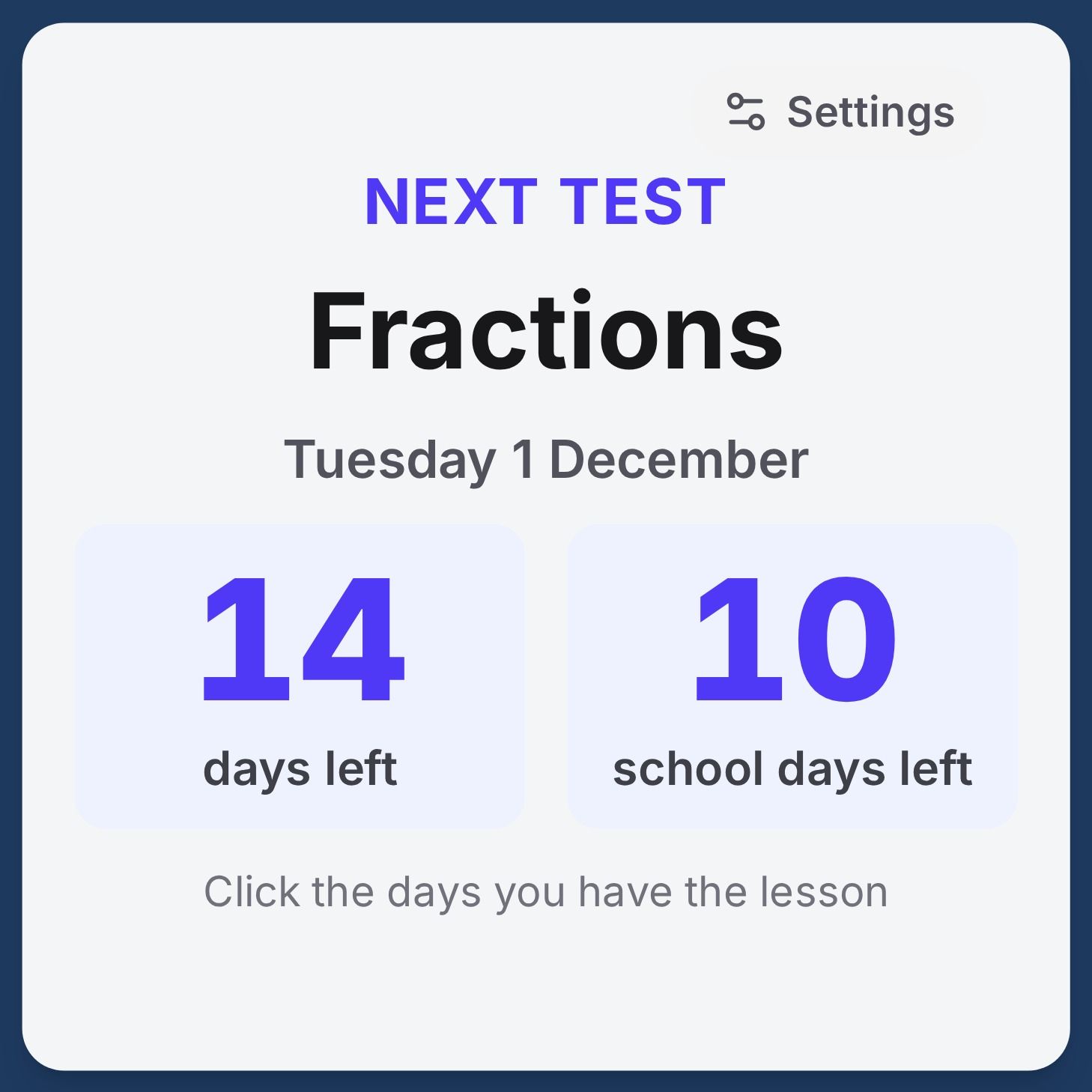
Count down to a date on the board: how many days are left until the test, the holiday or the trip.
Stopwatch
A big stopwatch on the board with lap times, for PE, experiments and how fast the class gets ready.
Today's lunch
Show today's lunch from the school menu in Matilda Menu or Mateo Meny, updated by itself every day.
Clock
A large clock on the board, analogue or digital, readable from the back of the room.
Work mode
Show how the class is working right now: alone, in pairs, in groups, whisper, silent work or hands up.
Now / next
A large strip showing what is happening now and what comes next, straight from the lesson schedule.
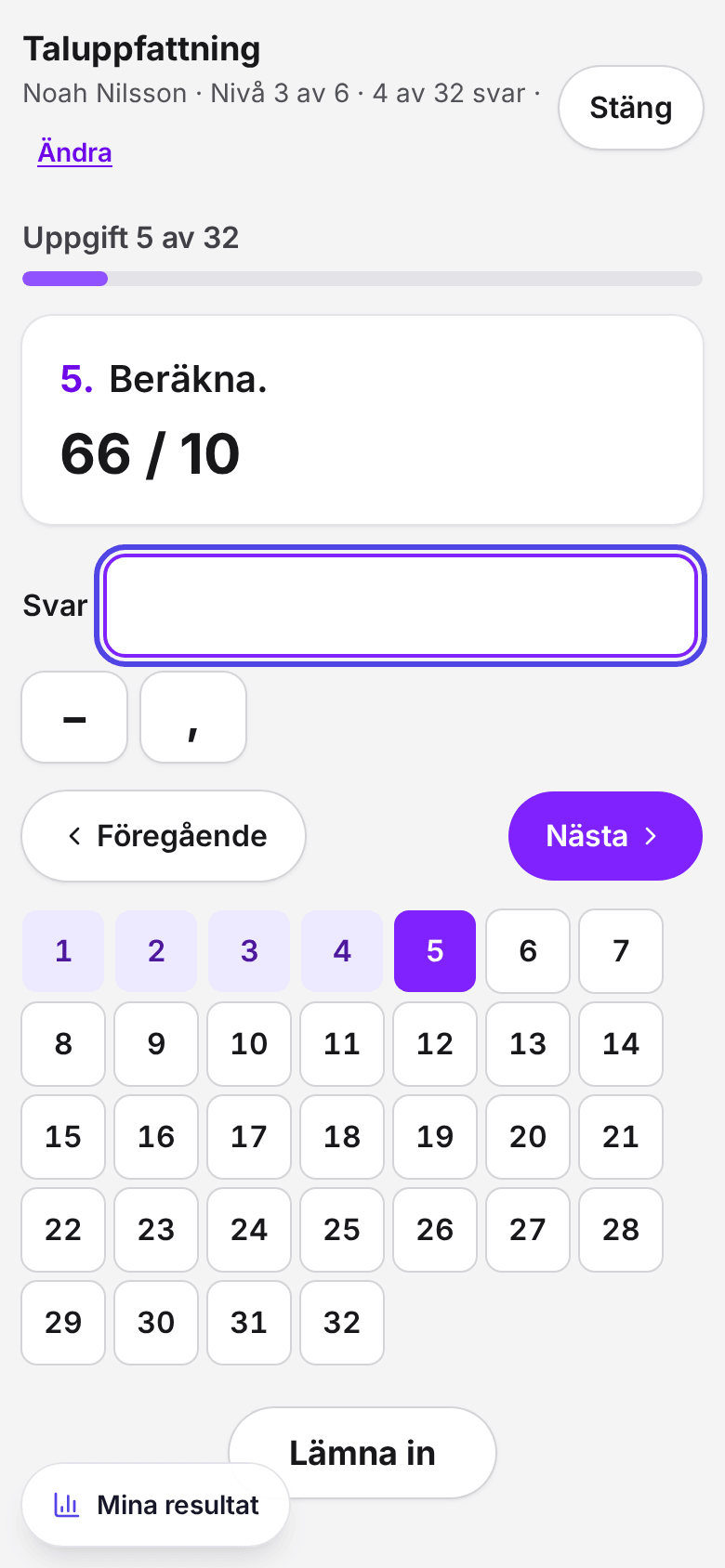
Students answer
Students take part from the school's computers and tablets, no accounts.
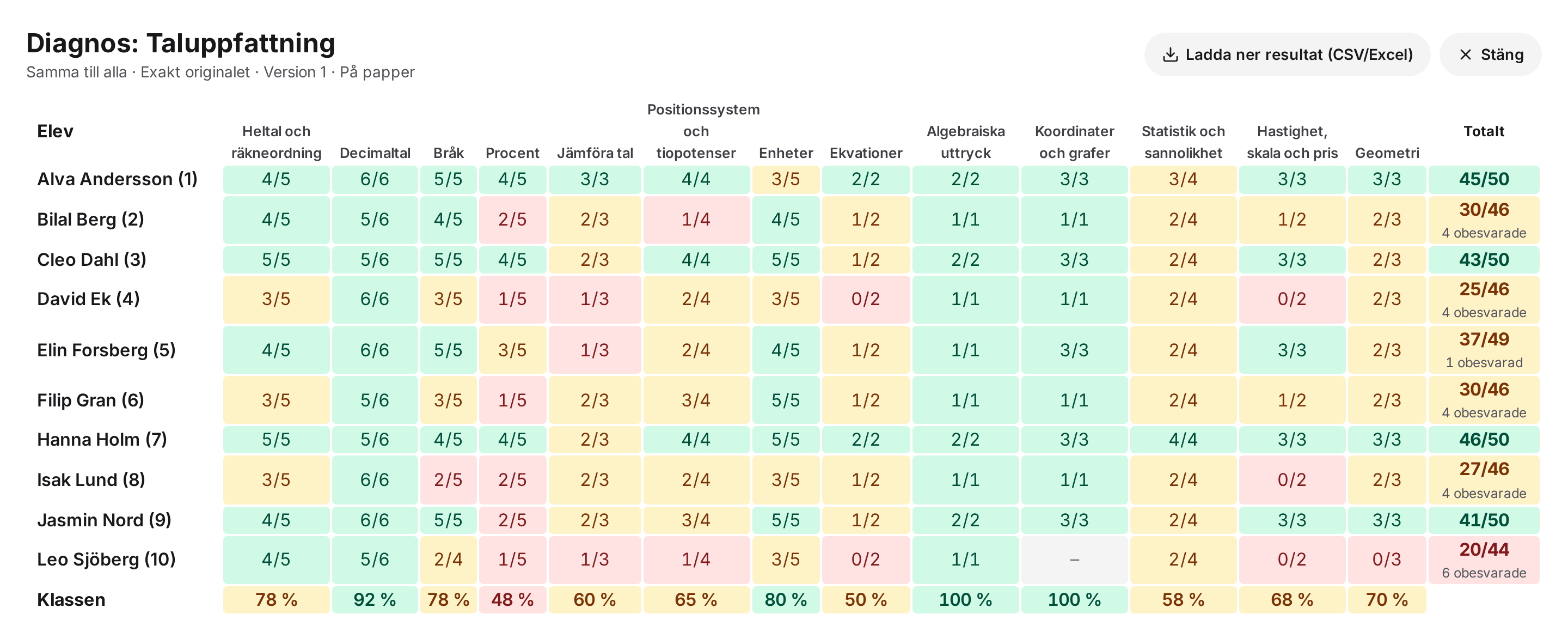
Maths diagnostic testComing soon
Students answer with a code, everything is marked at once and you see the next step.
Mini whiteboards
Digital mini whiteboards: every student draws an answer on a tablet or computer and you see all answers live.
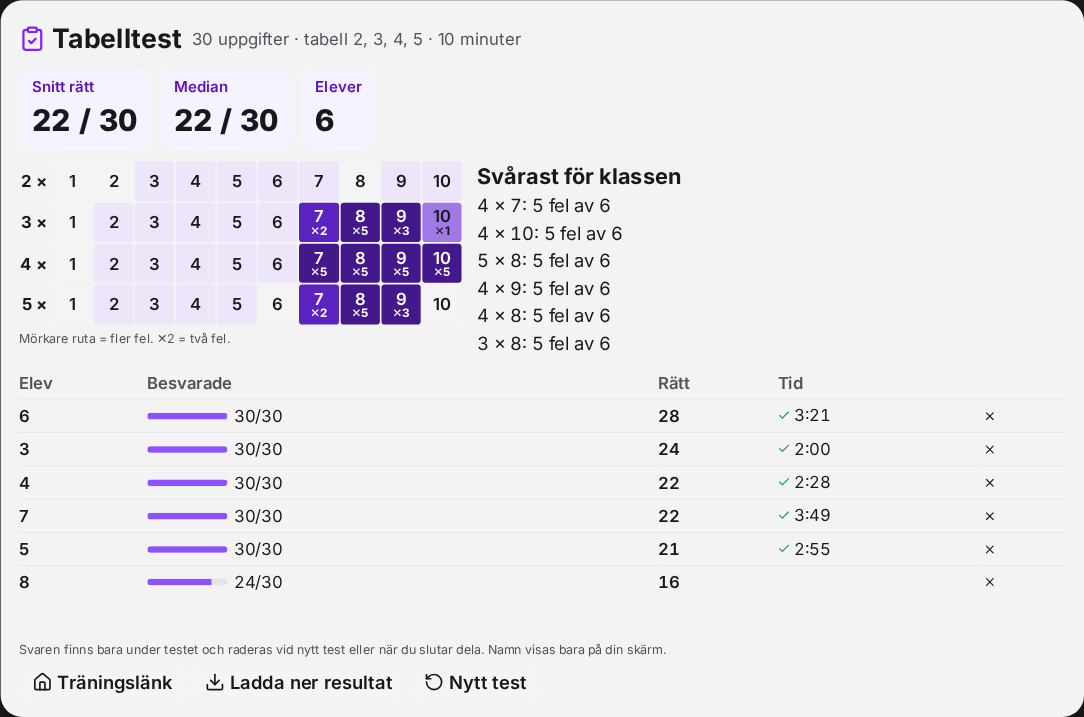
Times-table test
Times-table tests without paper: students answer on a tablet or computer, everything is scored at once and you see the hardest facts for the class.
Help queue
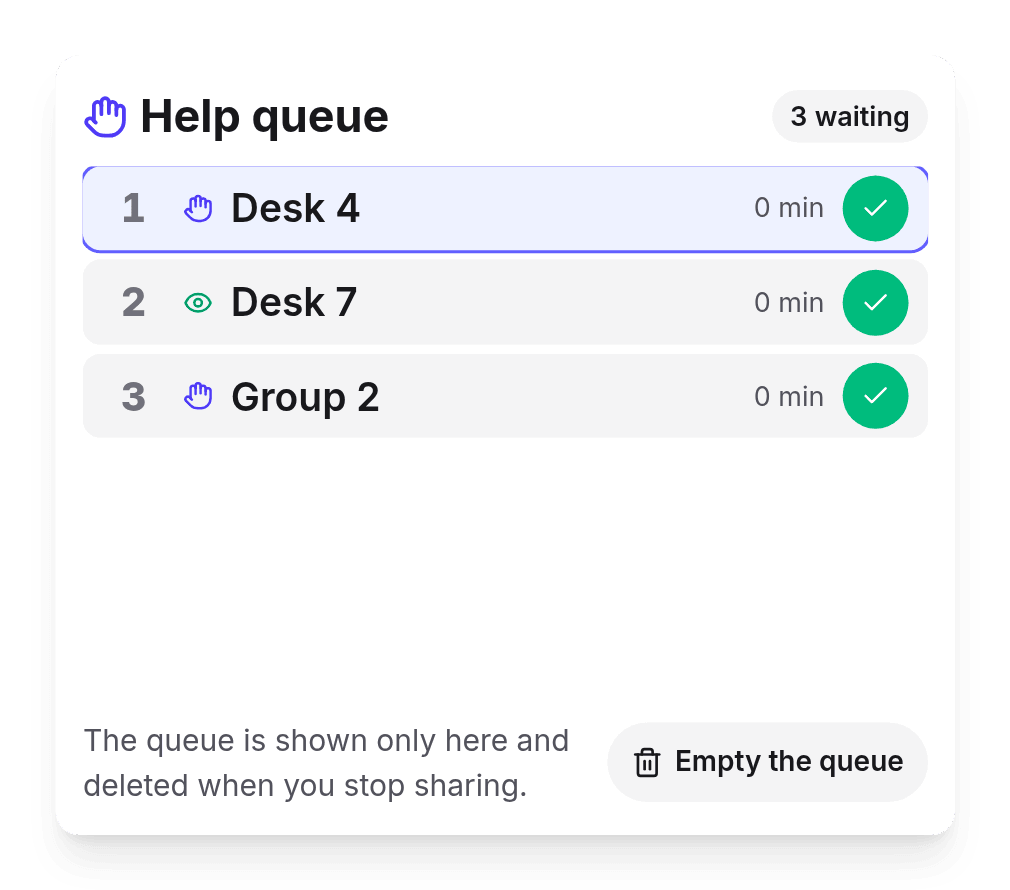
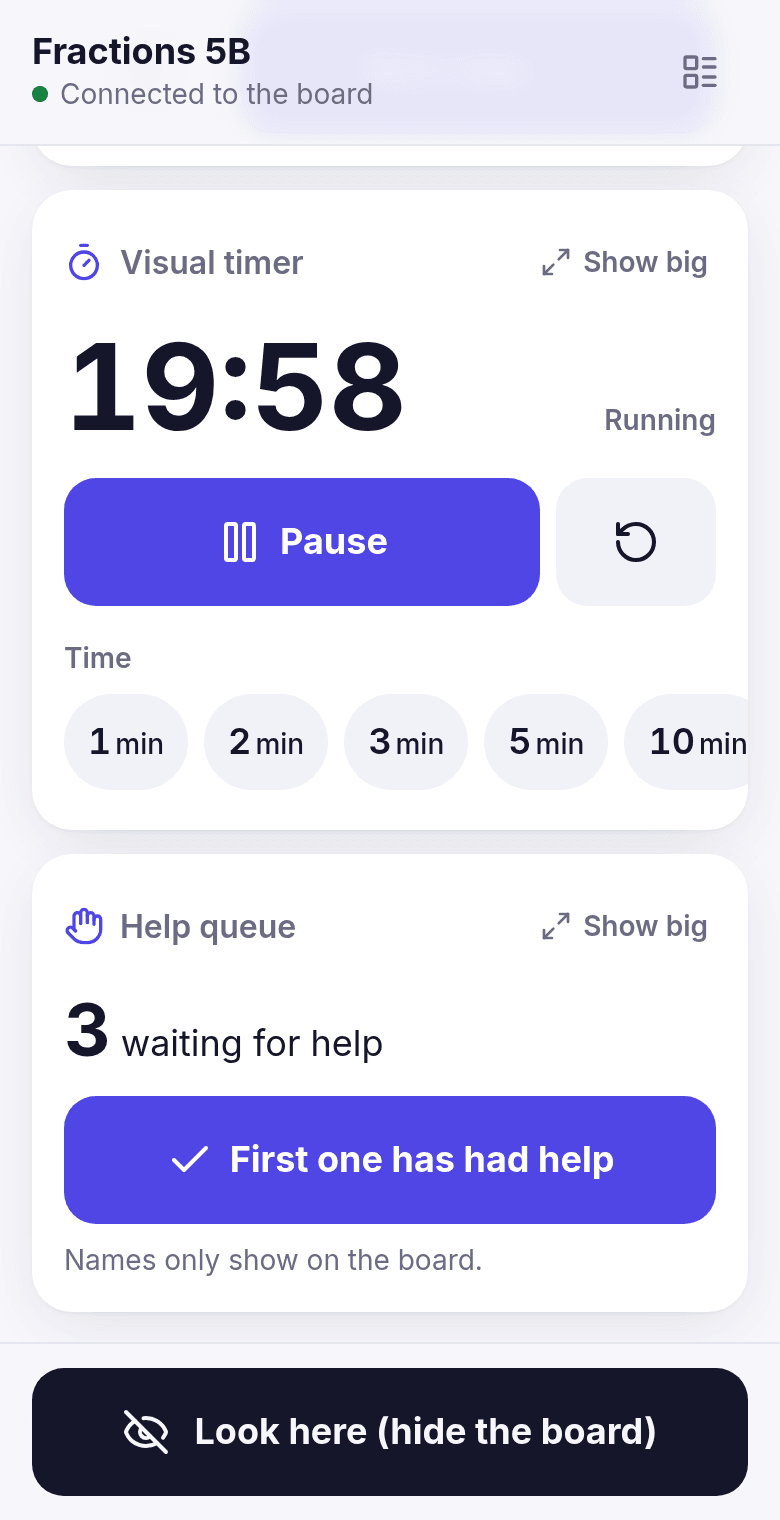
A digital help queue for the classroom.
Exit ticket
End the lesson with a digital exit ticket.
Link + QR
Show a link as a large QR code on the board, for example to a form or a quiz.
Focus mode
Turn on Focus mode when you share with the class.
Match up
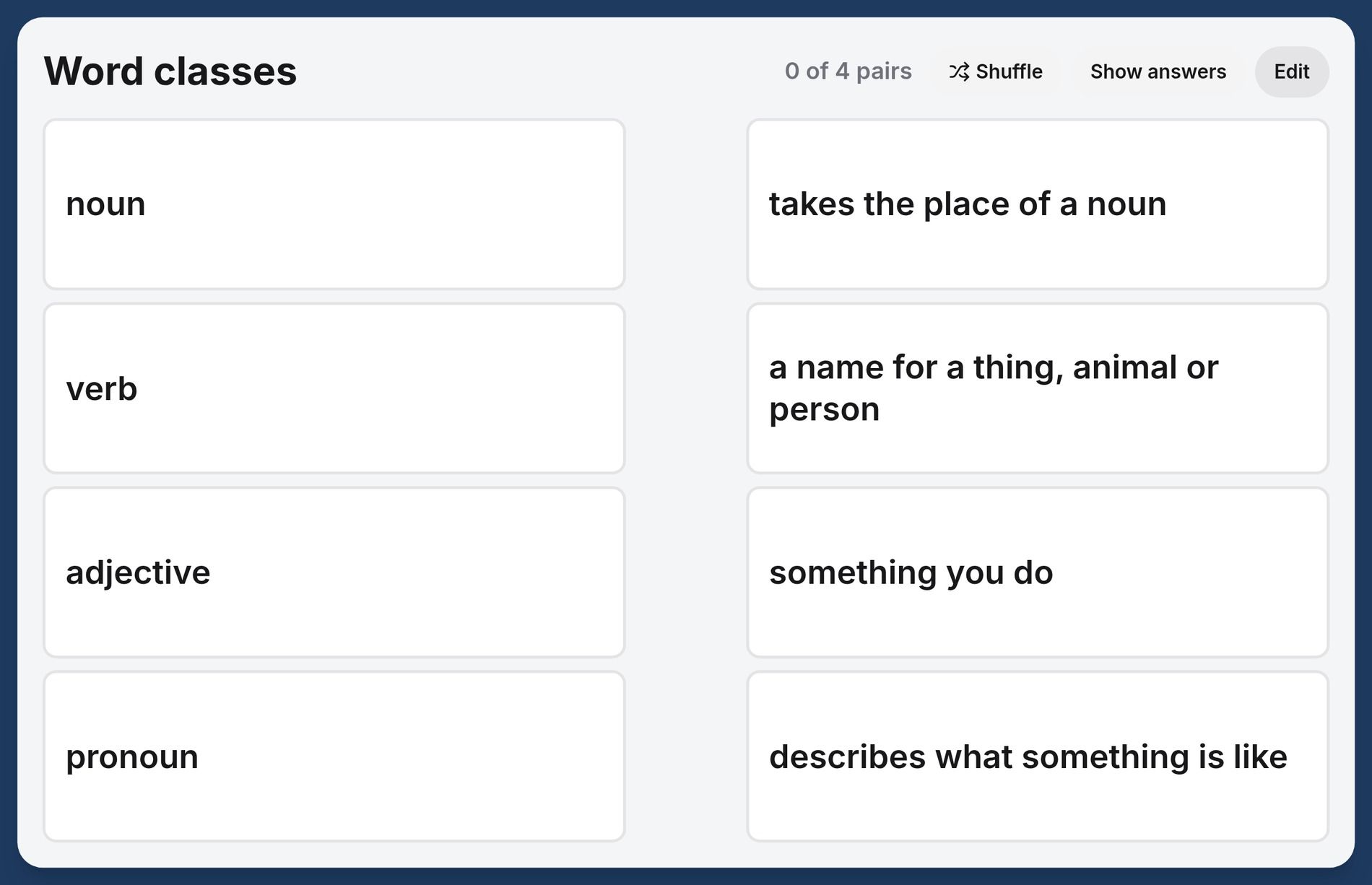
Type concepts and explanations and the explanations are shuffled.
Flip cards
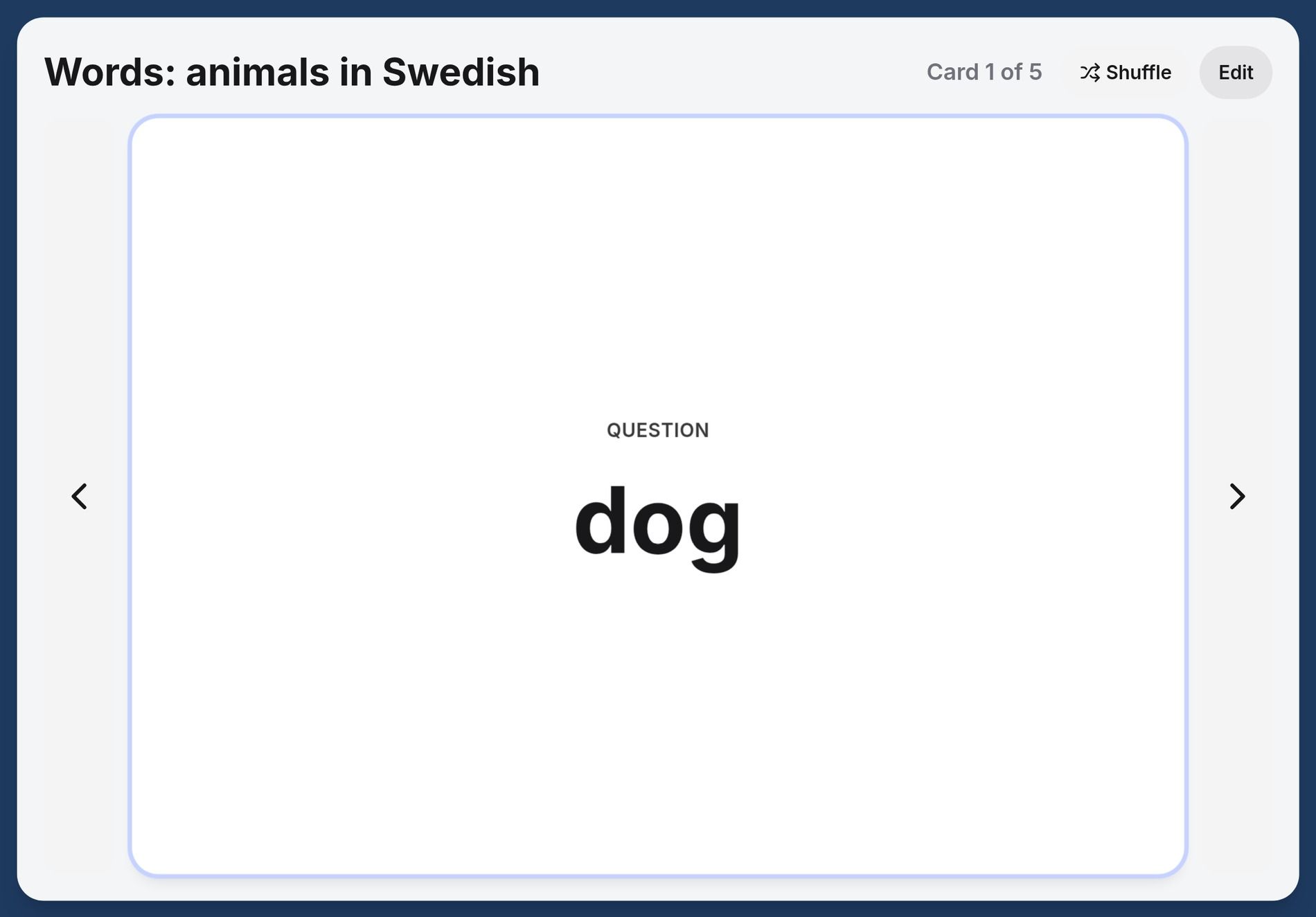
Digital flip cards for the whole class: one big card at a time, a question or word on the front and the answer on the back.
Study list
Make the week’s vocabulary list once.
Typing practice
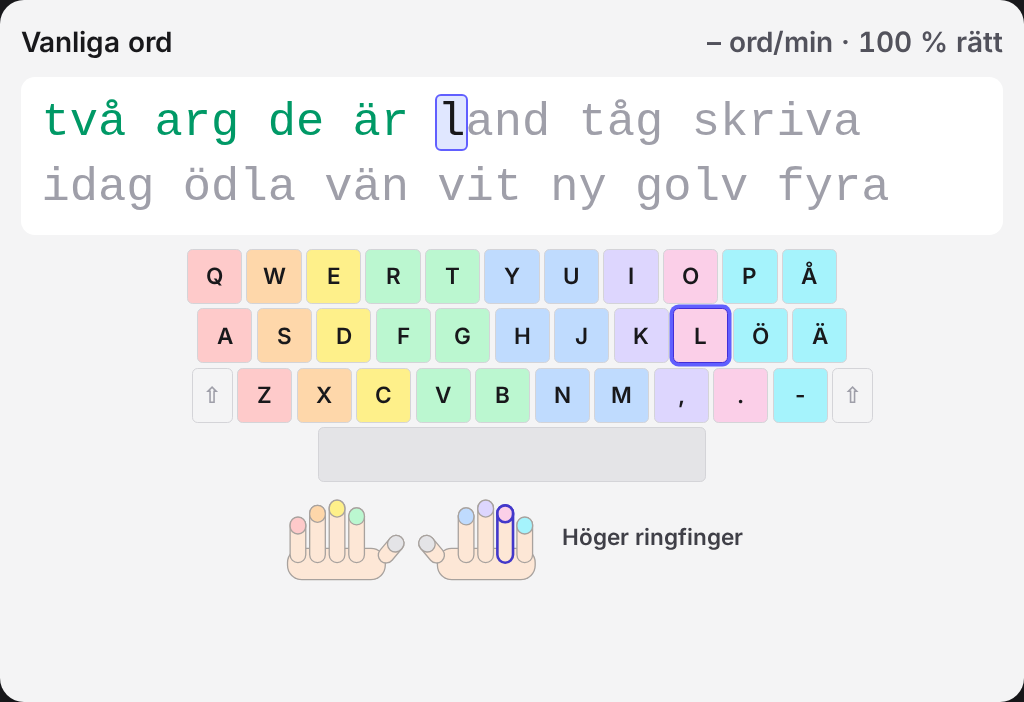
Touch typing on a Swedish keyboard, level by level from the home row to sentences.
Writing task
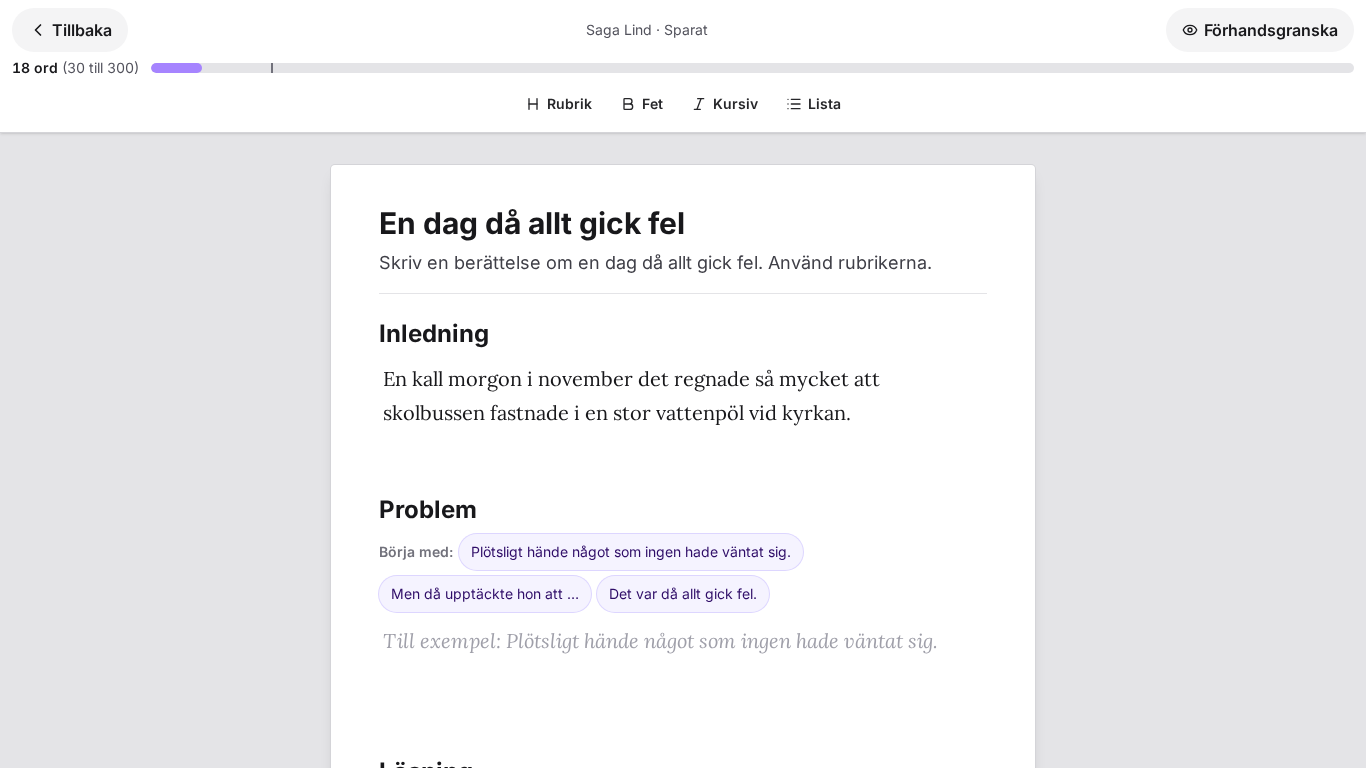
Students write a longer text on the school’s computers or tablets with headings and sentence starters.
Follow each student
See each student's study lists and map practice over time under Classes.
Class and groups
Fair and quick: who answers, who works together and where everyone sits.
Name picker and groups
Pick who answers and split the class into groups in one click.
Seating plan
Make a seating chart for the classroom: choose rows and columns, shuffle the seats and swap two students with two taps.
Scoreboard
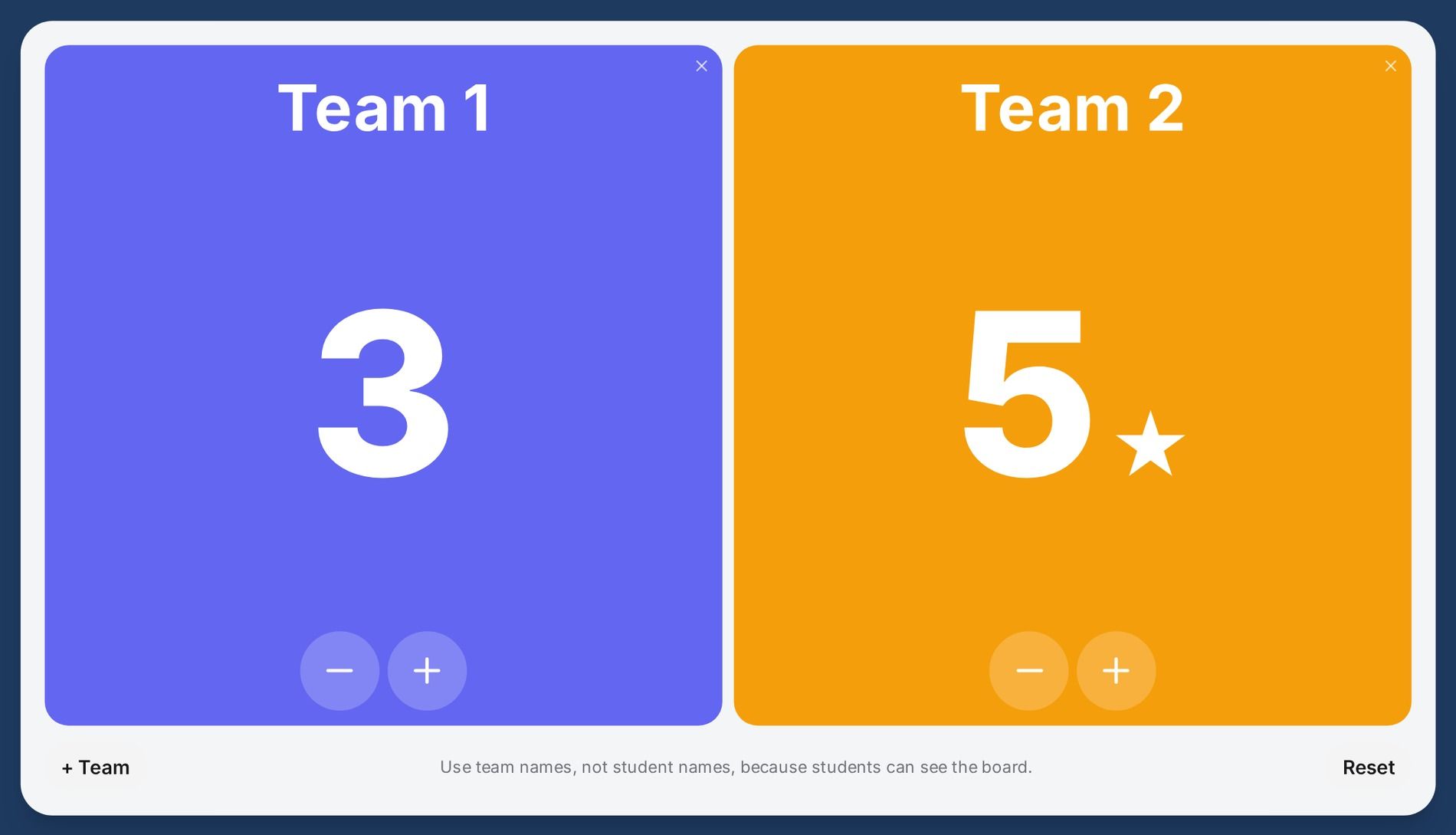
A scoreboard on the classroom board: teams with their own names, plus and minus, and reset.
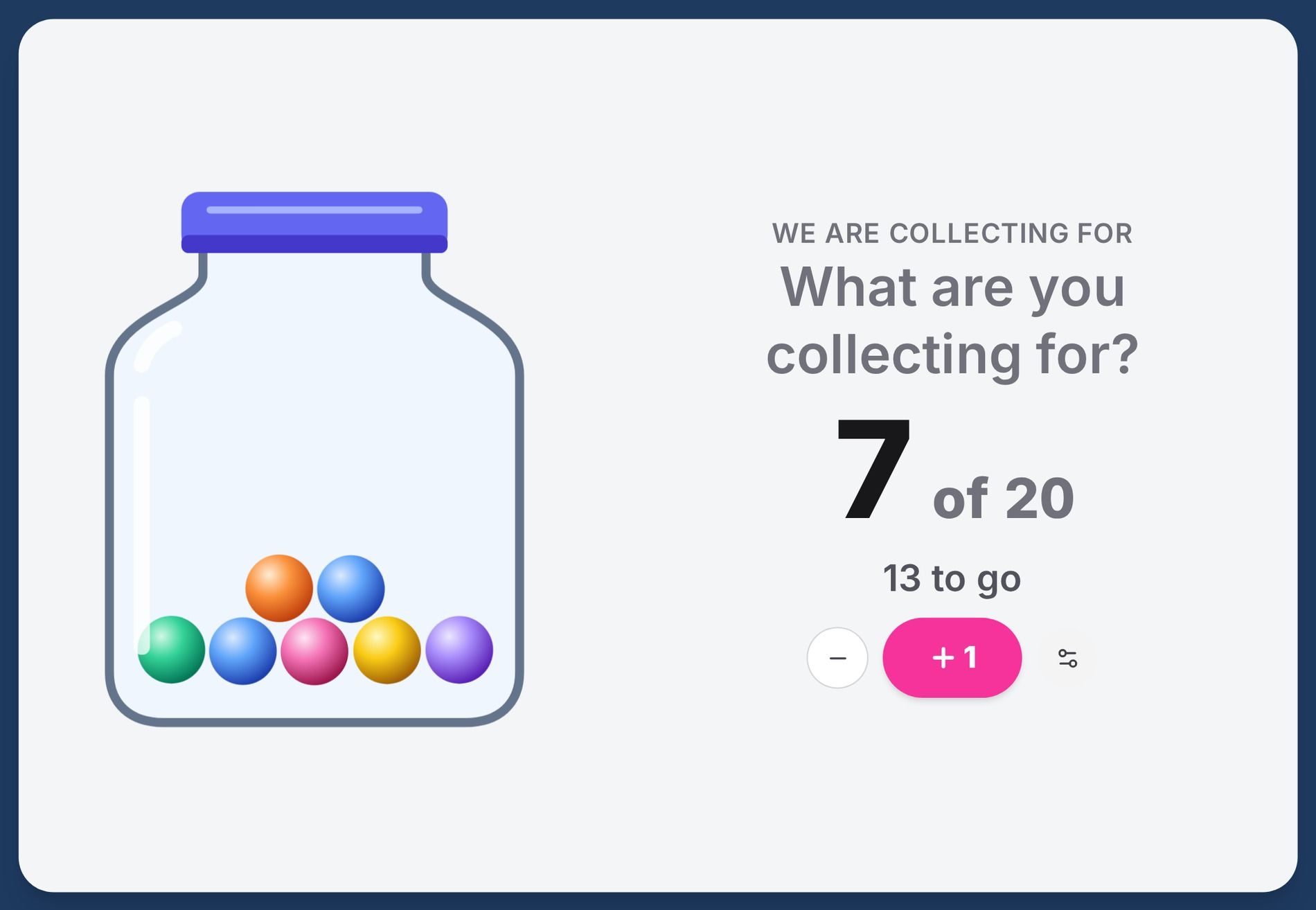
Reward jar
A reward jar for the whole class.
Advent calendar
A digital advent calendar for the class.
Class jobs
Hand out the class jobs fairly.
Brain break
Short breaks for the class (move, calm down or brain gym) drawn on the board with a timer.
Mathematics
Times tables, numbers, fractions, equations, geometry and the clock, for the whole class on the board.
Maths diagnostic testComing soon
Students answer with a code, everything is marked at once and you see the next step.
Dice & random
Roll one or more dice, pick a random number between two numbers or flip a coin, large on the board so everyone sees.
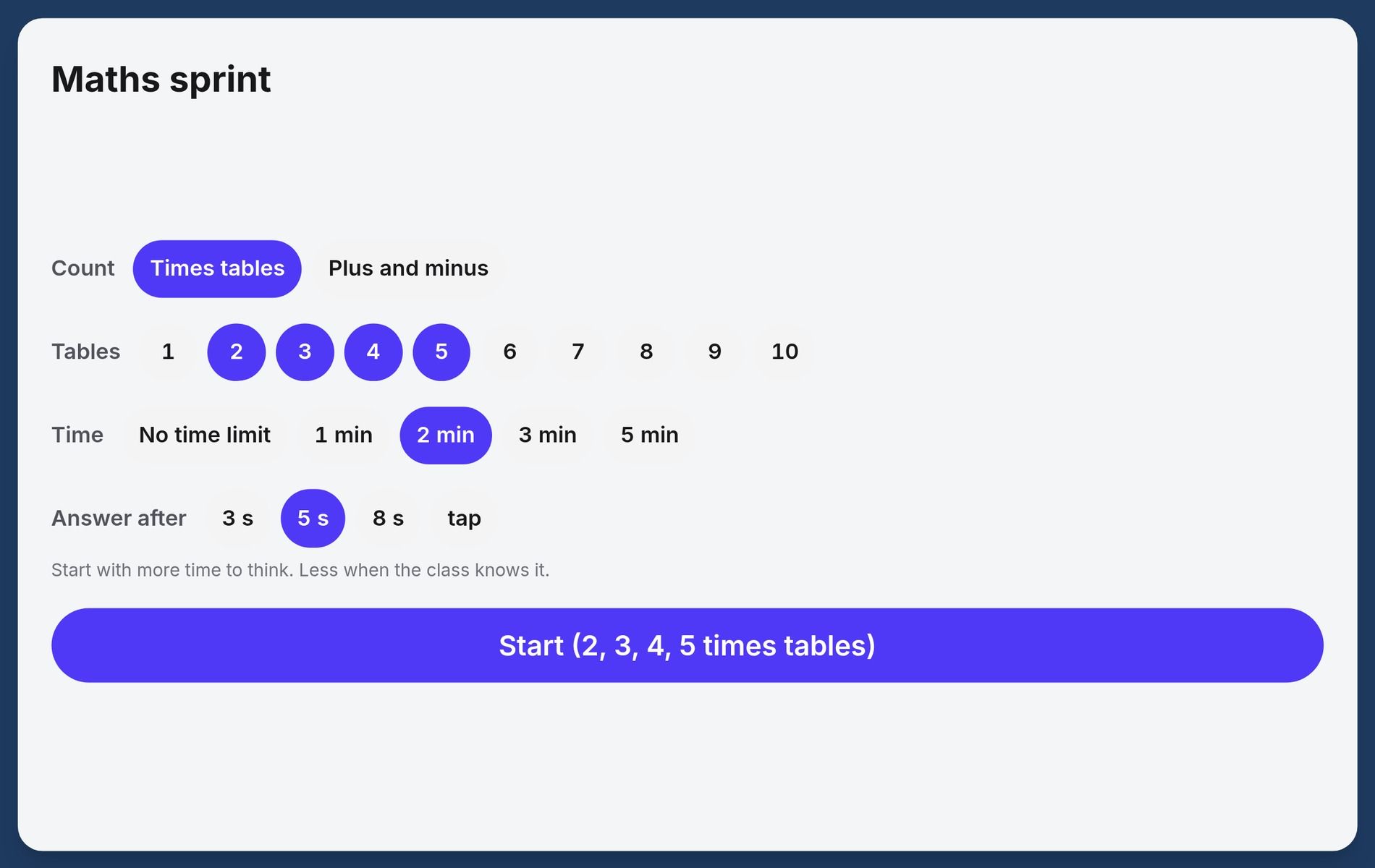
Maths sprint
Times-table questions from the tables you choose, one at a time on the board.
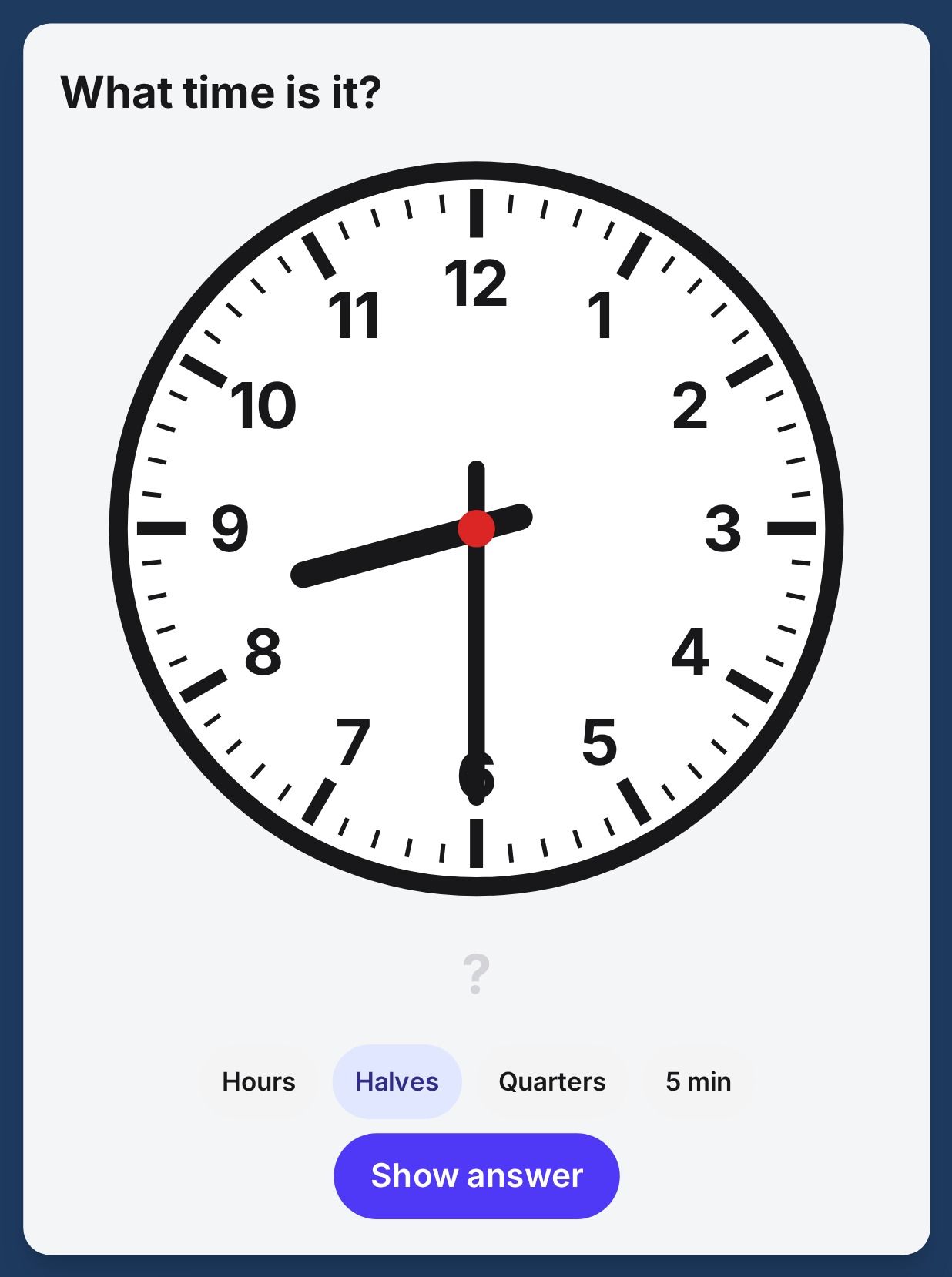
What time is it?
Practise telling the time with the whole class: o’clock, half past, quarters and five minutes.
Equation balance
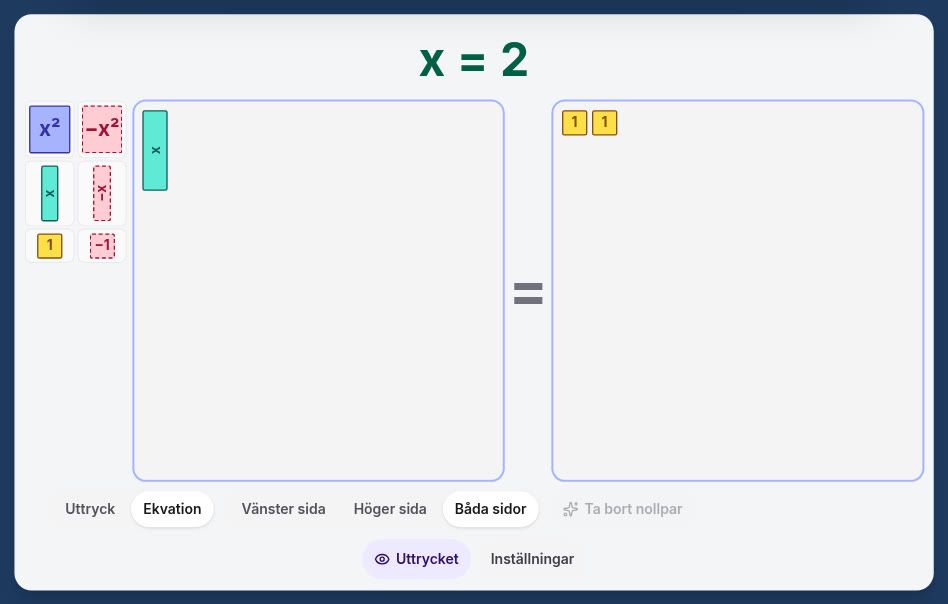
A digital balance with x tiles and 1 tiles.
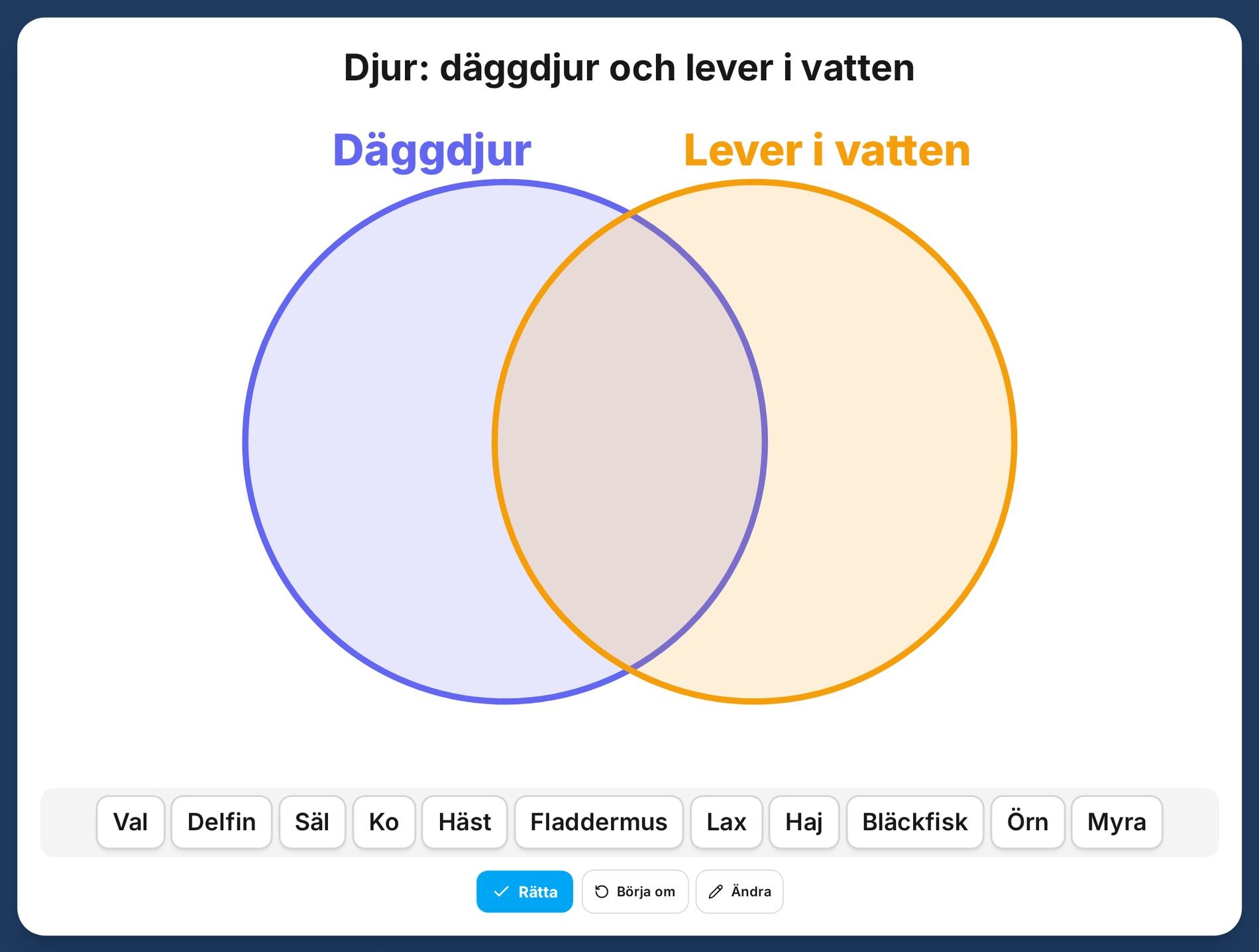
Venn diagram
A Venn diagram with two or three circles where the class drags words and numbers to the right area.
Number line
A number line on the board with the numbers you choose and as many parts per whole as you like, as fractions or decimals.
Percent
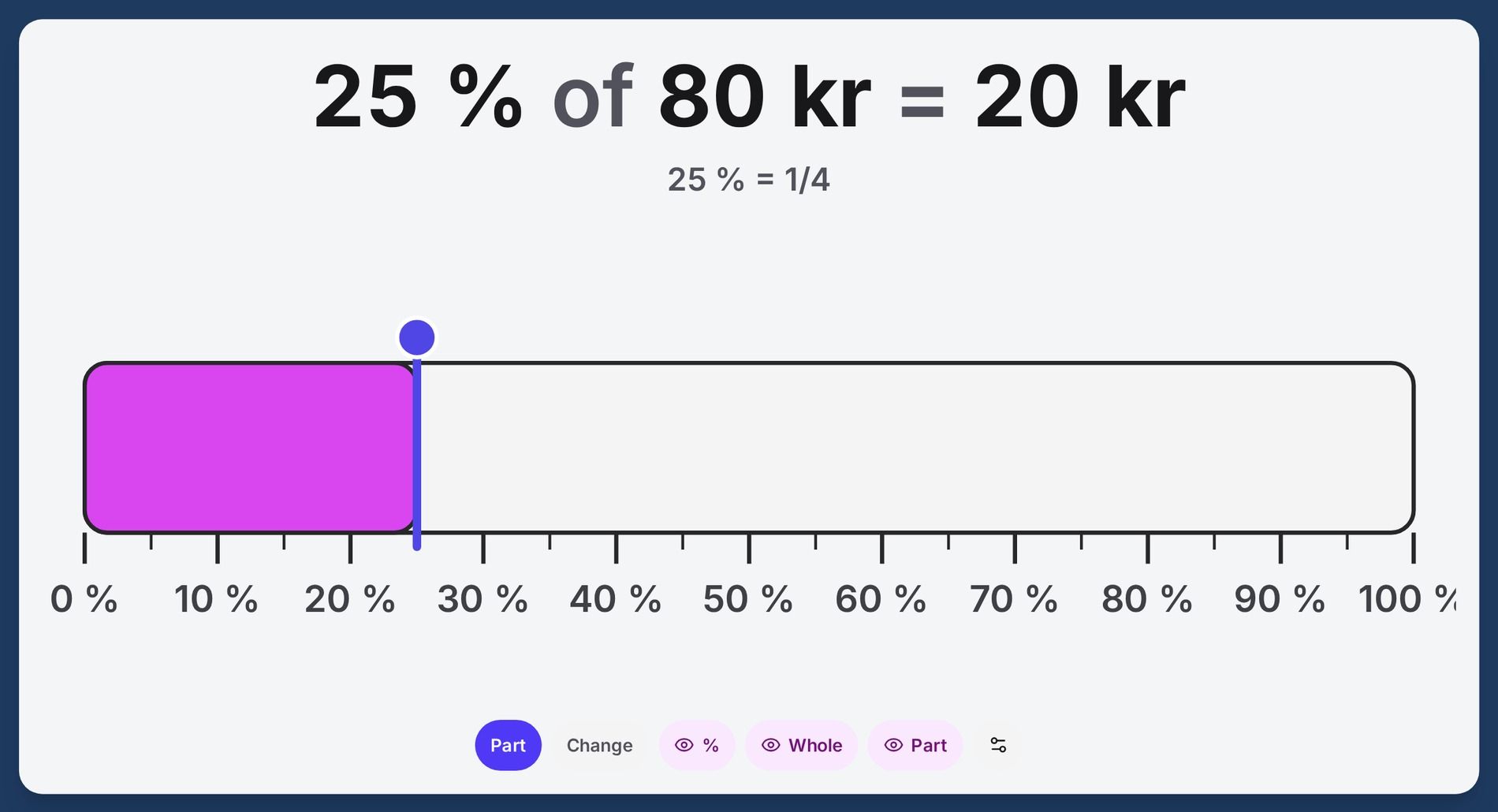
Show percent of something: 25 % of 80 kr on a bar from 0 to 100 %.
Averages
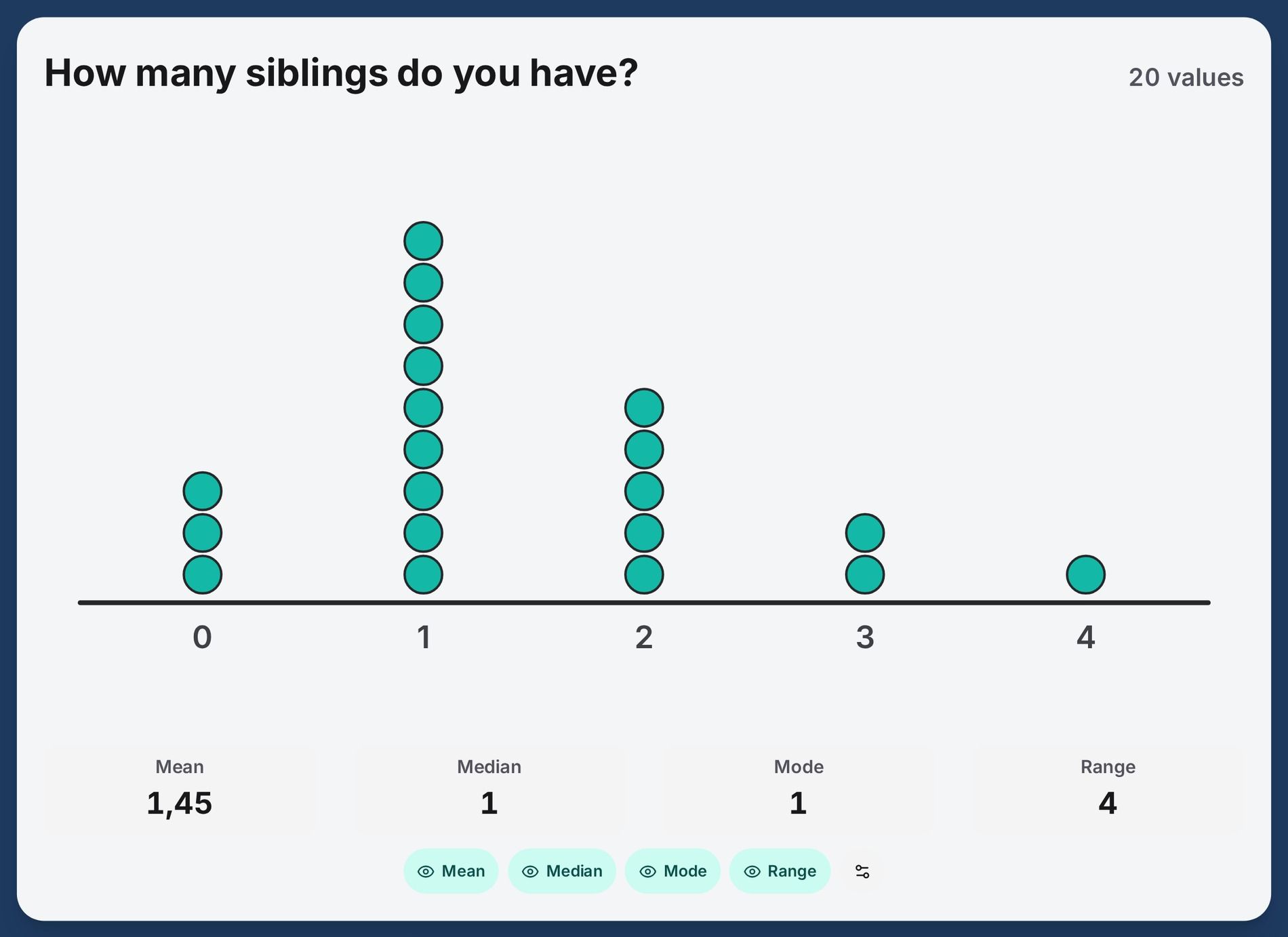
Type the class's own numbers and get a chart with mean, median, mode and range.
Unit sprint
Unit conversion at a brisk pace for the whole class: 2 dl = ?
Coordinate grid
A coordinate grid for demonstrations and questions: mark points with a tap, draw straight lines, and hide the coordinates or the function so the class answers first.
Fractions
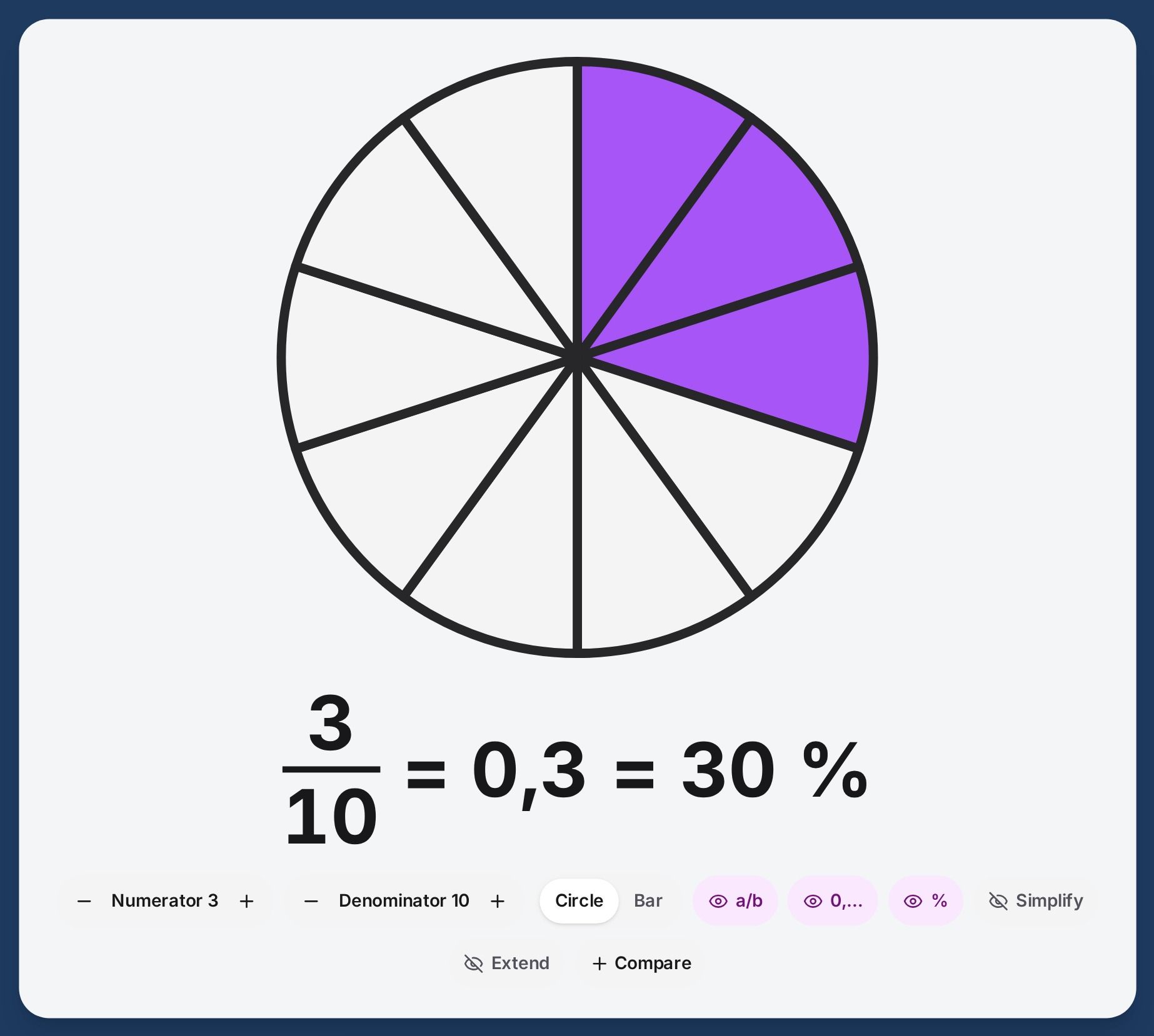
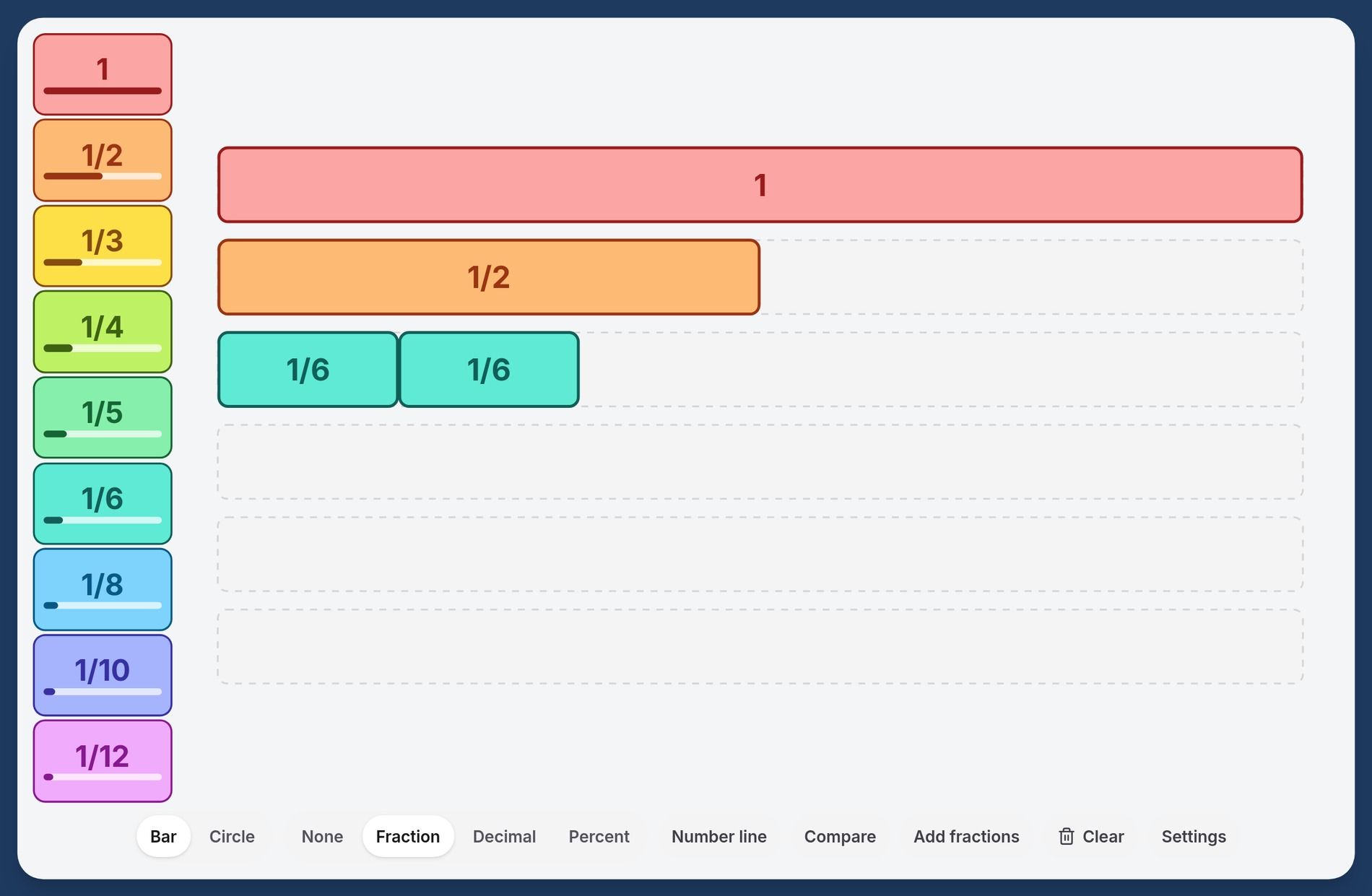
A fraction as a picture on the board: choose numerator and denominator and show it as a circle or a bar, with its decimal and percent.
Fraction sums (LCD)
Type a task such as 1/4 + 1/6 or ⅕ ÷ ¼ and the board works it step by step over the lowest common denominator, with a picture for every step.
Geometric shapes
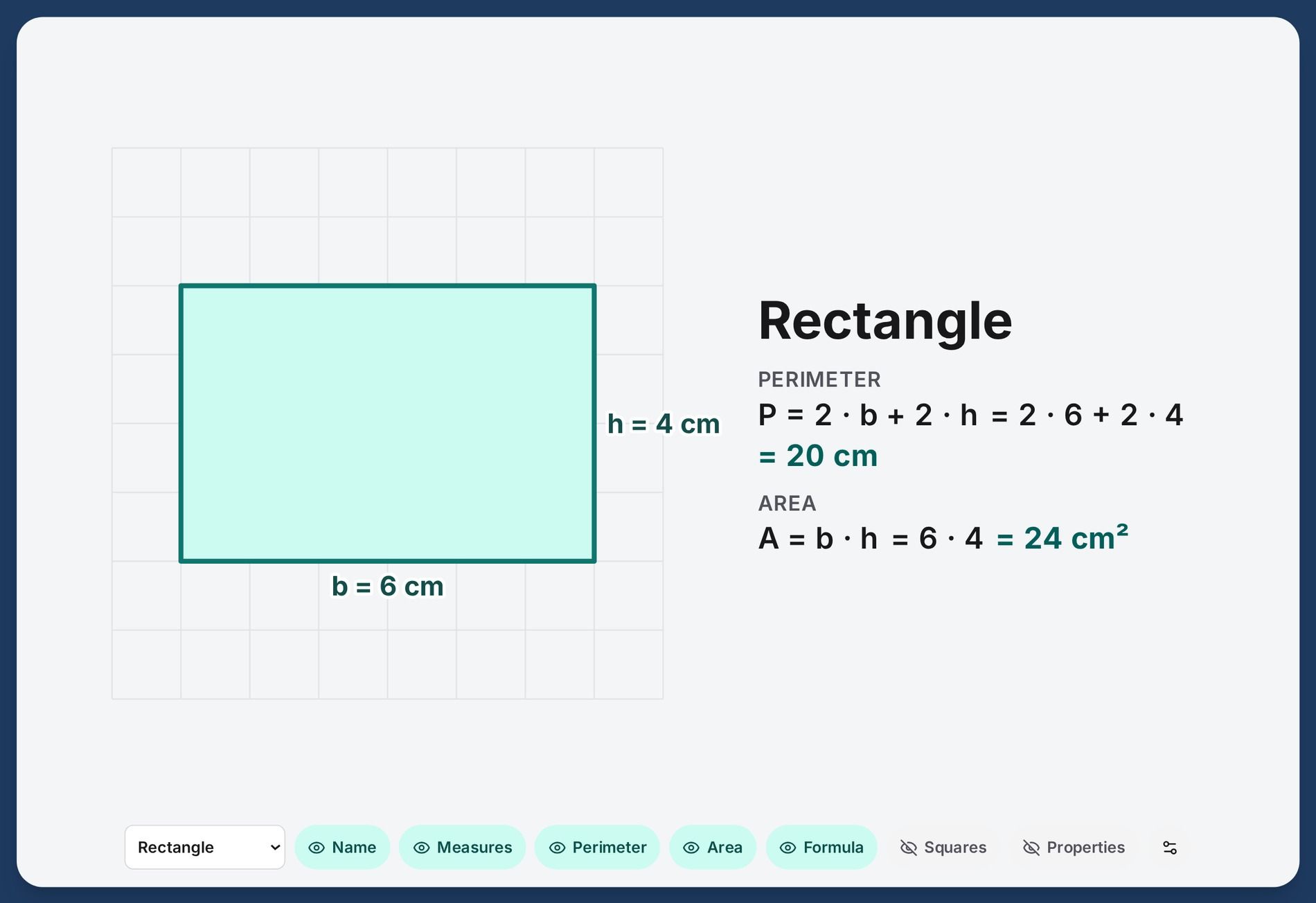
Draw squares, triangles, circles and solids large on the board with measures, perimeter, area, volume and formulas.
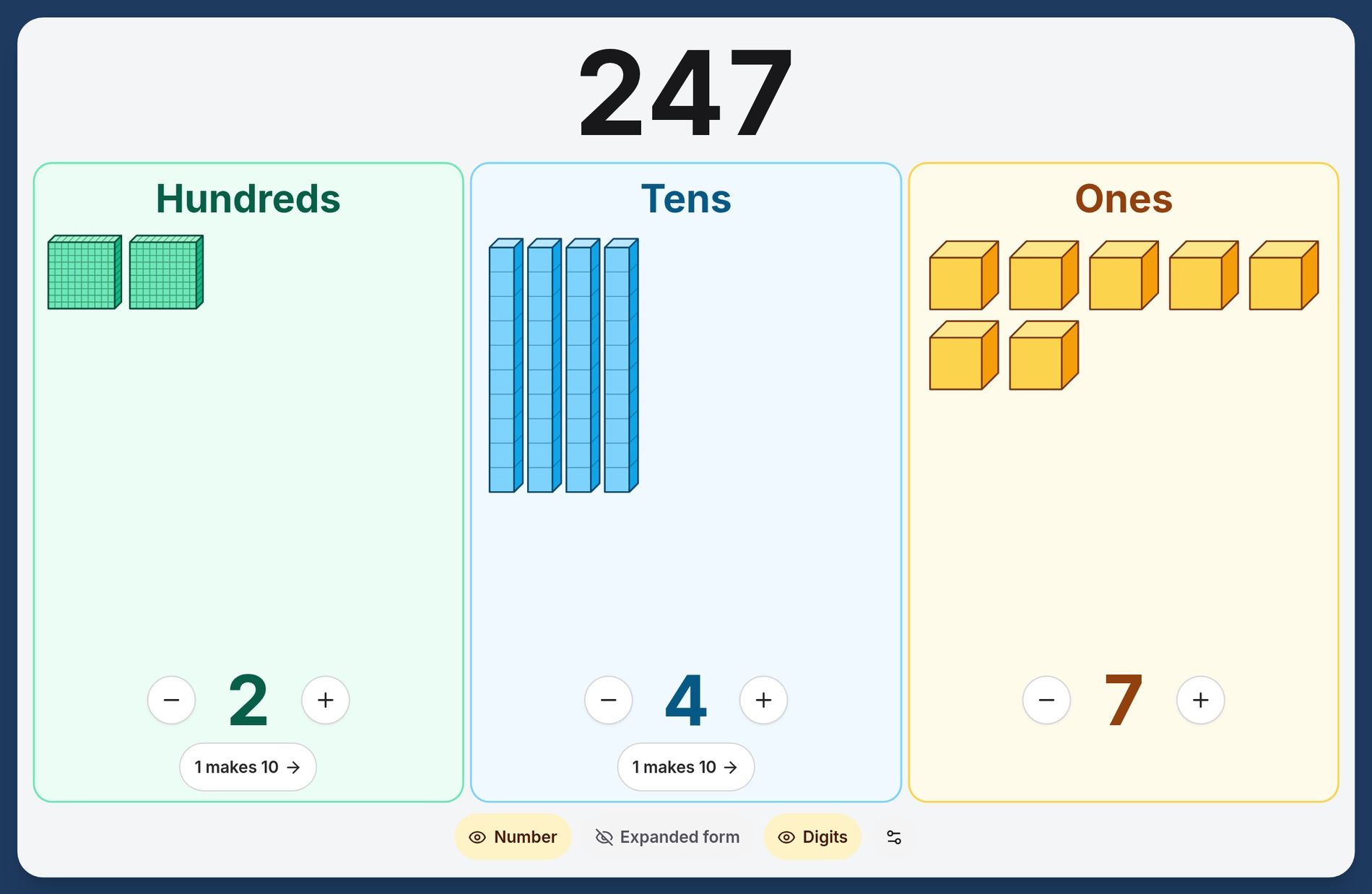
Base ten blocks
Show numbers with base ten blocks on the board.
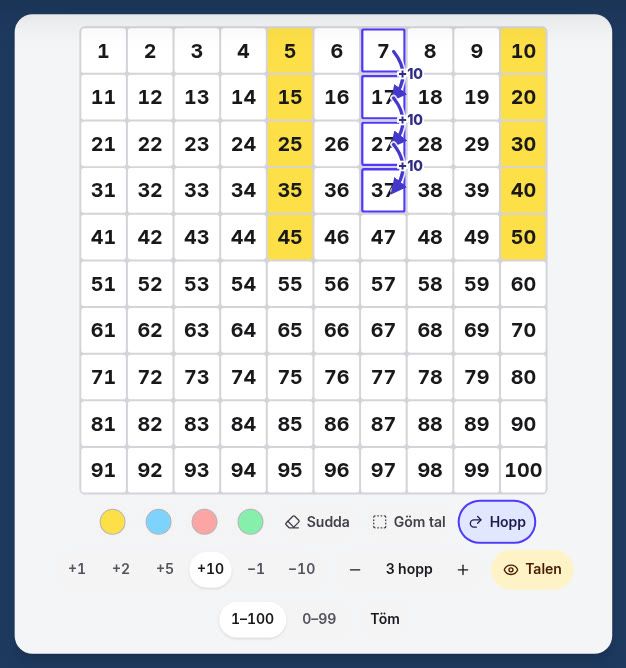
Hundred chart
A hundred chart with the numbers 1 to 100 or 0 to 99 on the board.
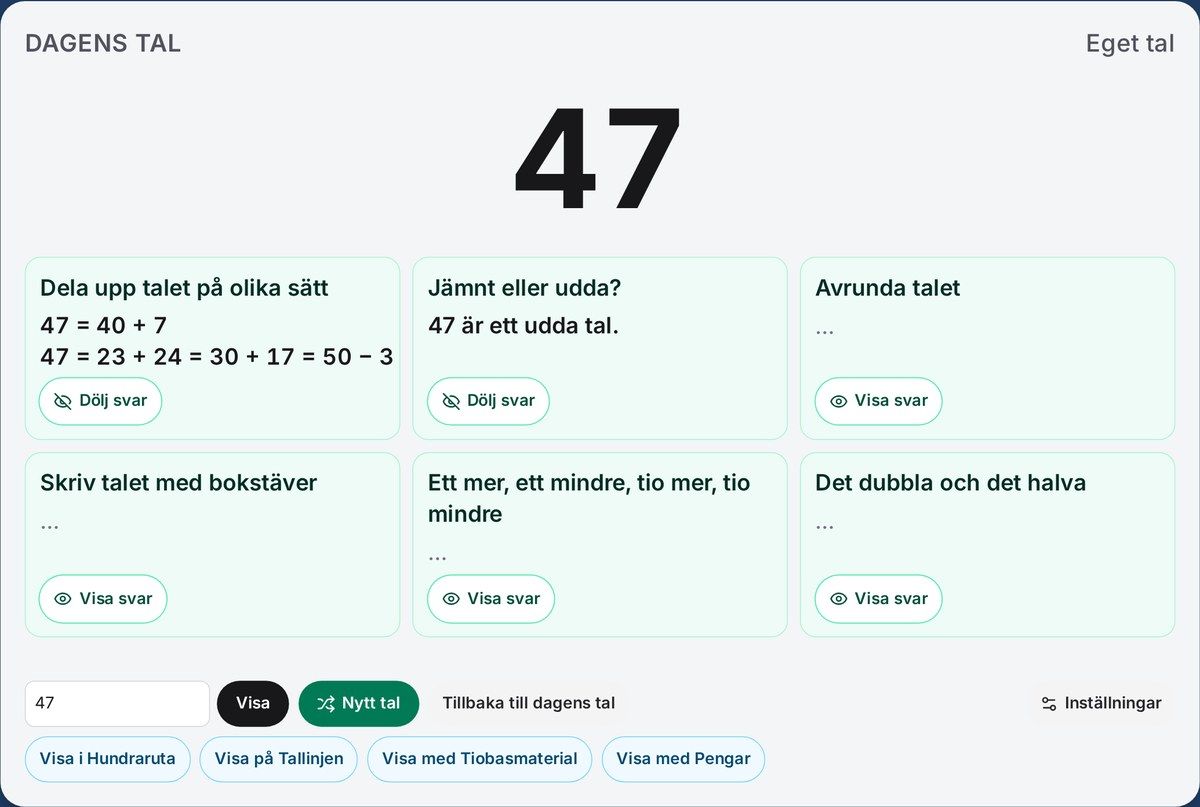
Number of the day
A new number on the board every day, with tasks like split it, odd or even, round it and write it in words.
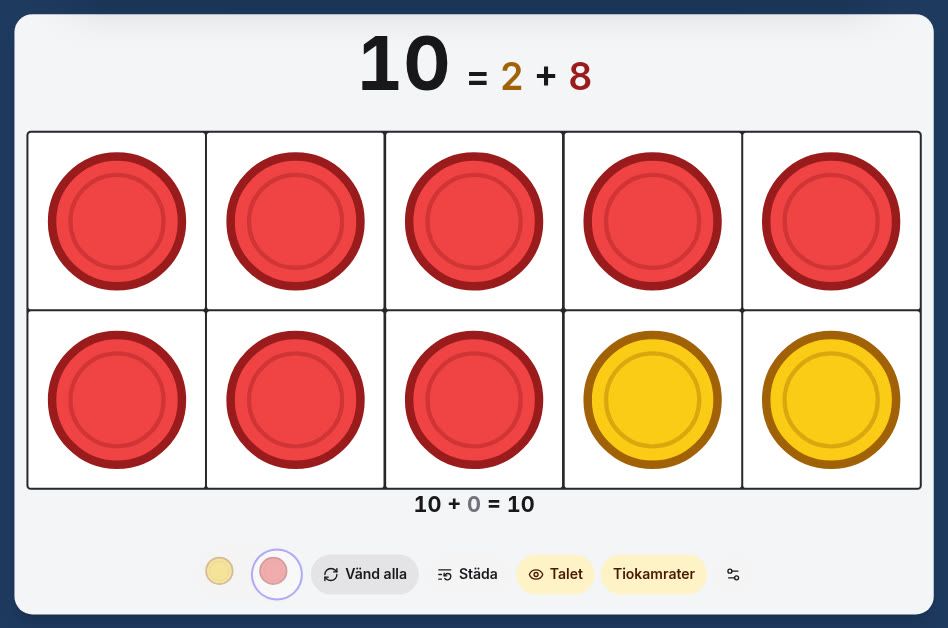
Ten frames and counters
One to four ten frames with yellow and red counters on the board.
Money
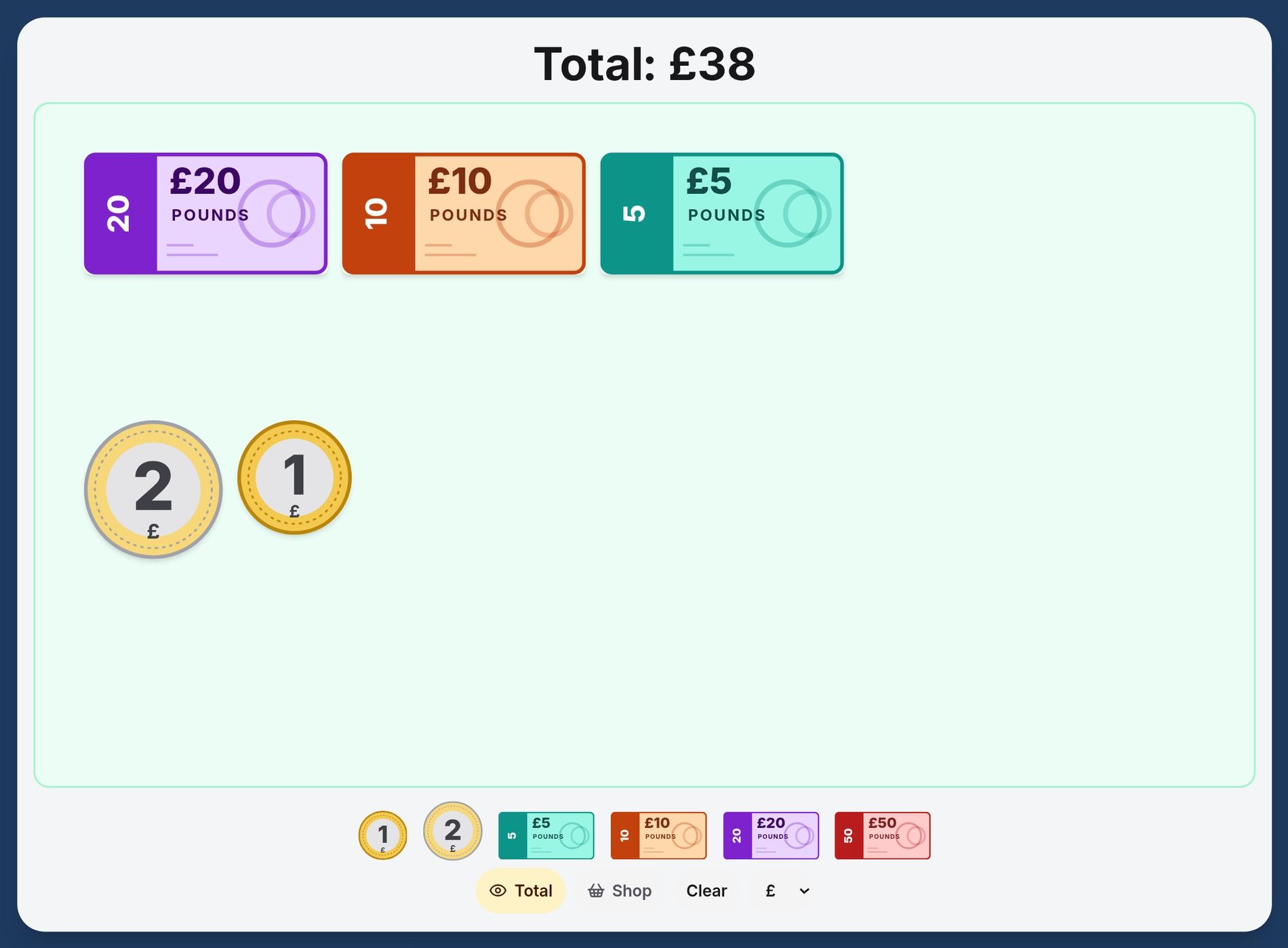
Today's coins and notes on the board, in pounds, euros or Swedish kronor.
Place value chart
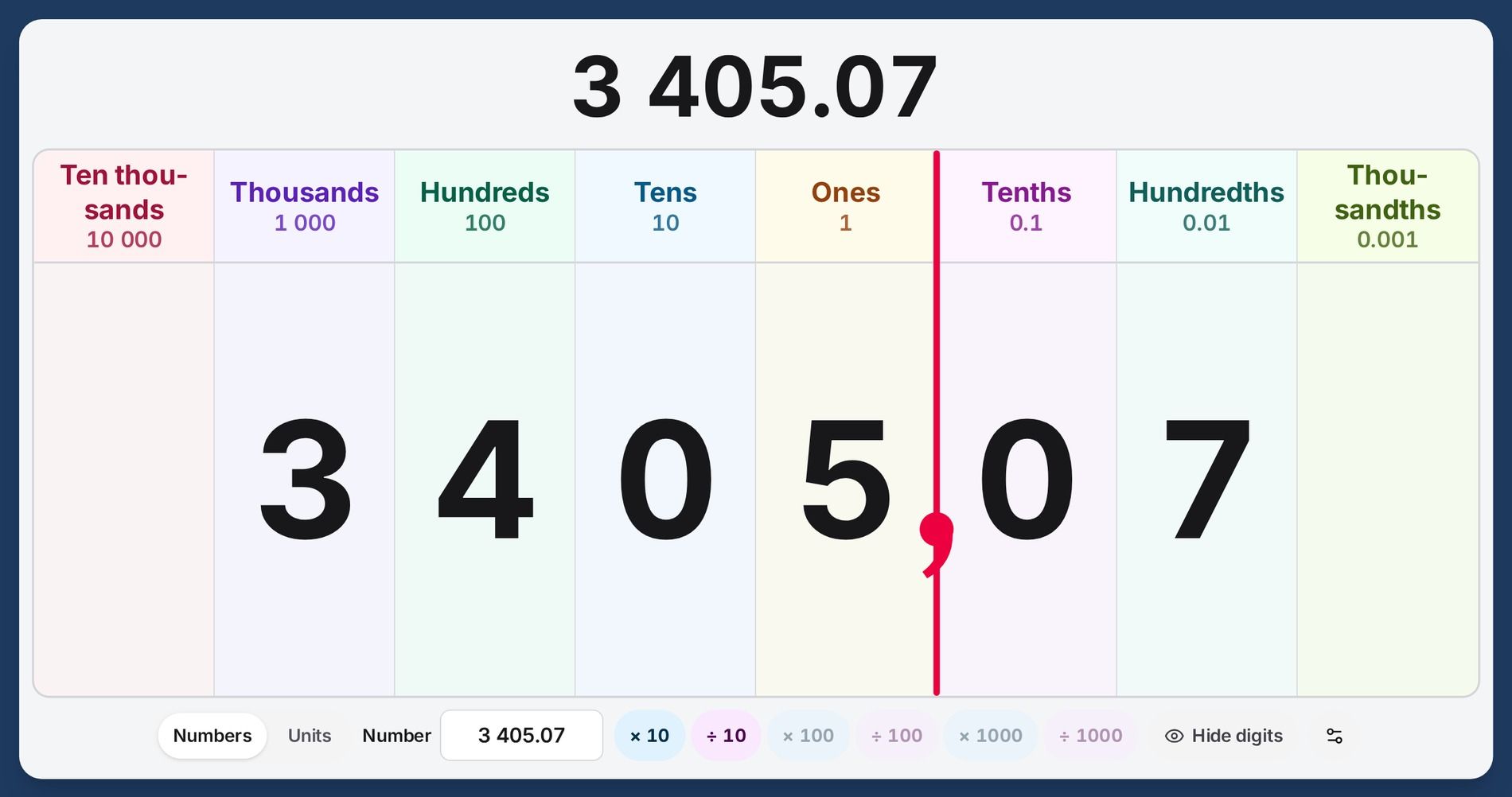
A place value chart from ten thousands to thousandths.
Angles
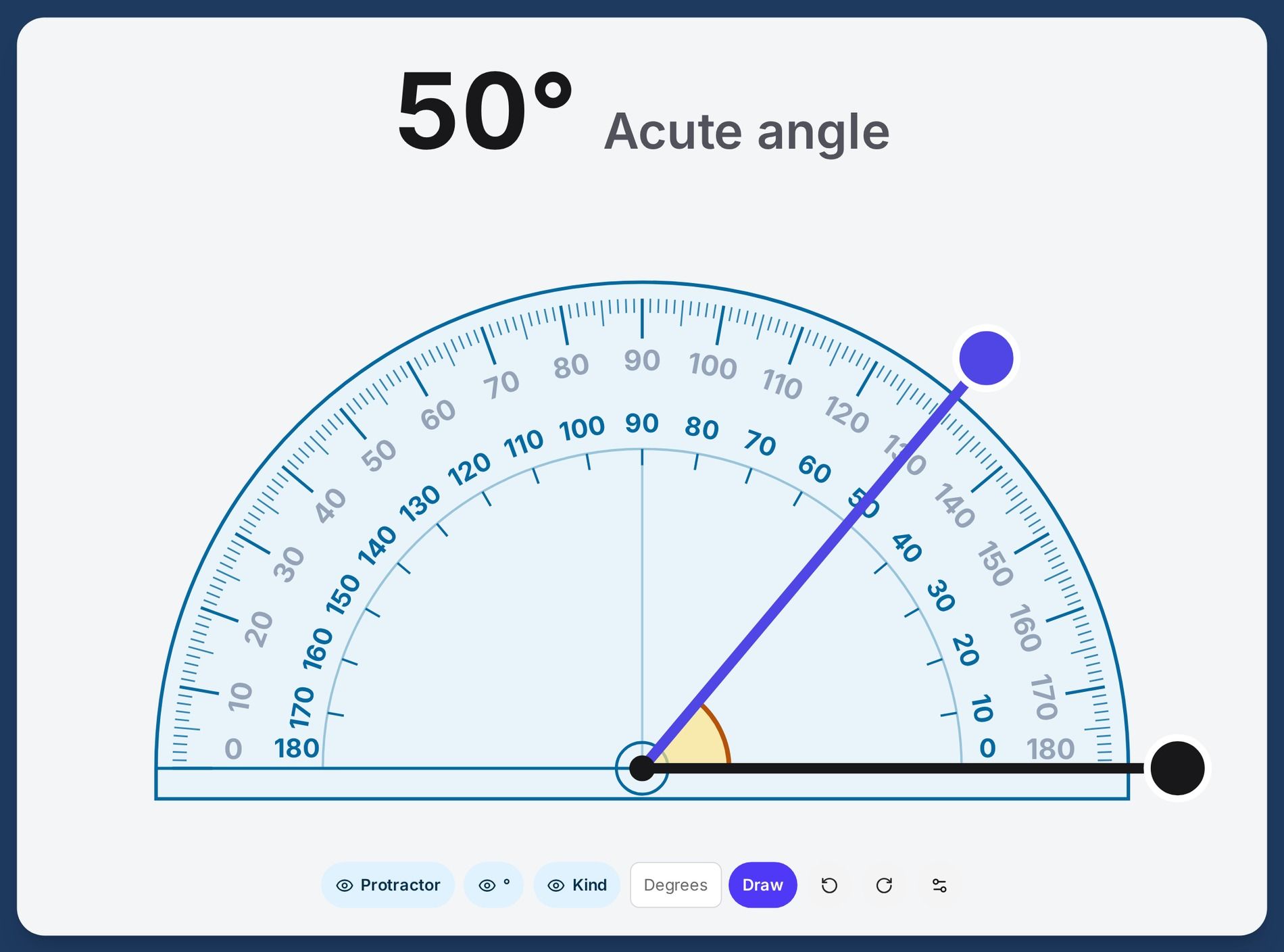
A big protractor on the board.
Probability
Draw marbles from a jar with and without replacement.
Graph plotter
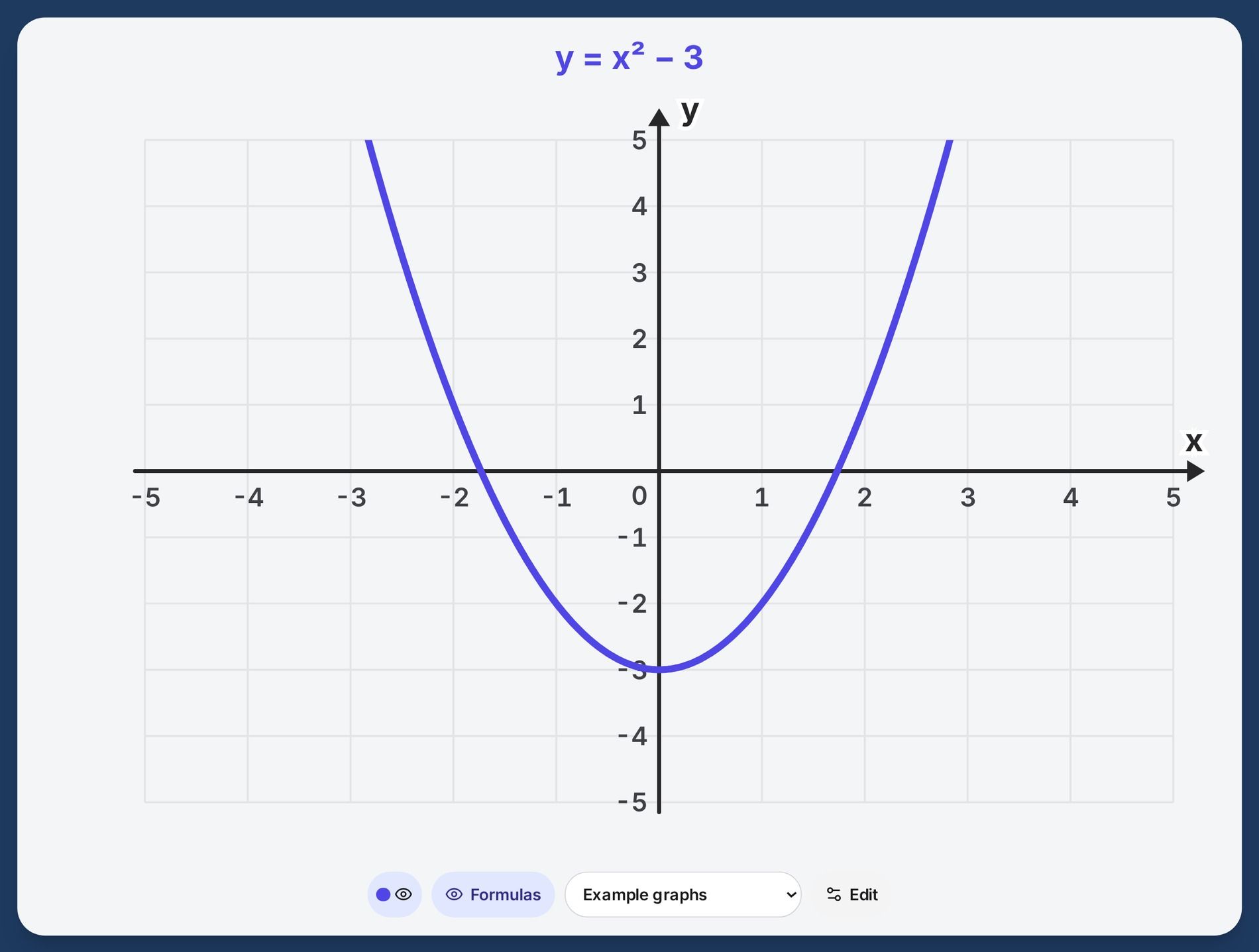
Draw functions on axes you graduate and name with units, like t (s) and s (m).
Fraction pieces
Drag fraction pieces from one whole to twelfths onto bars or circles.
Geoboard
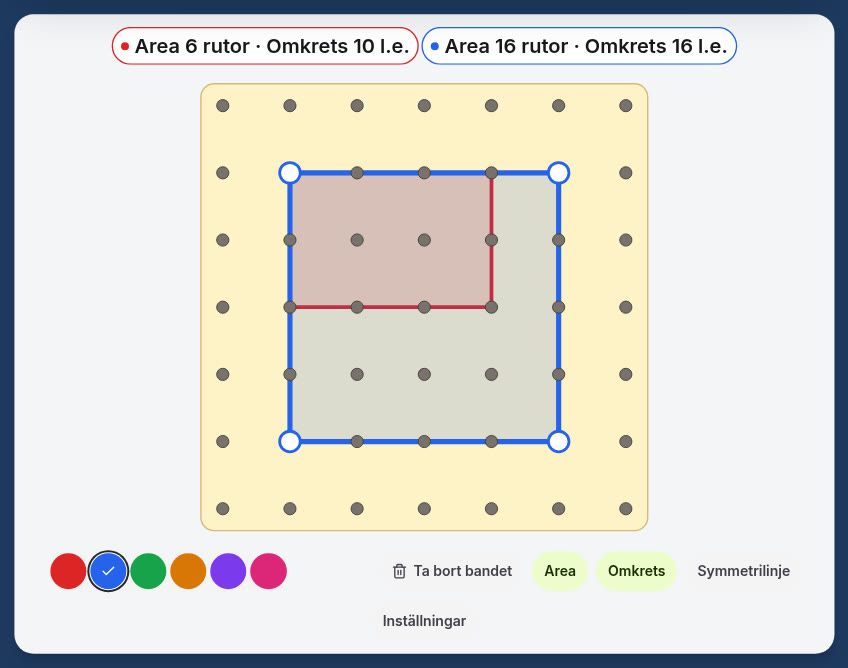
A digital geoboard with 5 × 5 to 11 × 11 pegs.
Algebra tiles
Tiles for x², x and 1, positive and negative.
Science
Physics and chemistry to show and explore: the atom, ray diagrams, circuits, light, sound and the periodic table.
Atom
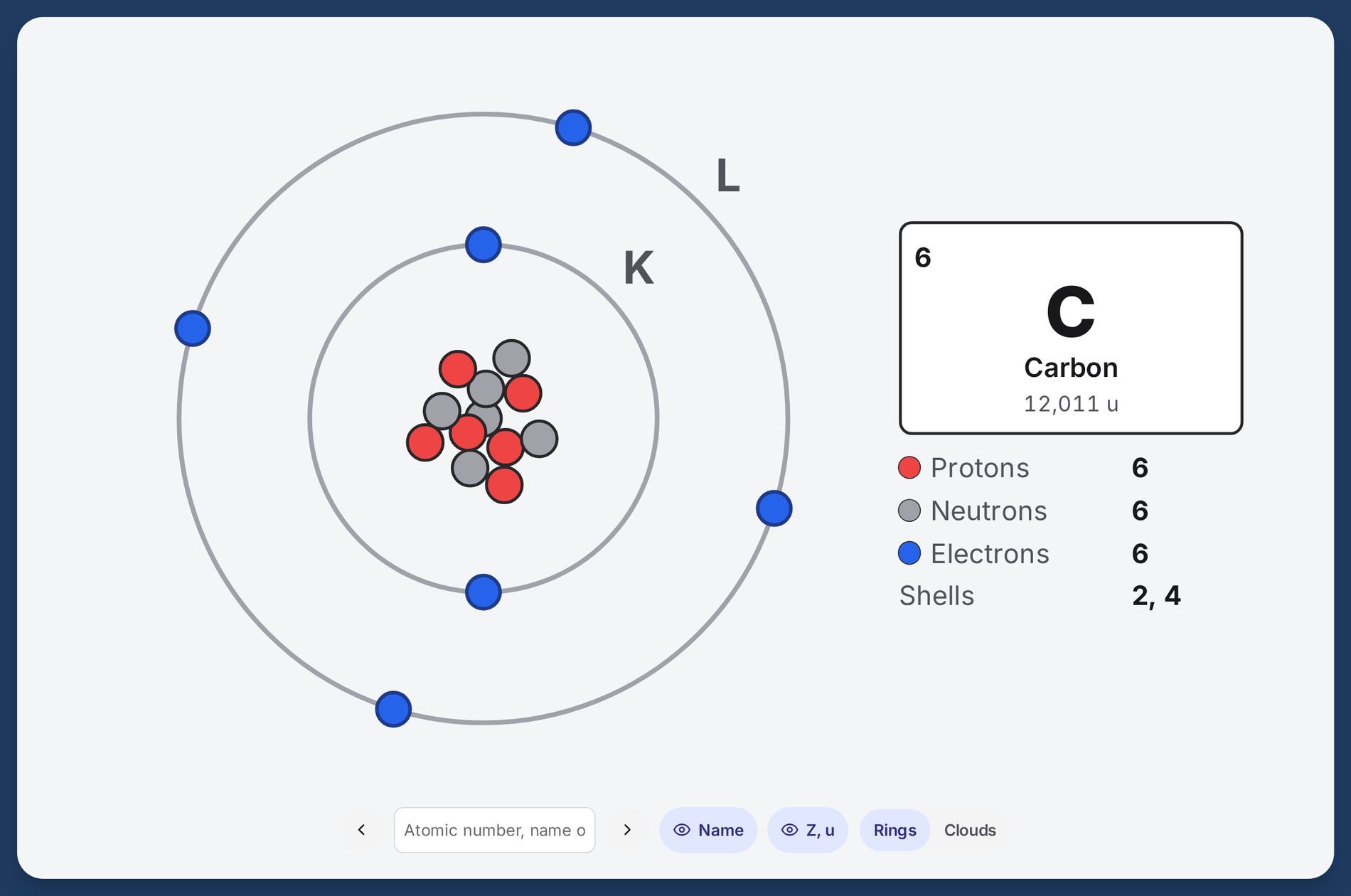
Show how an atom is built for elements 1–36: protons and neutrons in the nucleus, electrons in the shells K, L, M and N, with atomic number and mass as in the periodic table.
Lenses and mirrors
Show ray diagrams for converging and diverging lenses and concave, convex and plane mirrors.
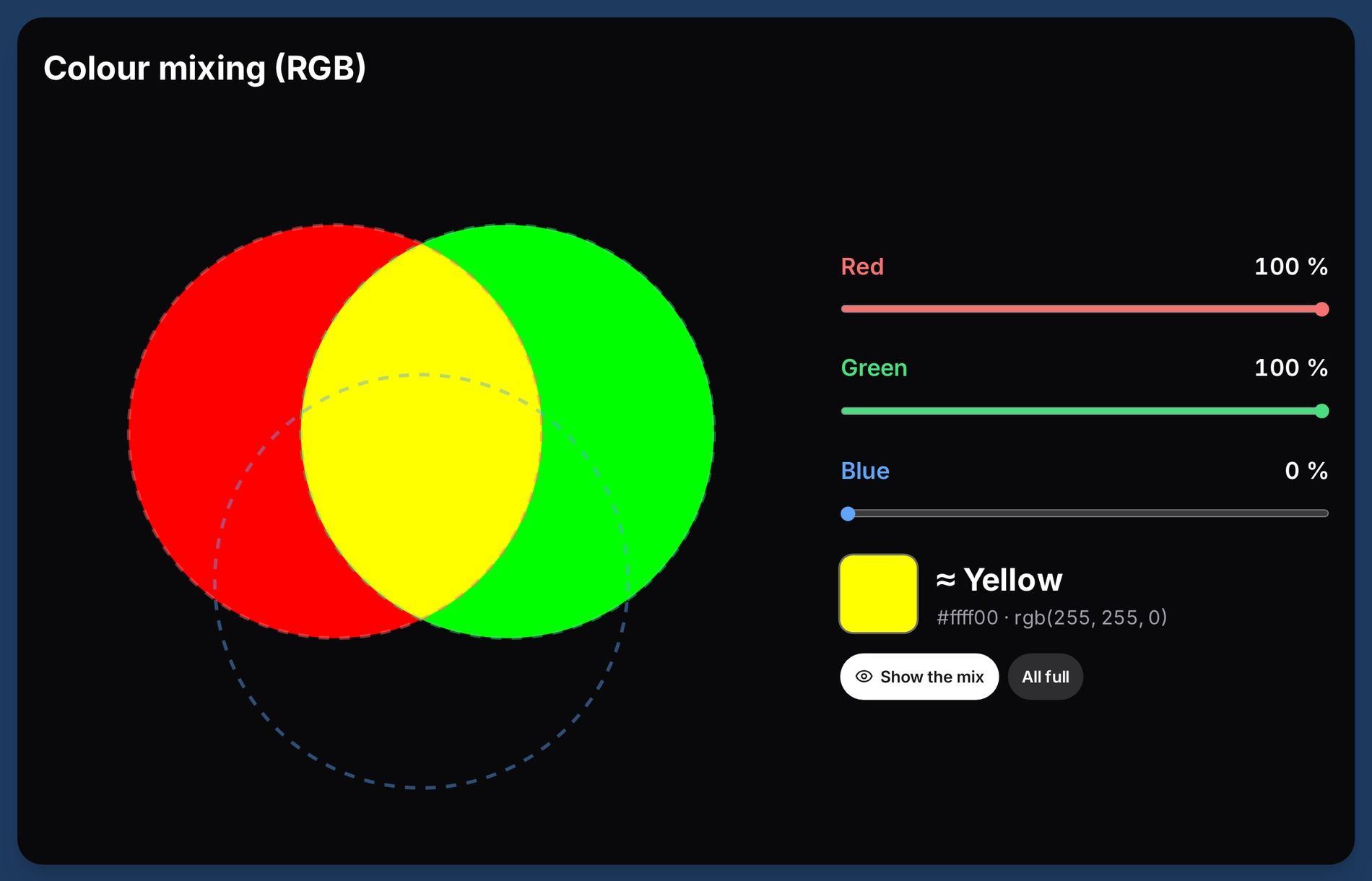
Colour mixing (RGB)
Three lights (red, green and blue) overlapping on black.
Circuit
Build circuit diagrams with the textbook symbols: wire, battery, lamp, switch and resistor.
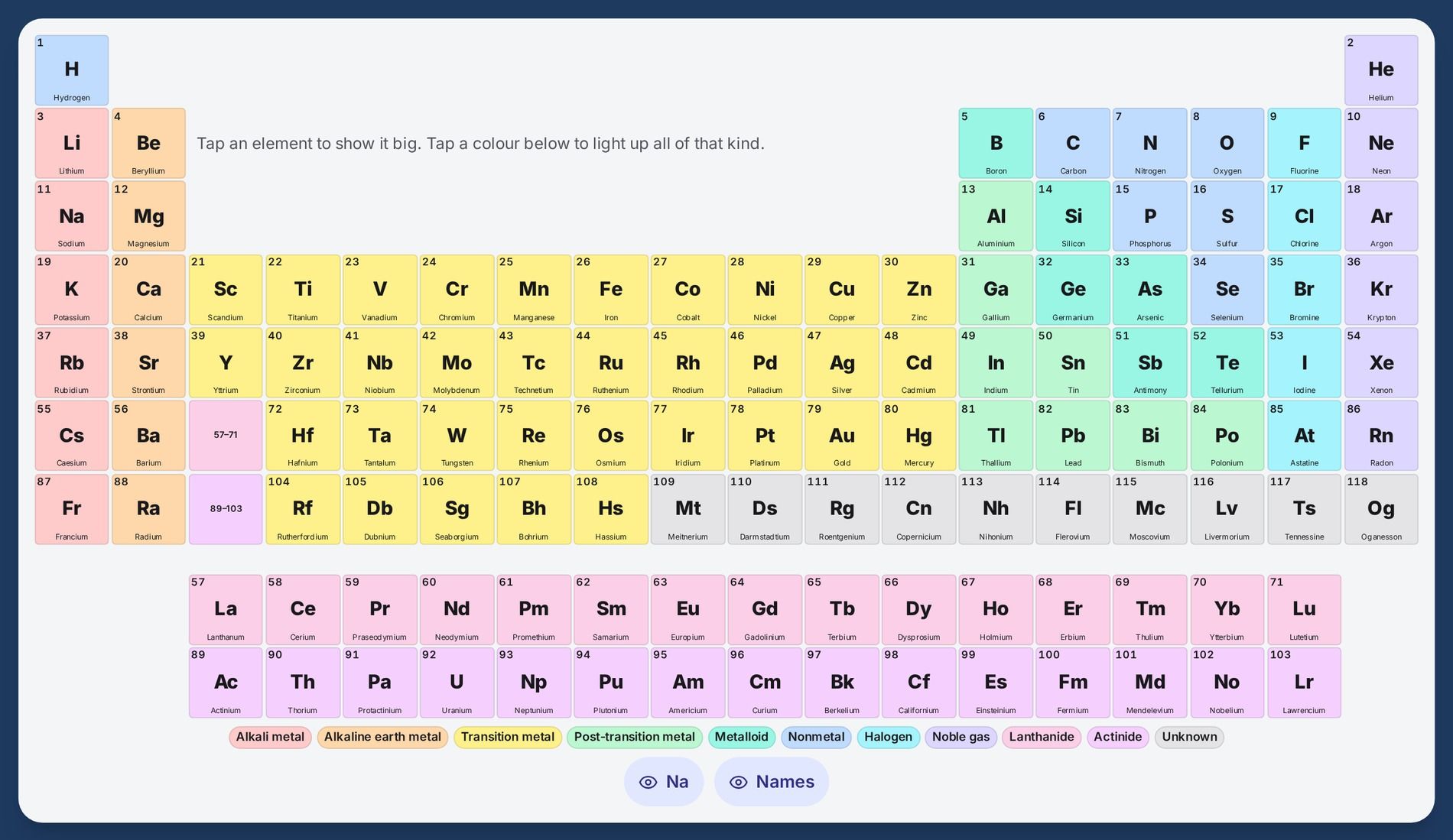
Periodic table
An interactive periodic table for chemistry lessons: all 118 elements coloured by kind.
Oscillator
A tone generator with the wave drawn on the board.
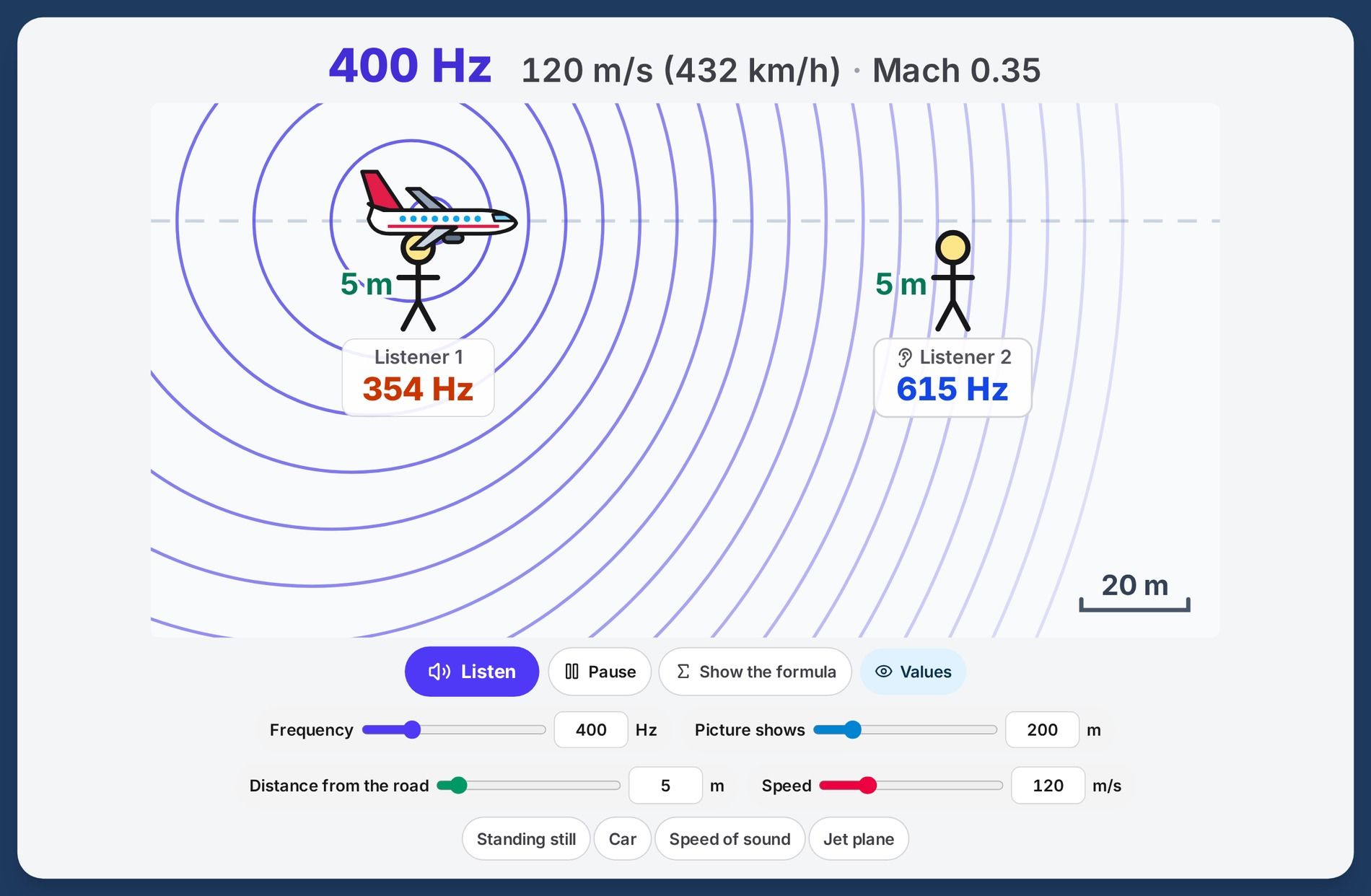
Doppler effect
A sound source drives across the board sending out sound waves.
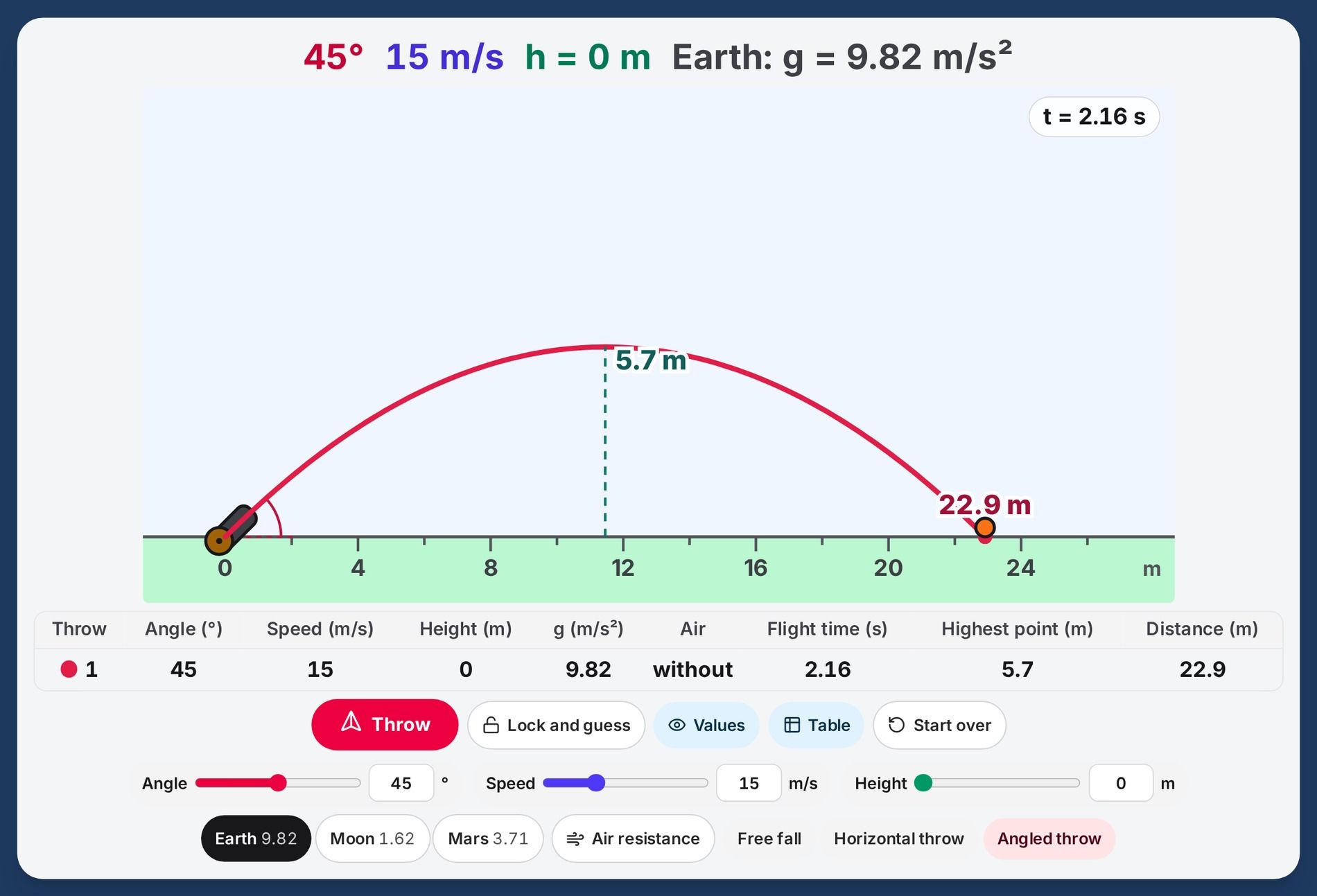
Projectile motion
Simulate projectile motion and free fall in physics: choose the angle, speed and height, throw on the Earth, the Moon or Mars, with or without air resistance.
Social studies
Geography and history on the board for the whole class and practice for every student: maps, flags and timelines.
Geography
Maps, countries, capitals and flags on the board, on students’ devices and as homework.
Map practice
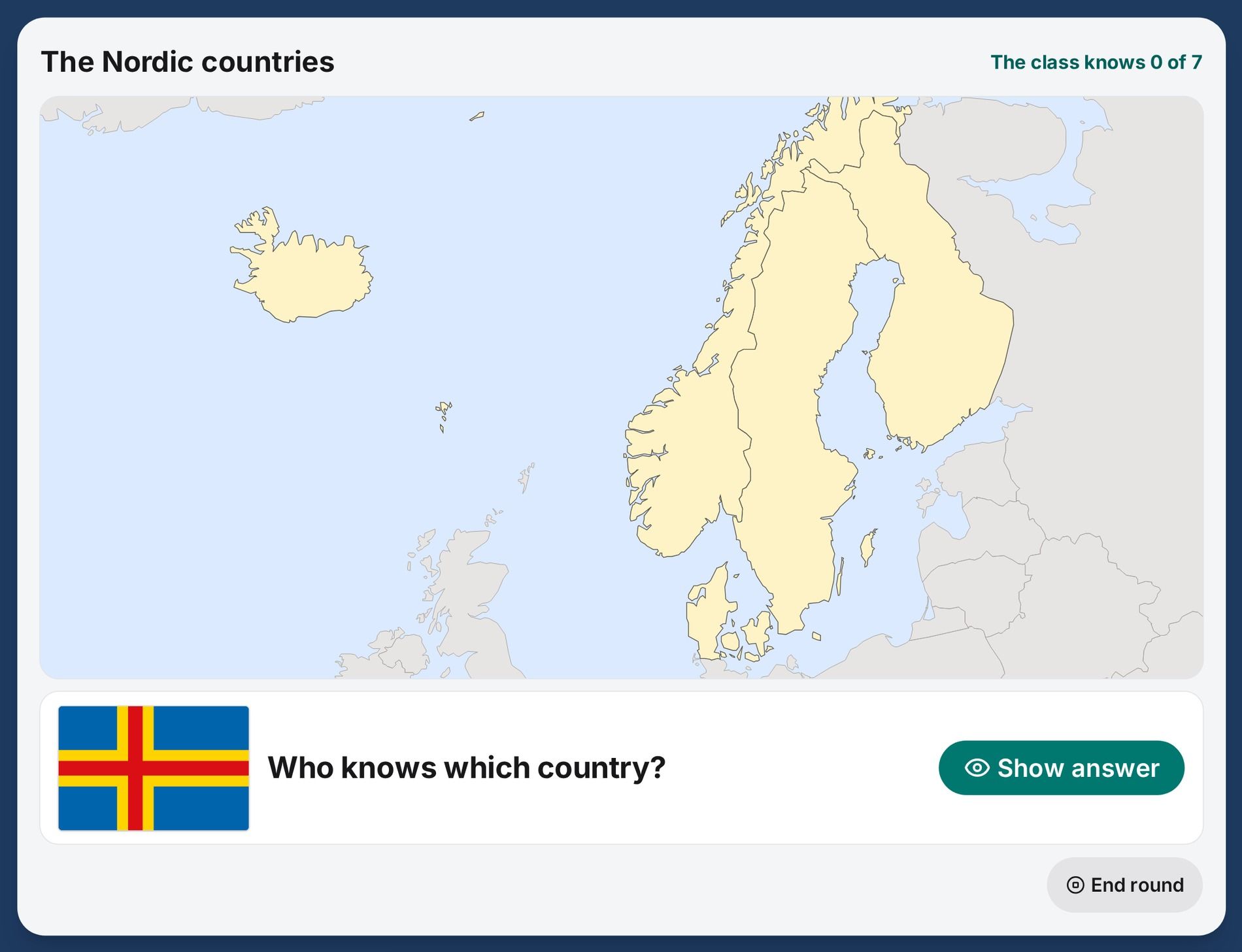
Students practise Sweden’s provinces and counties, the Nordic countries and Europe’s countries on the map.
Flag practice
Practise flags of Europe and the Nordic countries: pick the country among four names, then write it.
Geography sprint
Countries and capitals at a brisk pace for the whole class: the board says France, the class calls out Paris.
Arms, animals and flowers of the provinces
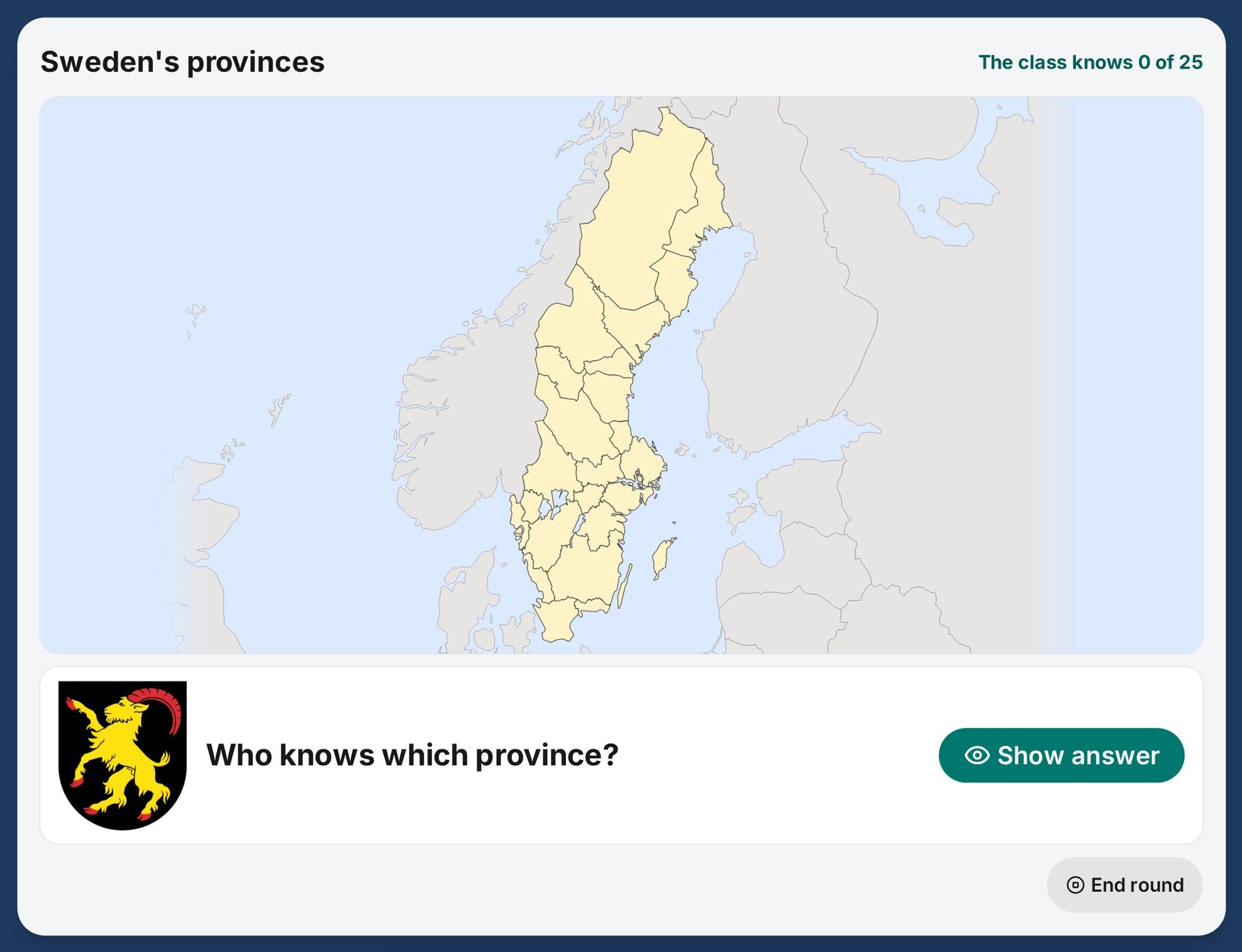
Practise the 25 provinces of Sweden with their coats of arms, provincial animals and provincial flowers.
History
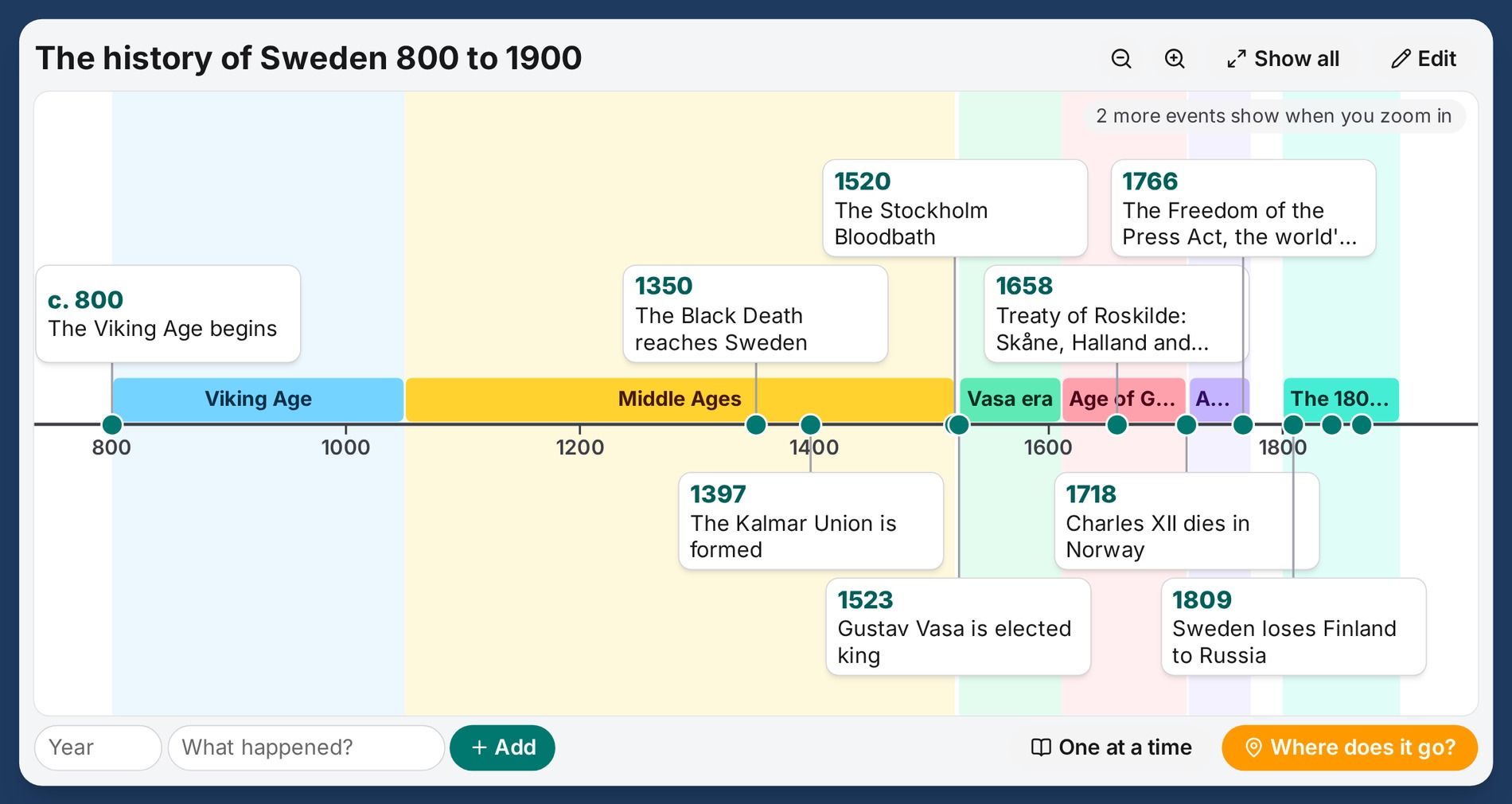
Events and periods on a timeline, and students practise the order.
Society and sources
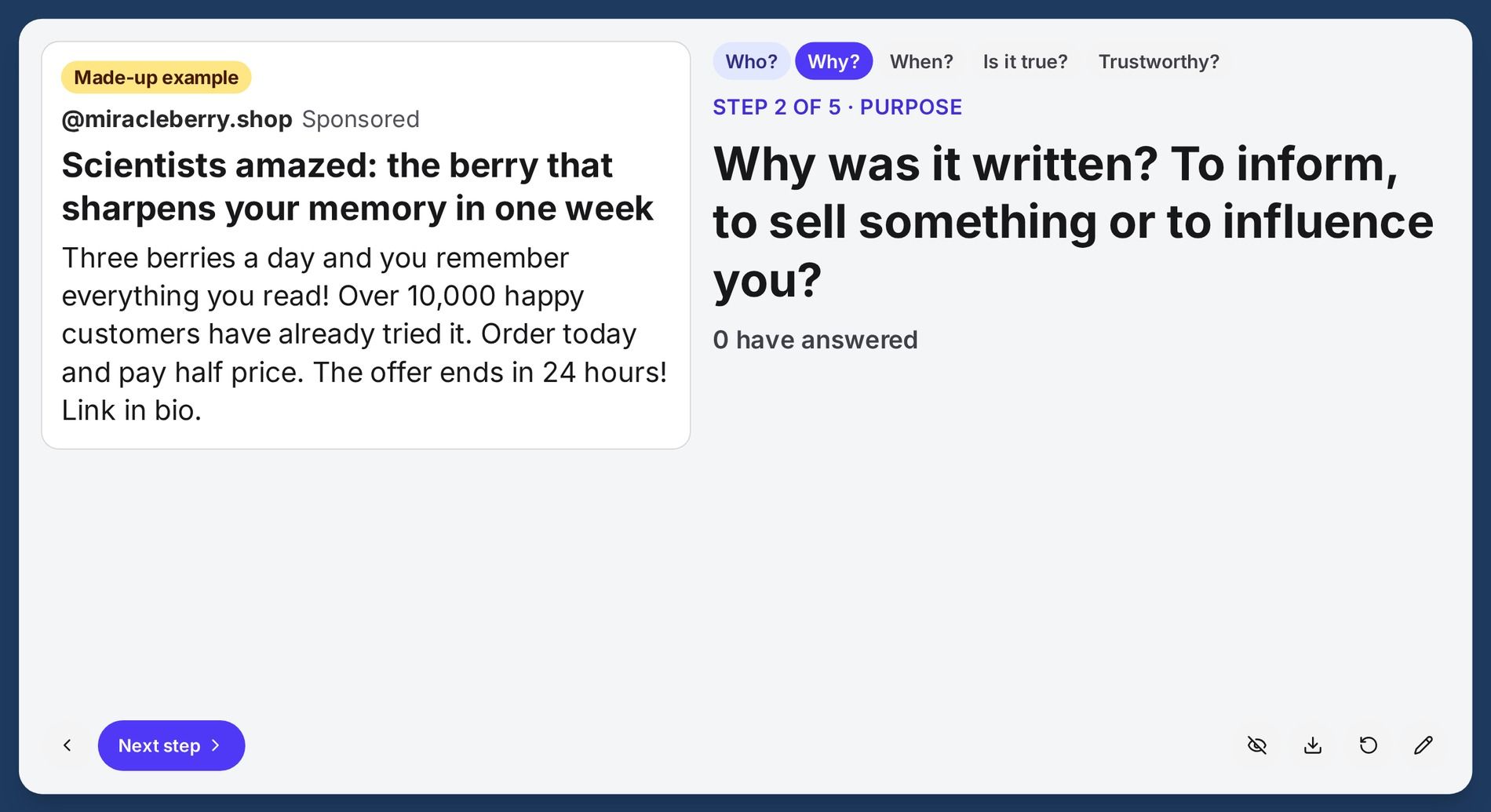
Check a source step by step: who, why, when and is it true?
Music
Chord charts, the circle of fifths, rhythms with drums or body percussion, note reading, a metronome and a piano for the music lesson, on the board and on students’ own devices.
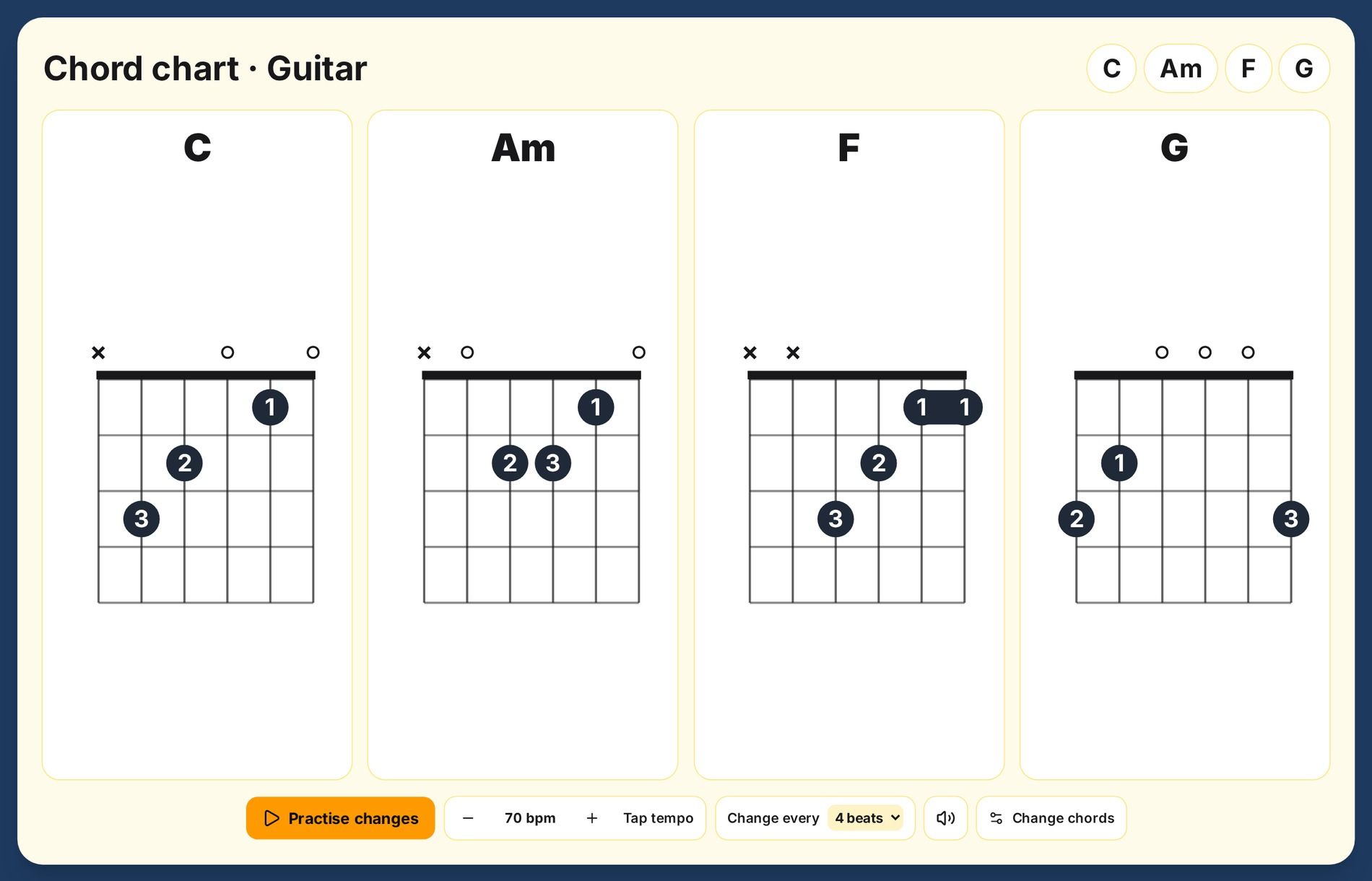
Chord chart
Big guitar and ukulele chord diagrams on the board, and a practice mode where the next chord comes in time with a click, so the changes get quicker.
Metronome
A metronome you can see from the back row: the beat of the bar as a big number, a pendulum and a click accented on the one.
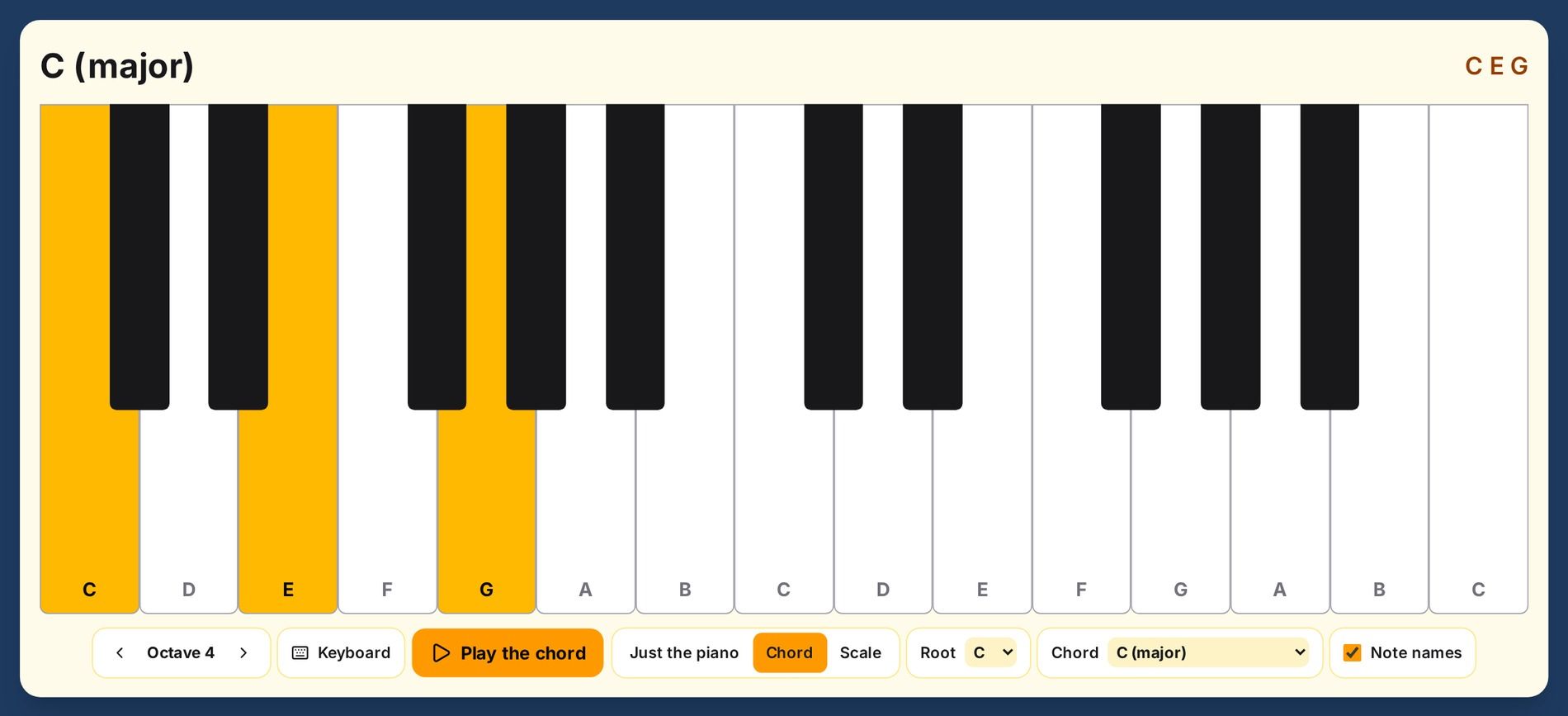
Piano
Two octaves of piano to play, and a chord or a scale lit up on the keys with the note names: A minor is A, C and E.
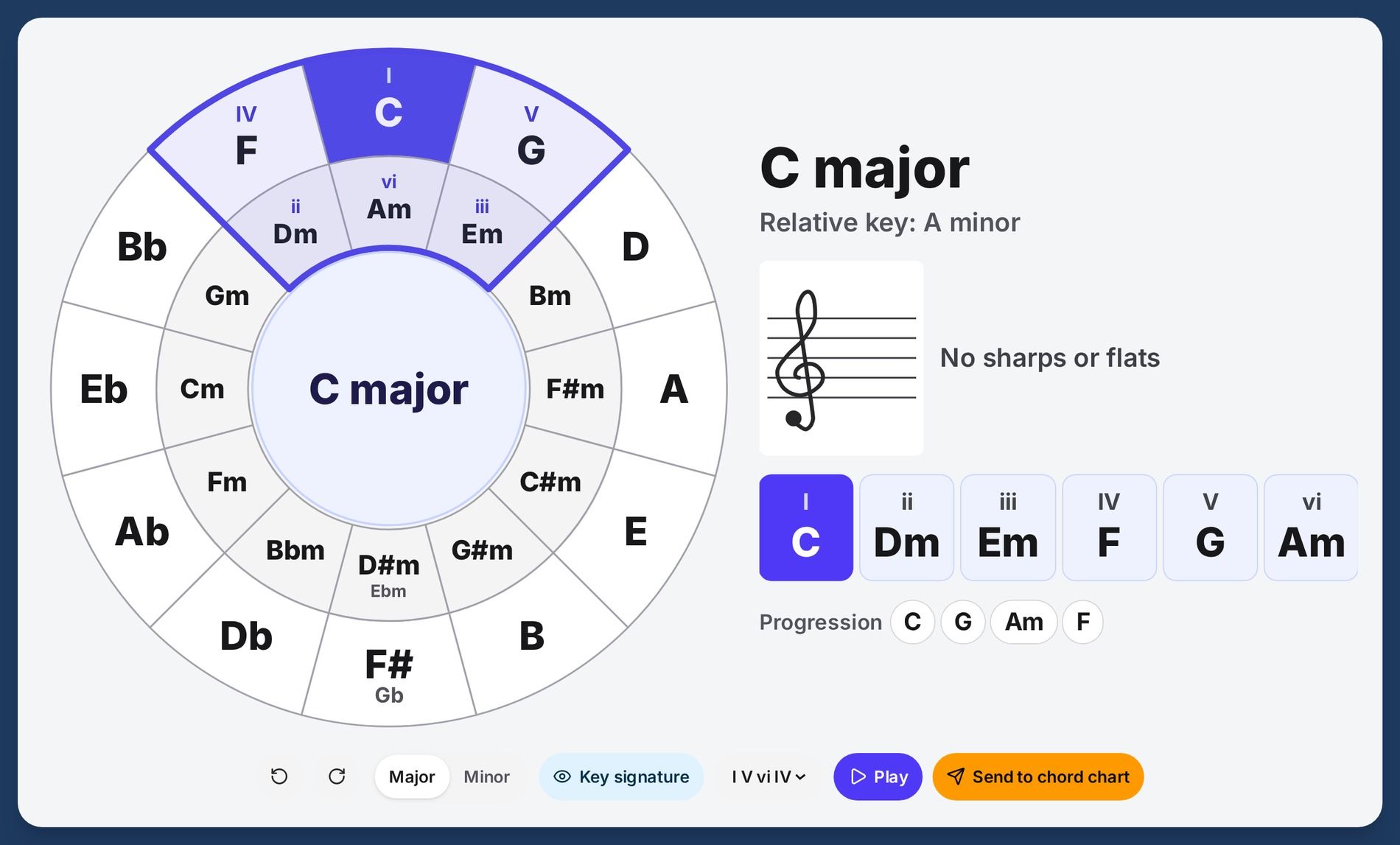
Circle of fifths
A circle of fifths to tap.
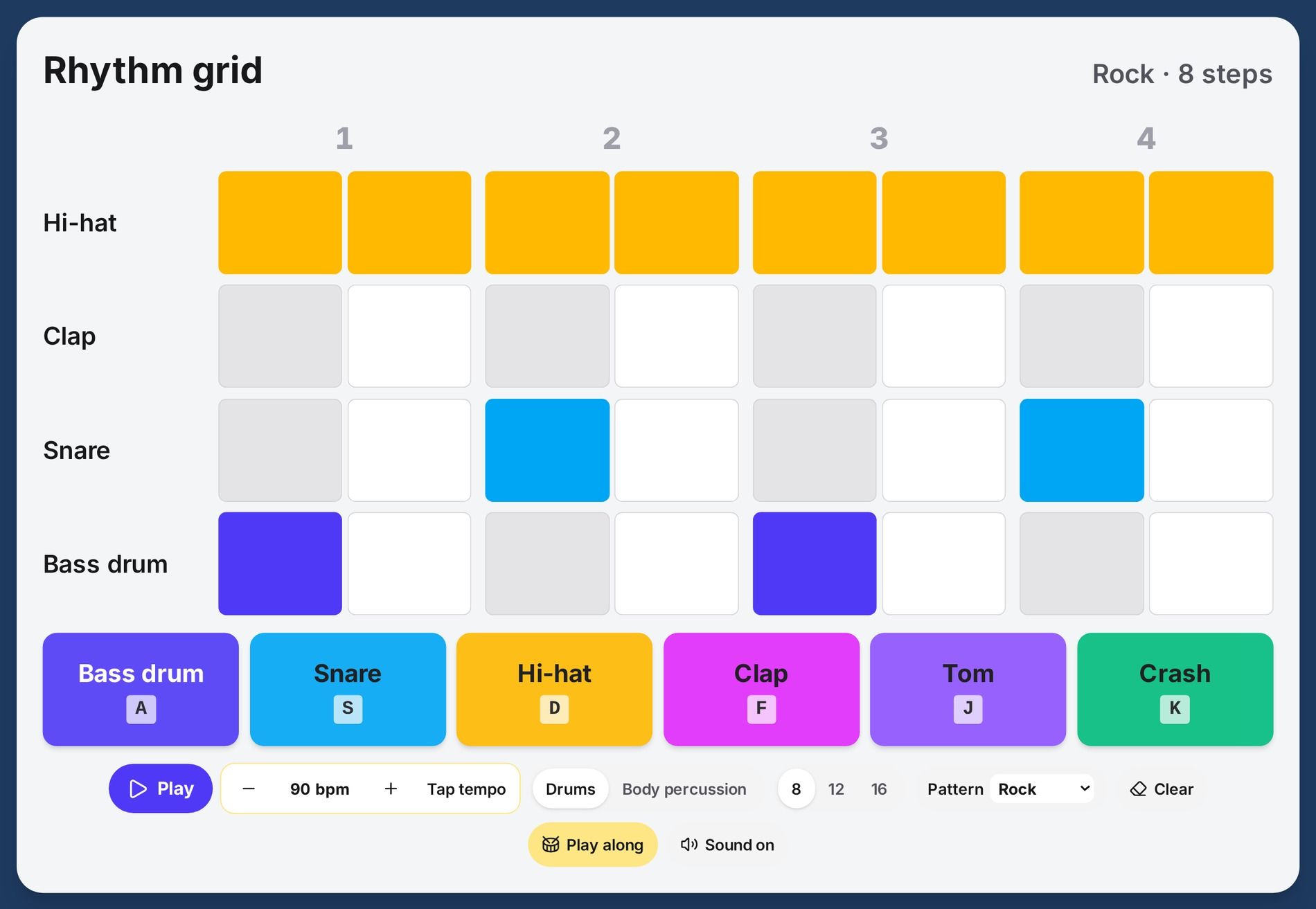
Rhythm grid
A grid of 8, 12 or 16 steps with a row per sound, and pads to play along on.
Note reading
A note on the staff and the student taps its name.
Tuner
Tune a guitar or ukulele with the computer or phone microphone.
Show on the board
Pictures, presentations and drawings. Show exactly as much as you want.
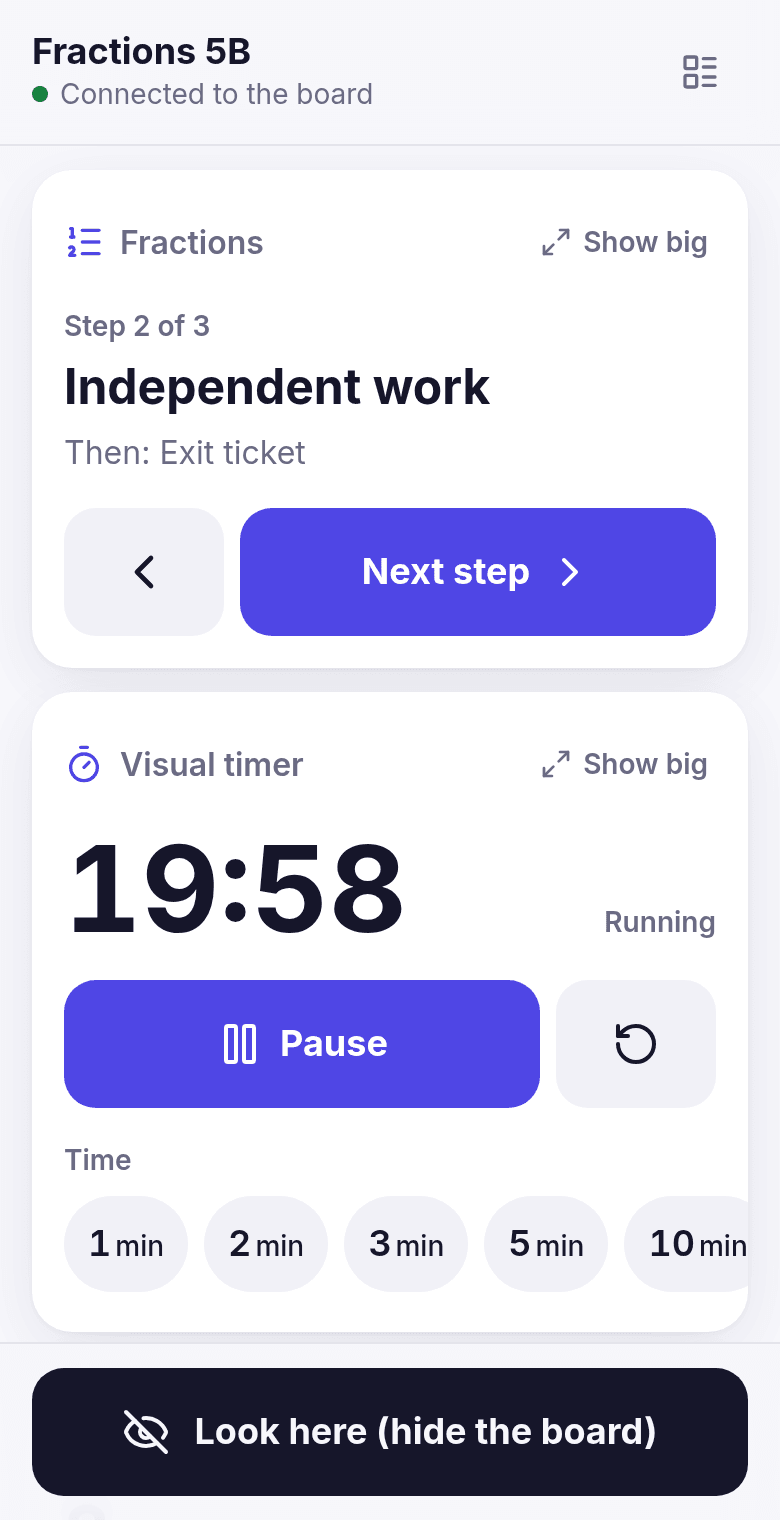
Control from your phone
Your phone becomes a remote control for the board.
Drawing
Draw and write freely on the board with pen and eraser, on a see-through, white or squared background.
Mind map
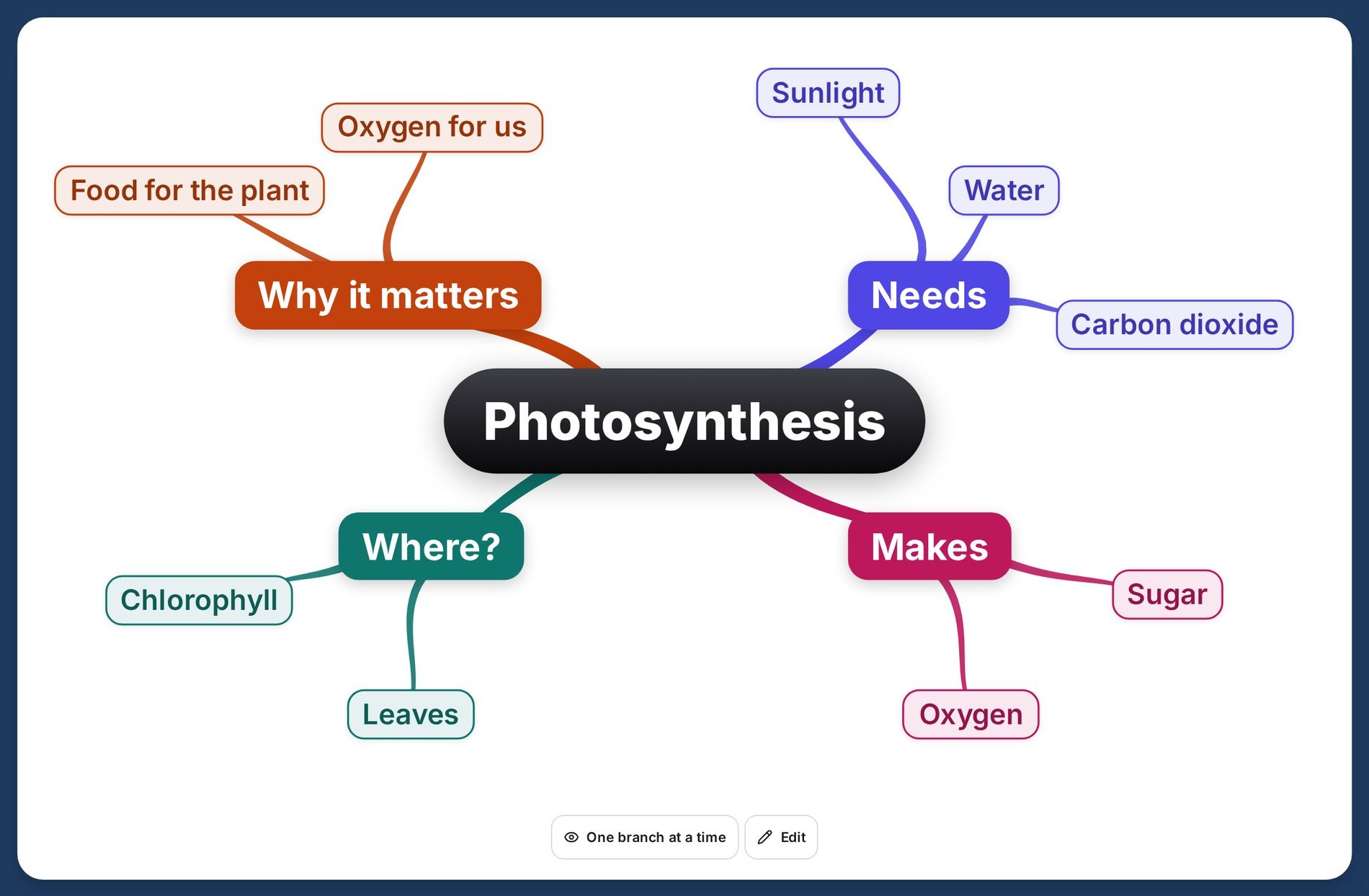
A mind map with the topic in the middle and coloured branches round it that lays itself out.
Worksheet (PDF)
Add a worksheet, a text or a test as a PDF and write on it on the board, page by page.
Table
A simple table on the digital whiteboard.
Proverb of the day
A proverb big on the board in the language the class learns, with its word-for-word translation and meaning in Swedish, hidden until the class has guessed.
Canva, PowerPoint & GeoGebra
Embed a presentation from Canva, PowerPoint for the web or Google Slides, or a GeoGebra graph, right on the board, next to the timer and the schedule.
Present
Show the lesson on the projector in its own window and control everything from your computer.
Images
Put your own pictures or ready-made Pekpinne pictures on the board and in the steps of the schedule.
Zoom
Enlarge part of the board so everyone can see, like a magnifying glass.
Screen shade
Cover a note, a schedule or a picture and reveal one task at a time, like a blind.
Letter formation
Show how letters are written, stroke by stroke and in the right direction, large on writing lines on the board.
Guess the word
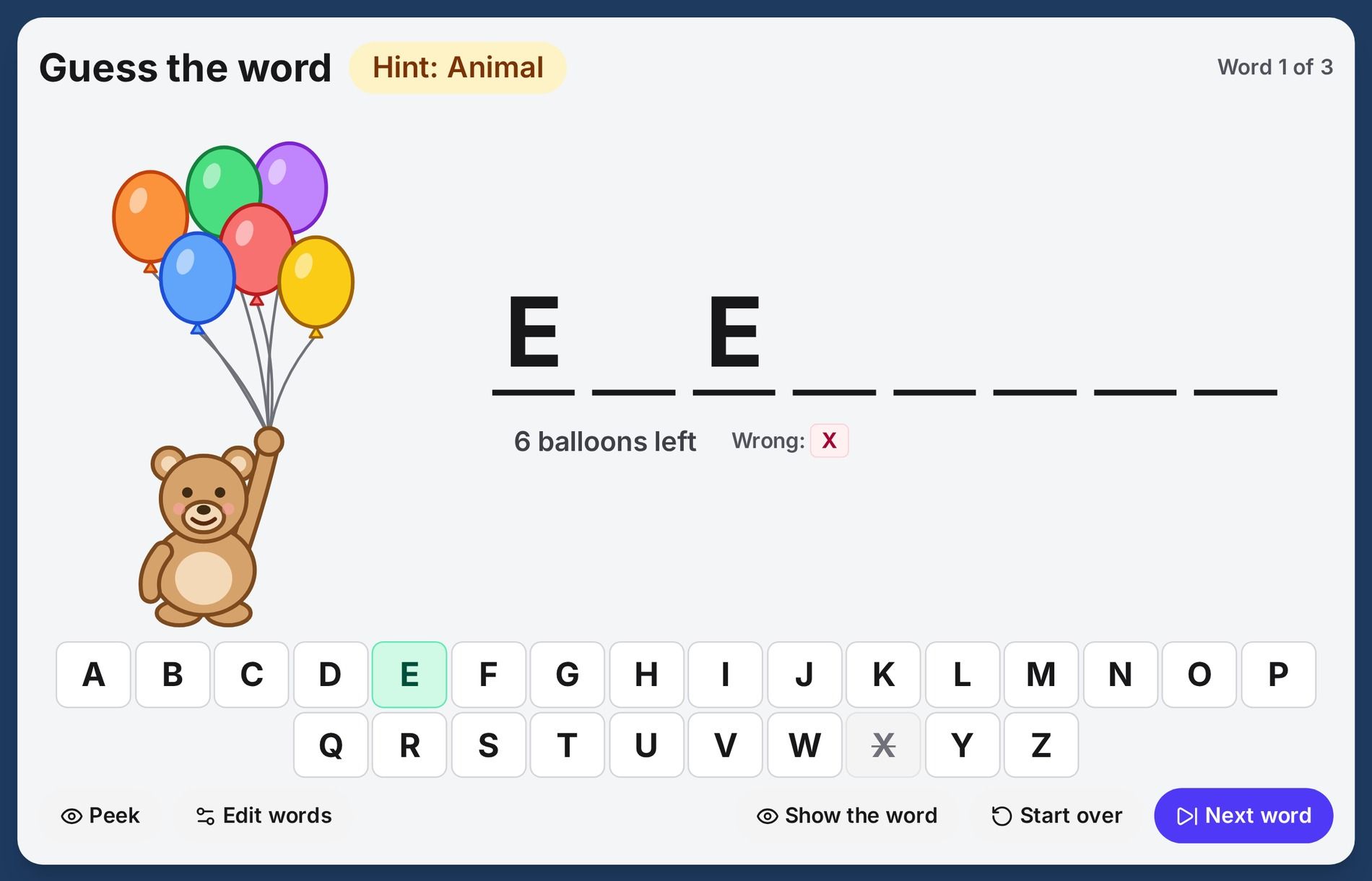
Type a word and the class guesses one letter at a time.
Plan the lesson
Lessons in a series, notes and instructions.
Lessons and projects
Keep lessons in projects and folders.
Plan by your timetable
Link your school timetable to your lessons with a calendar link or an .ics file.
Next test
Show the next test on the board: topic, date and how many days, school days and lessons are left, with holidays and days off left out.
Homework
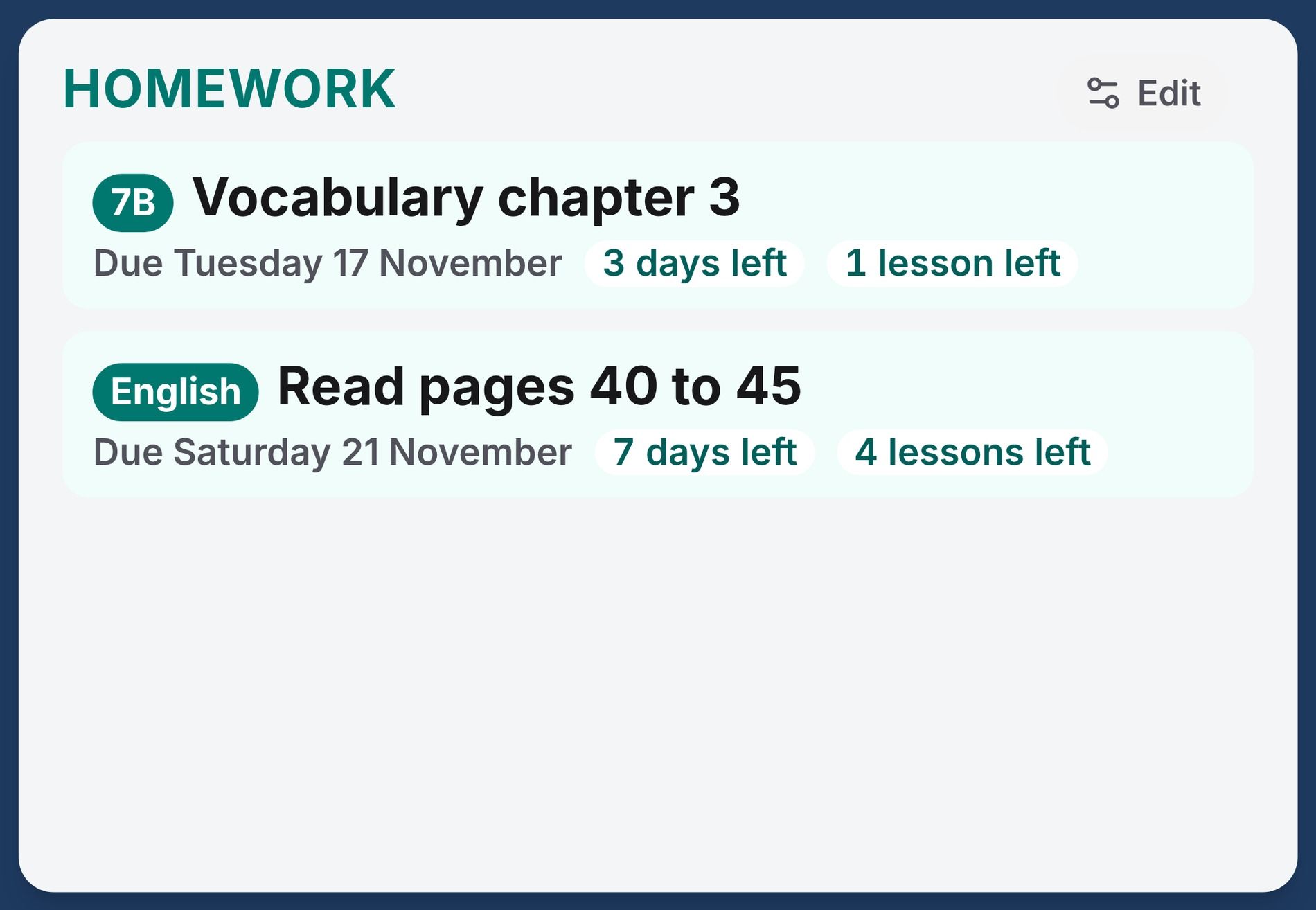
Show this week's homework on the board with the due day and how many lessons are left.
Print
Print the board on a landscape page and the lesson plan as text, for a substitute (cover) teacher, the folder or as a backup if the tech fails.
Example lessons
25 ready lessons in mathematics, science, languages, Swedish and music.
Note
Write instructions, today's goal or a task on a note, or a big welcome line with Text box.
My notes (only me)
Notes on the board that only show on your computer, never on the projector or for students.
Want the whole school to use the tools? How a school buys Pekpinne