
Periodic table
The periodic table on the board
Tap an element and it shows big with atomic number, atomic mass, group and period, and the electron shells for the first 36. Tap a kind, such as noble gases, and they all light up.
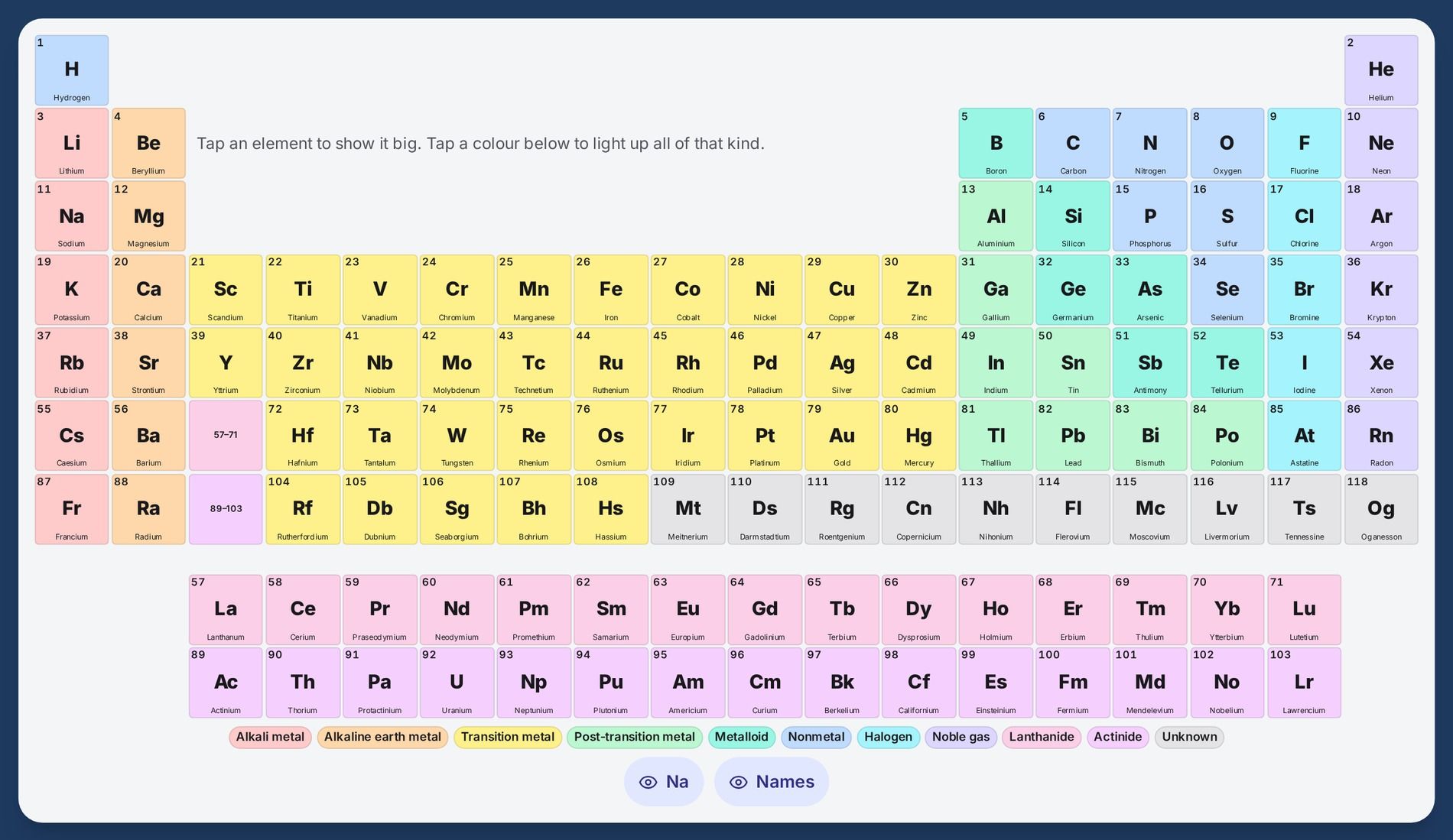
All 118 in colour
Alkali metals, alkaline earth metals, transition metals, metalloids, nonmetals, halogens, noble gases, lanthanides and actinides, coloured like the classroom wall chart.
One element at a time
The chosen element shows big in the empty space at the top of the table, so the whole class sees it. The projector and students’ screens follow.
Ask the class
Hide the names or symbols, show an element and let students say what it is, or light up the halogens and ask what they have in common.
Ways to use it
- Light up the noble gases and ask why they hardly react.
- Hide the names, show sodium and potassium in turn, and compare their outer shells.
- Let the class find the metals that are liquid or gas at room temperature.
How to get started
- Add Periodic table.
- Tap an element or a kind.
- Hide names or symbols when the class should answer.
Everything is on the same board: lesson schedule, timer, mini whiteboards and the other tools. No student accounts, and boards and images are stored in Sweden, under GDPR.
Questions
How does it fit with Atom?
Atom draws the nucleus and shells for elements 1–36. The periodic table gives the shells as numbers for the same elements.
Which atomic masses are shown?
The standard atomic mass, and for elements with no stable isotope the mass number of the longest-lived one, in brackets.
Missing something? We build what teachers ask for.
Tell us what you miss on the board or what is awkward. We read everything and reply.
Used in the lesson together with
- AtomShow how an atom is built for elements 1–36: protons and neutrons in the nucleus, electrons in the shells K, L, M and N, with atomic number and mass as in the periodic table.
- Unit sprintUnit conversion at a brisk pace for the whole class: 2 dl = ? l, 250 g = ? kg, force = ? newton. Choose length, volume, mass or SI units, how long and when the answer shows.
- CircuitBuild circuit diagrams with the textbook symbols: wire, battery, lamp, switch and resistor. The lamps light when the circuit is closed, brighter or dimmer in series and parallel.
Plan the whole lesson on the same board
Put the tool where it belongs in the lesson, next to the lesson schedule and the timer. The next lesson in the series is one click away.