
Scoreboard
A scoreboard for team contests
Add the teams, name them and hand out points with plus and minus. The score shows large for the whole class.
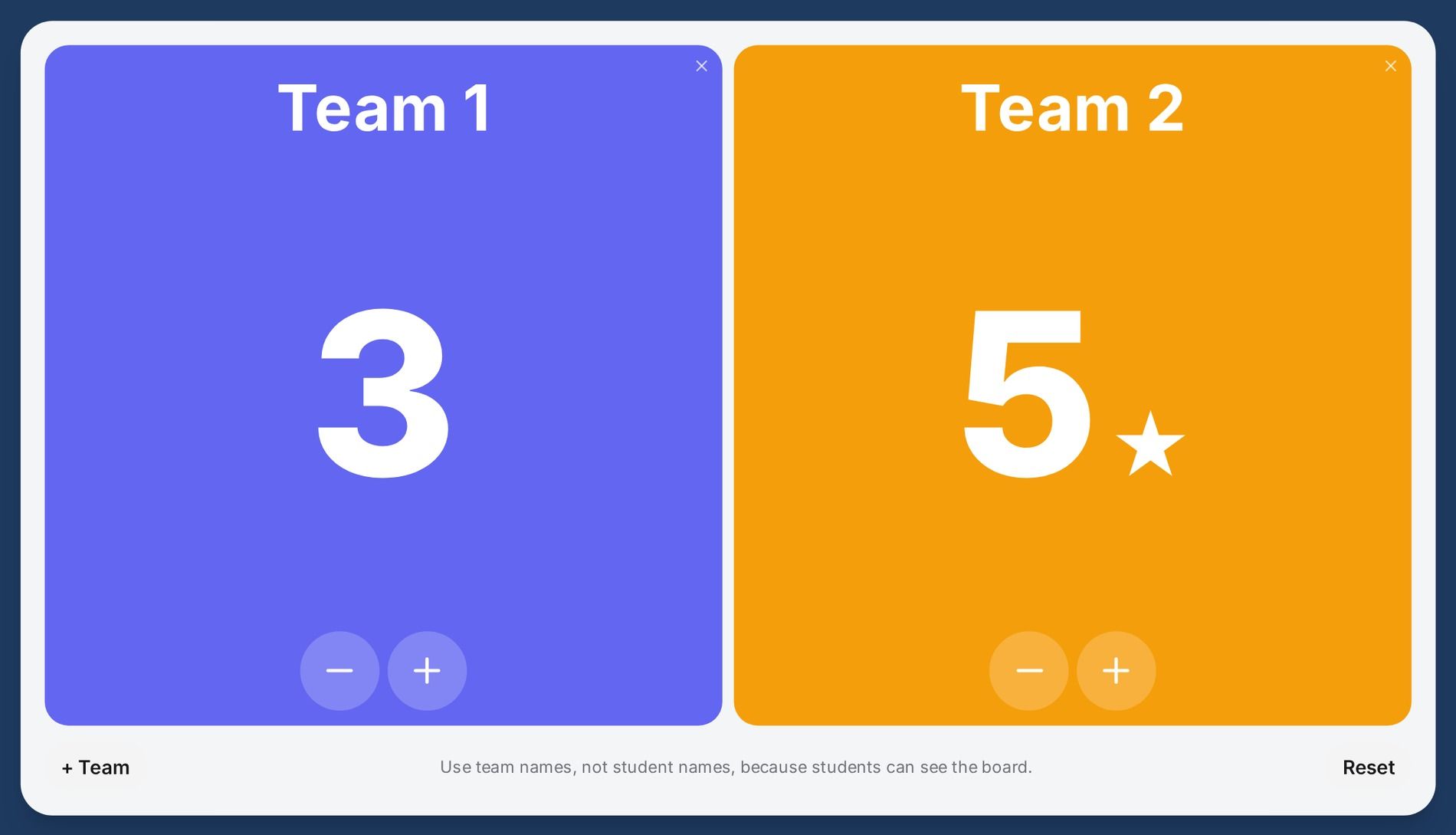
Teams with their own names
Add as many teams as you need and name them. Use team names, not student names, since students see the board.
Plus, minus and reset
One tap gives or takes a point. Reset when a new round begins.
Ways to use it
- A quiz at the end of a topic, team against team.
- Give points to the teams during a vocabulary or times-table round.
- Reset and play a new round with new teams.
How to get started
- Add Scoreboard.
- Add the teams and type their names.
- Tap plus or minus during the contest.
Everything is on the same board: lesson schedule, timer, mini whiteboards and the other tools. No student accounts, and boards and images are stored in Sweden, under GDPR.
Questions
Can I remove a team?
Yes, each team has its own button to remove it.
Missing something? We build what teachers ask for.
Tell us what you miss on the board or what is awkward. We read everything and reply.
Used in the lesson together with
- Dice & randomRoll one or more dice, pick a random number between two numbers or flip a coin, large on the board so everyone sees.
- Name picker and groupsPick who answers and split the class into groups in one click. Student names can only be read on your devices.
- Visual timerA large visual timer seen from the back of the classroom. Count down a work session, the whole lesson or the time until break, with work mode and sound.
Plan the whole lesson on the same board
Put the tool where it belongs in the lesson, next to the lesson schedule and the timer. The next lesson in the series is one click away.