
What time is it?
Practise telling the time
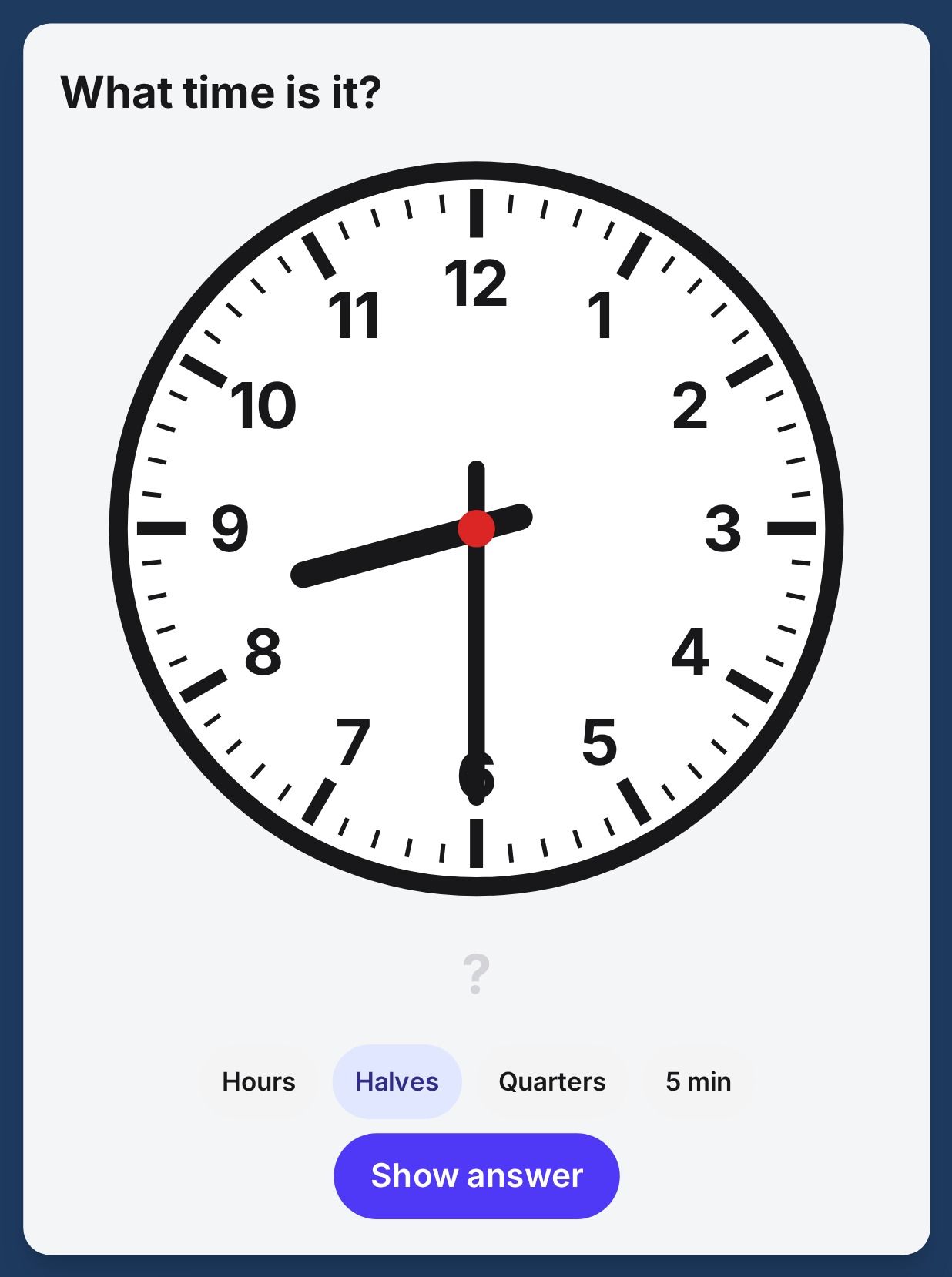
An analogue clock shows a time and the class answers. Start with o'clock and move on to quarters and five minutes.
Four levels
O'clock, half past, quarters or five minutes. Choose what the class is practising right now.
The answer one tap away
Let students think, press Show the answer and then Next for a new time.
Ways to use it
- Start with o'clock and half past and move on to quarters and five minutes.
- Let students show their answer on their mini whiteboard before you show the right one.
- A few clocks a day at the start of the lesson, until everyone can.
How to get started
- Add What time is it?.
- Choose a level.
- Press Show the answer and Next.
Everything is on the same board: lesson schedule, timer, mini whiteboards and the other tools. No student accounts, and boards and images are stored in Sweden, under GDPR.
Questions
Is there an ordinary clock too?
Yes, the Clock widget shows the time now, analogue or digital.
Can students practise on their own?
Yes. With the student code a student presses Try it yourself and practises new times at their own pace on their screen. Nothing is sent to us and the board does not change.
Missing something? We build what teachers ask for.
Tell us what you miss on the board or what is awkward. We read everything and reply.
Used in the lesson together with
- ClockA large clock on the board, analogue or digital, readable from the back of the room. With Learn the clock you drag the hands and see the time in words.
- Maths sprintTimes-table questions from the tables you choose, one at a time on the board. The answer shows after a moment or when you tap.
- Number lineA number line on the board with the numbers you choose and as many parts per whole as you like, as fractions or decimals. Tap to mark a number.
Plan the whole lesson on the same board
Put the tool where it belongs in the lesson, next to the lesson schedule and the timer. The next lesson in the series is one click away.