
Venn diagram
A Venn diagram to sort in
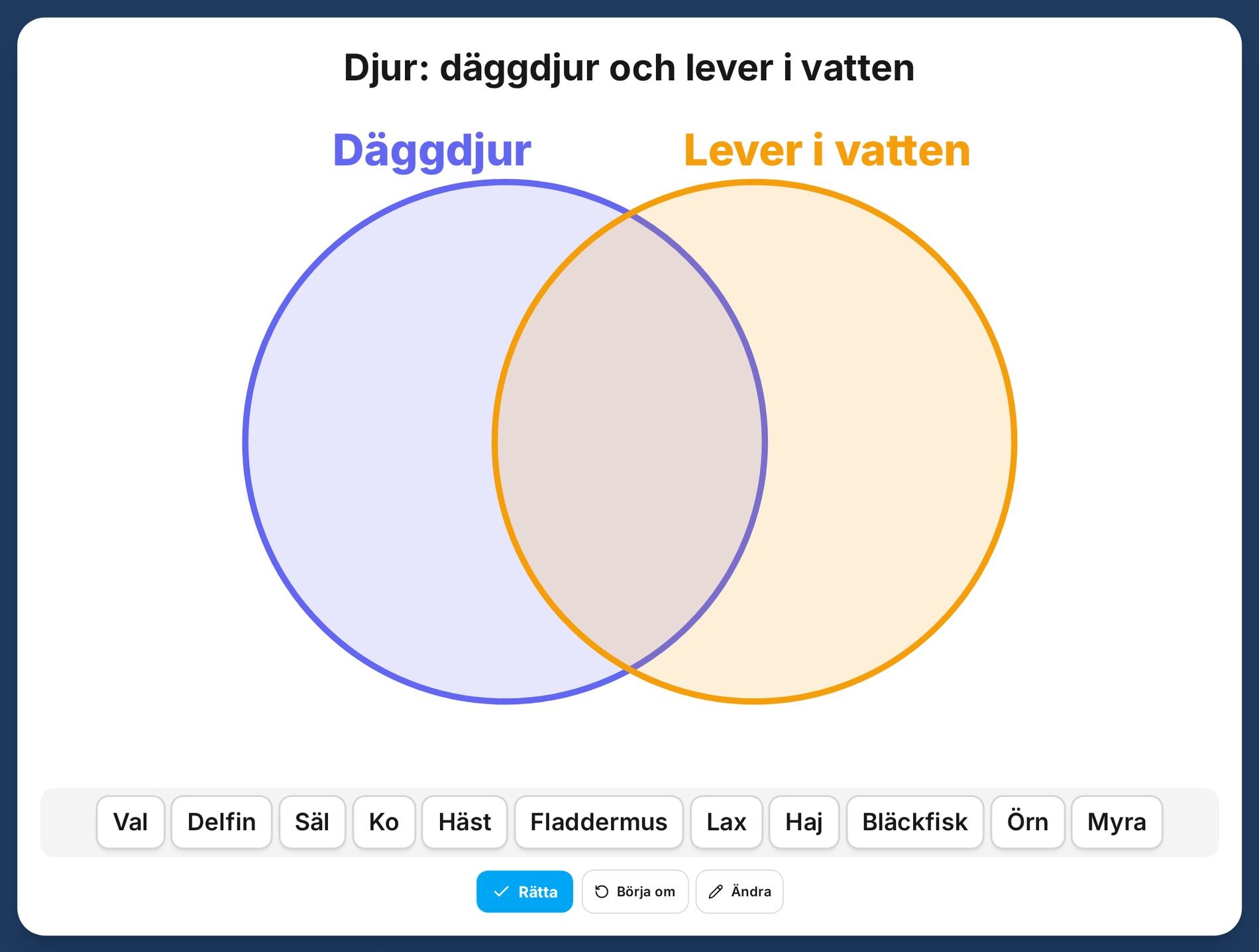
Type words or numbers, or pick an example, and let the class drag the cards to the right area: in one circle, in both or outside. Check shows straight away what is right.
Two or three circles
Name the circles yourself, e.g. Divisible by 2 and Divisible by 3, or Sweden and Norway. With three circles there are seven areas to sort into.
Check
The example cards know where they belong: press Check and every card gets a green tick or a red cross, with how many are right.
Counts per area
Show how many cards lie in each area, useful for sets in mathematics.
Ways to use it
- Sort the numbers 1–20 by divisibility and look at what lands in the middle.
- Compare two characters in a book.
- Let groups make their own diagram and swap with another group.
How to get started
- Add Venn diagram.
- Press Edit and pick an example, or write your own cards and name the circles.
- Let the class drag the cards to the right area and press Check.
Everything is on the same board: lesson schedule, timer, mini whiteboards and the other tools. No student accounts, and boards and images are stored in Sweden, under GDPR.
Questions
Can students sort on their own?
Yes. Select the Venn diagram and press Share only this, and the class gets a code. Every student drags the cards on their own screen without changing the board.
Which examples are there?
Numbers 1–20 divisible by 2 and 3, numbers 1–30 with three circles (2, 3 and 5), animals (mammals and live in water) and Sweden and Norway.
Missing something? We build what teachers ask for.
Tell us what you miss on the board or what is awkward. We read everything and reply.
Used in the lesson together with
- Number lineA number line on the board with the numbers you choose and as many parts per whole as you like, as fractions or decimals. Tap to mark a number.
- FractionsA fraction as a picture on the board: choose numerator and denominator and show it as a circle or a bar, with its decimal and percent.
- Match upType concepts and explanations and the explanations are shuffled. Students connect them on the board or on their own device.
Plan the whole lesson on the same board
Put the tool where it belongs in the lesson, next to the lesson schedule and the timer. The next lesson in the series is one click away.