
Mind map
A mind map that lays itself out
Write the topic in the middle and add branches and sub-branches. Lines, colours and placement take care of themselves, so the map is clear on the board straight away.
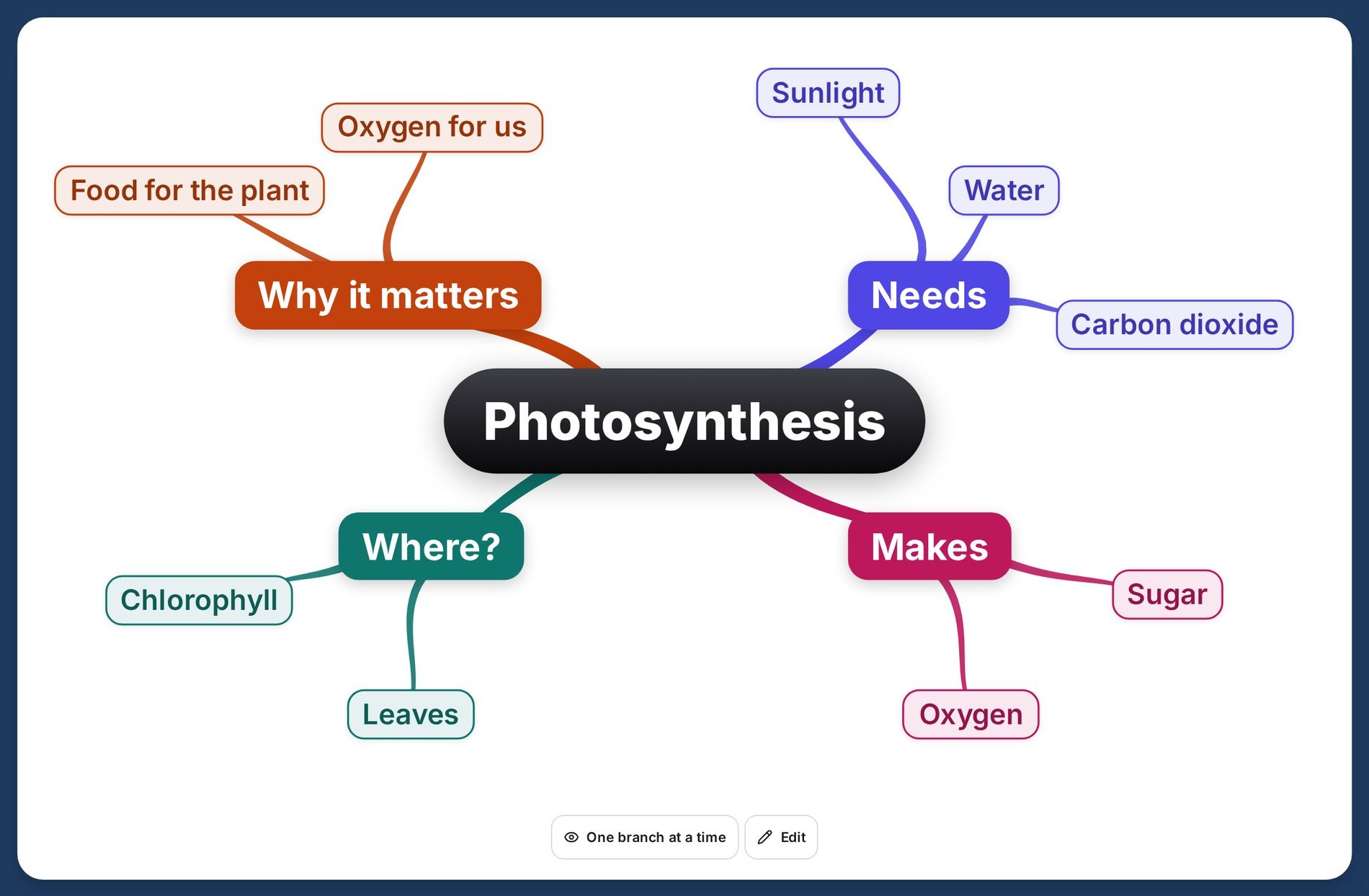
Branches and sub-branches
Up to eight branches round the centre, each with a few sub-branches. Every branch gets its own colour.
One branch at a time
Show the branches one by one while you talk about them, then the whole map.
Examples
Start from Photosynthesis or Word classes and change what you like.
Ways to use it
- Start a new area with a map of what the class already knows.
- Sum up a lesson branch by branch.
- Let the class suggest sub-branches while you write.
How to get started
- Add Mind map.
- Press Edit, write the topic and add branches, or pick an example.
- Press One branch at a time and go through the map with the class.
Everything is on the same board: lesson schedule, timer, mini whiteboards and the other tools. No student accounts, and boards and images are stored in Sweden, under GDPR.
Questions
Do I have to place the branches?
No. The branches are laid out round the centre by themselves, so the map always looks tidy.
Can students see it?
Yes, with the student code they see the map on their own screen.
Missing something? We build what teachers ask for.
Tell us what you miss on the board or what is awkward. We read everything and reply.
Used in the lesson together with
- Venn diagramA Venn diagram with two or three circles where the class drags words and numbers to the right area. Ready-made examples such as divisibility and animals, and Check to show what is right.
- NoteWrite instructions, today's goal or a task on a note, or a big welcome line with Text box. Bold, italic, text size, colours and mathematical symbols.
- DrawingDraw and write freely on the board with pen and eraser, on a see-through, white or squared background.
Plan the whole lesson on the same board
Put the tool where it belongs in the lesson, next to the lesson schedule and the timer. The next lesson in the series is one click away.