
Sound level
A classroom noise meter: calm work the whole class can see
The noise level in the classroom shows on the board, as a bar or as a scene where animals sneak out as long as the class stays calm. A gentler way to quiet students: the class sees for itself when it gets too loud.
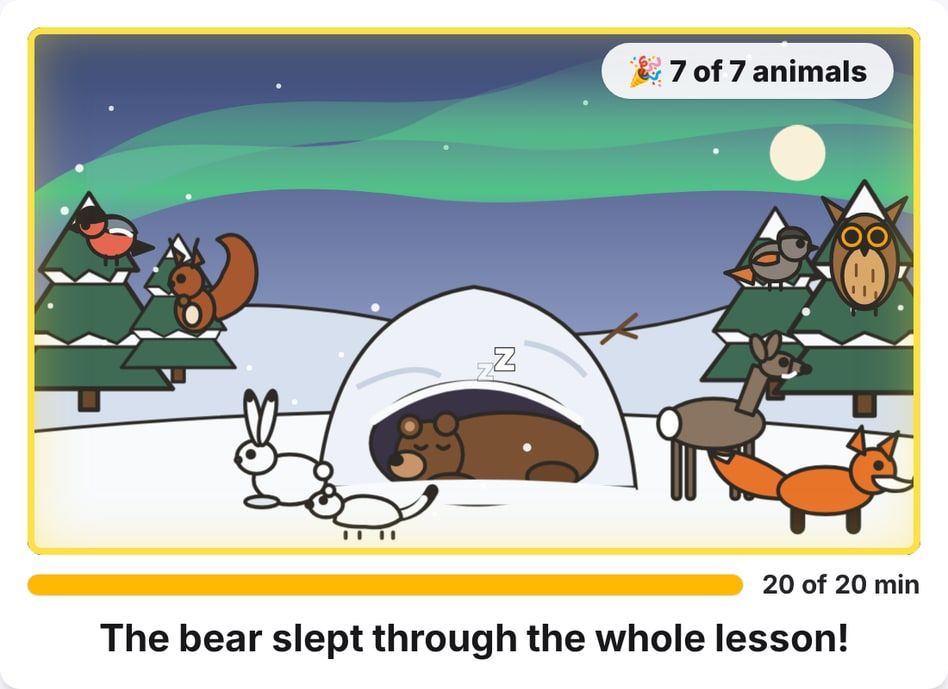
Everyone sees the sound level
The meter listens through the computer’s microphone and shows the level live on the board. If it goes over the limit it shows at once, so the class can lower their voices themselves.
Calm scenes: animals come out when it is quiet
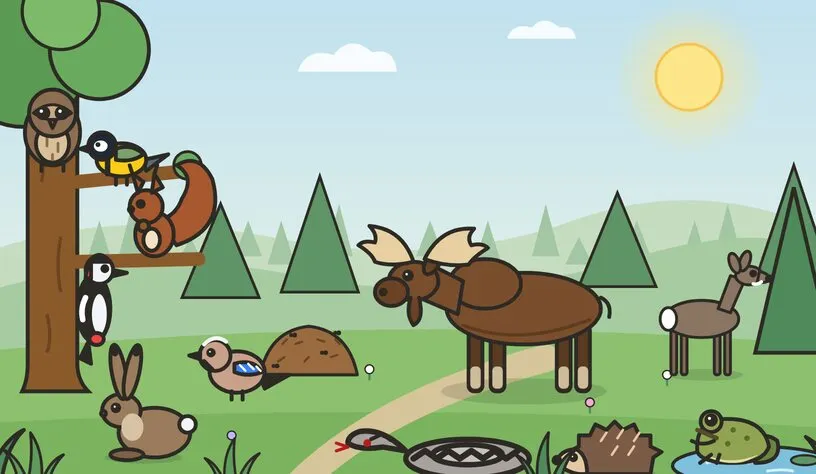
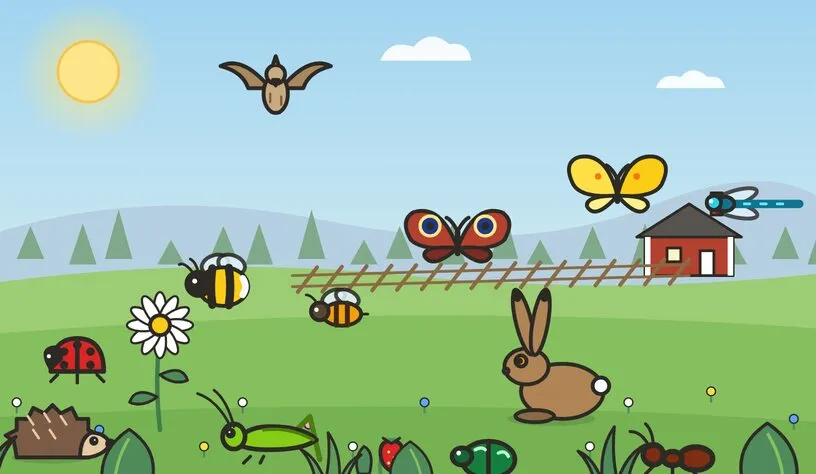
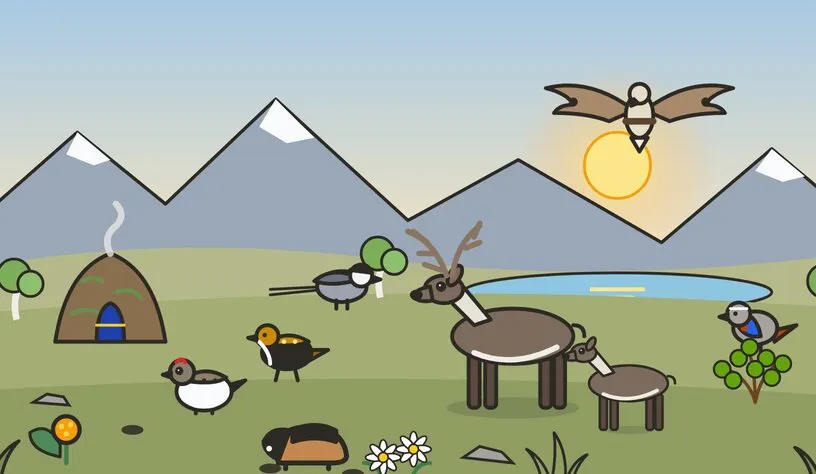
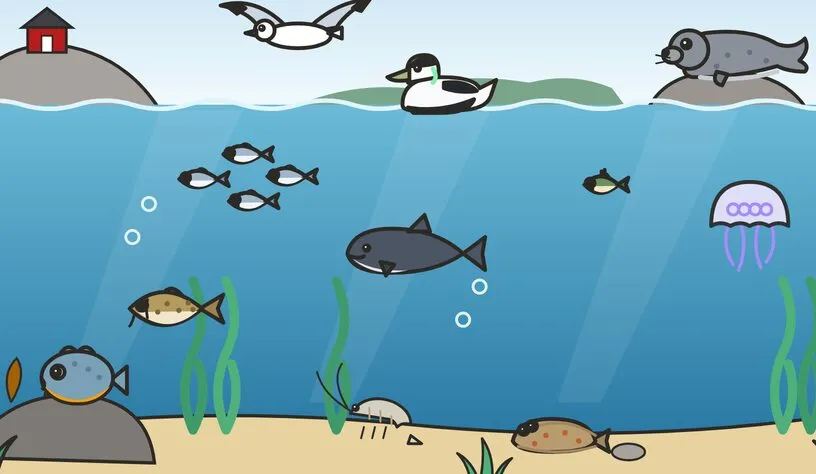
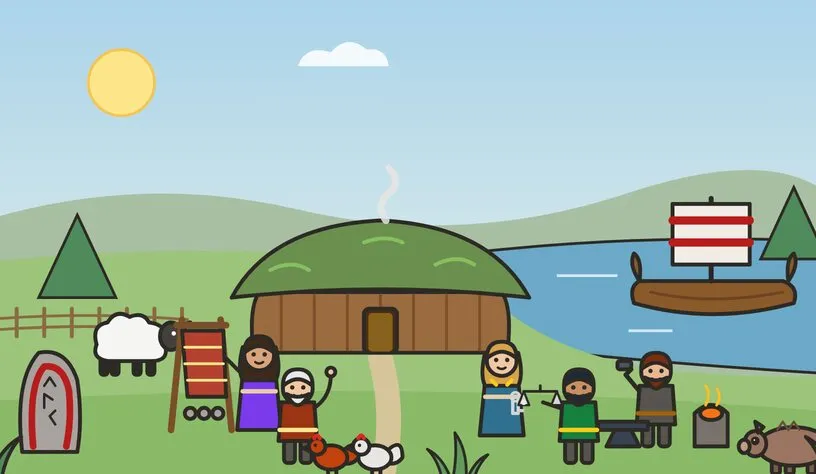
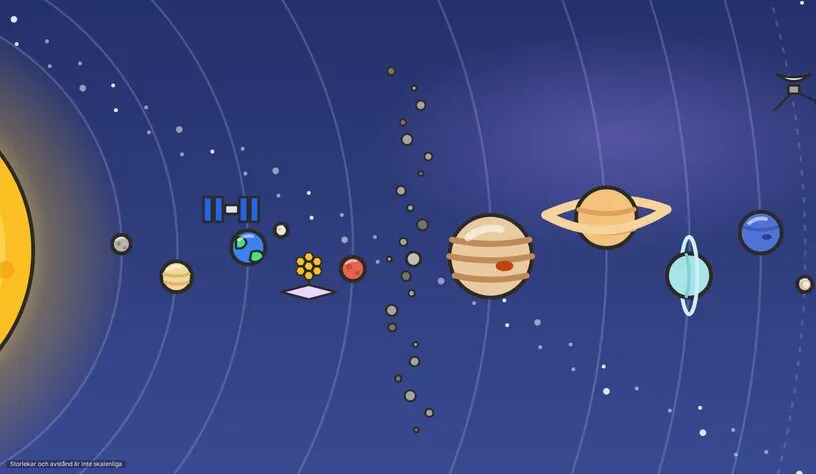
Swap the bar for a scene: the Swedish forest, a summer meadow, the fells in the midnight sun, the sea, a Viking village, the solar system or one of the winter scenes. When it is calm the animals come out one at a time. If it gets too loud they get scared and the clock stops, and if it stays loud the newest animal slips away until it is calm again. Nothing flashes and nothing beeps.
A class goal for calm work
Choose how many minutes of calm work the class should manage, such as 20 minutes of silent work. The scene is full when the time is up, and the animals celebrate. The whole class works towards the same goal and nobody competes against anyone.
All scenes
Ten calm scenes to choose from, for summer, winter and Christmas. Tap a scene to try it right away.
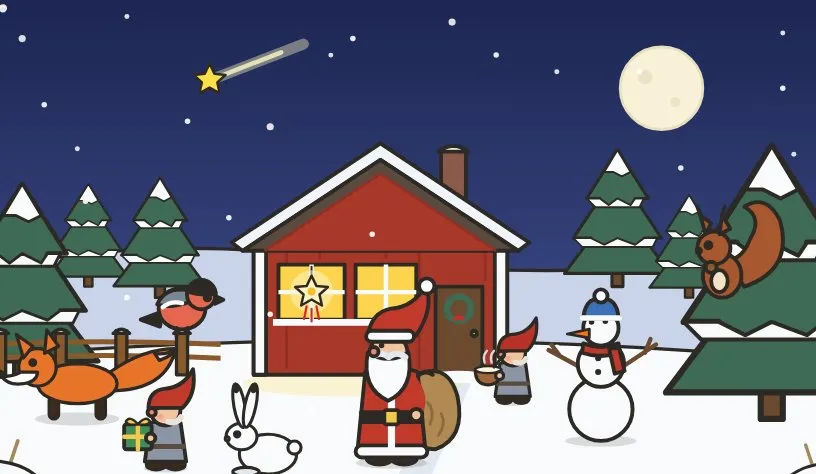
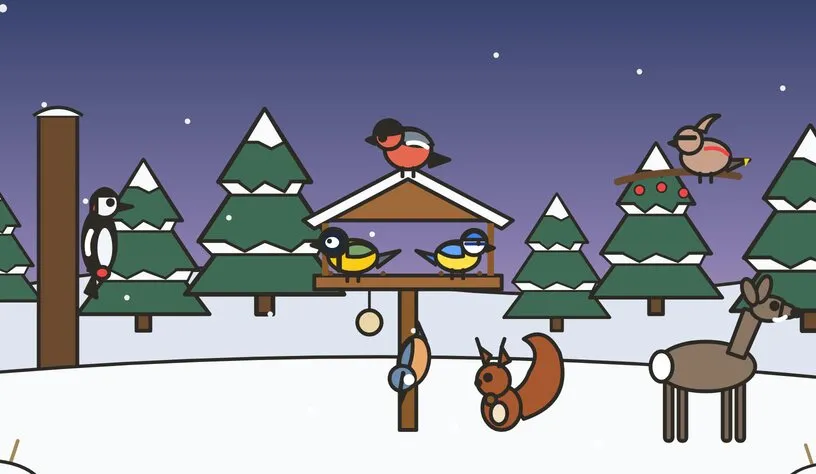
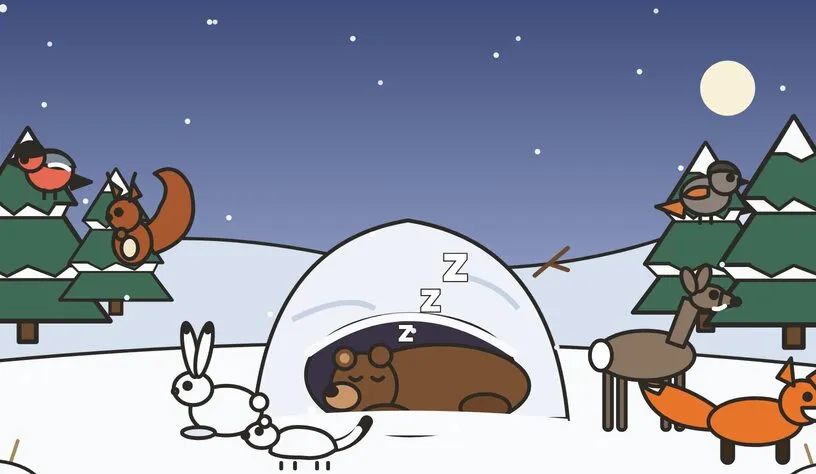
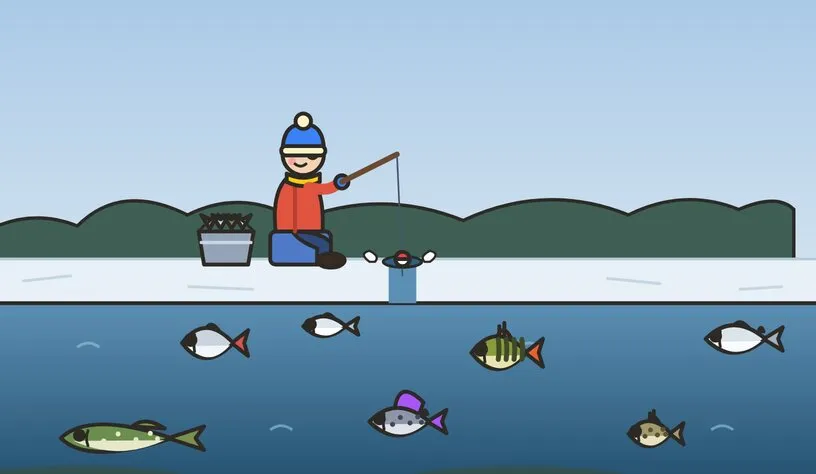
Winter scenes: the bear's den and ice fishing
In the bear's den a bear sleeps in the snow. As long as it is calm, a squirrel, a mountain hare, a roe deer and a bullfinch sneak out around the den. If it gets a bit loud the bear stirs, and if it gets too loud it sits up drowsily and scratches its head while the animals hide. When the class reaches the goal the bear has slept through the whole lesson and northern lights shine over the den. In ice fishing a child sits by a hole in the ice: when it is quiet perch, roach and pike bite, and at the goal the sun sets over the ice. In the winter forest birds and animals gather at a bird table at dusk.
The class animal book
Every animal and fish the class sees in the winter scenes goes into the class animal book, with a short fact the first time. Animals are common, uncommon or rare, and the rare ones only come after a longer calm. The book also shows the class's longest calm. It is saved only on the teacher's computer under the class's name and can be shown large on the board, for example at the end of the week.
Adjust to the activity
Set the sensitivity and the limit: lower for silent work, higher for group work. Combine it with the work mode, such as "Whisper" or "Work in groups".
Warning and signal
With the bar you choose how "Too loud" shows: the whole screen flashes red, the meter pulses or a big 🤫 pops up. The Signal button plays a chime, a bell or a "shhh", or let the signal play by itself when it gets too loud.
Nothing is recorded
The microphone is analysed in the browser only. No sound is recorded, saved or sent anywhere.
Ways to use it
- Set a low limit for silent work and a higher one for group work.
- Combine it with the work mode, so students see both how to work and whether the noise fits.
- Let the class see for themselves when it gets too loud, instead of you shushing.
- Run the bear's den during silent work in December and open the class animal book on Friday.
How to get started
- Add the Sound level widget to the board.
- Pick a scene, such as the bear's den, and how many minutes of calm work the class should manage.
- Press Start and allow the microphone in the browser.
Everything is on the same board: lesson schedule, timer, mini whiteboards and the other tools. No student accounts, and boards and images are stored in Sweden, under GDPR.
Questions
How do I get calm work in the classroom?
Make the calm visible and shared. Set a class goal, such as 15 minutes of silent work, and show a scene on the board. Students see for themselves when the noise rises, and the reward is that the whole class fills the scene together. Combine it with the work mode so everyone knows how to work.
Does it work without recording sound?
Yes. The microphone is analysed in the browser only, which measures how loud it is. No sound is recorded, saved or sent anywhere.
Which microphone is used?
The one on the computer showing the board, such as the teacher's computer or the interactive display.
Is the class animal book saved on the server?
No. The animal book is saved only in the browser on your computer, under the class name you type. No student names are needed and nothing about the class is sent to the server.
Missing something? We build what teachers ask for.
Tell us what you miss on the board or what is awkward. We read everything and reply.
Used in the lesson together with
- Visual timerA large visual timer seen from the back of the classroom. Count down a work session, the whole lesson or the time until break, with work mode and sound.
- Name picker and groupsPick who answers and split the class into groups in one click. Student names can only be read on your devices.
- Lesson scheduleShow the steps of the lesson on the board. The schedule follows the clock, highlights the current step and tells you if the lesson runs too long.
Plan the whole lesson on the same board
Put the tool where it belongs in the lesson, next to the lesson schedule and the timer. The next lesson in the series is one click away.